

4 Common Problems With Wireless Headphones (And How To Fix Them)
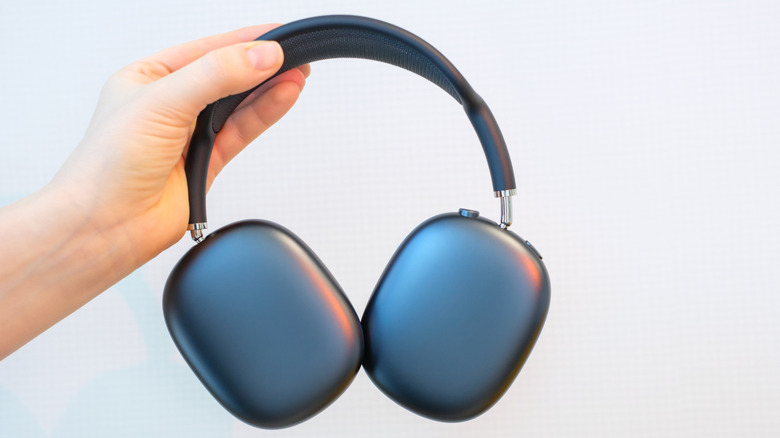
Wireless audio has been around for a hot minute, but it wasn't until smartphones started dropping the 3.5mm headphone jack that we saw mainstream adoption of Bluetooth earbuds and headphones. The original AirPods popularized the truly wireless earbuds category, and now, nearly every smartphone or audio company has its own solution that they want you to buy. Bluetooth audio has also come a long way with better sound quality, fewer connection drop-offs, and reduced latency issues. In fact, there are several Bluetooth headphones geared toward audiophiles — people who care most about audio fidelity.
Despite all the advancements in audio codecs and the inclusion of active noise cancelling, there are instances where you'll run into issues with wireless headphones. The most common problems include audio constantly cutting out, poor ANC performance, and unexplained battery drain. Fortunately, most of these annoyances can be resolved with a bit of troubleshooting, which is exactly what we'll be taking a look at in a bit more depth.
Audio keeps cutting out

Perhaps the most common problem wireless headphones can run into is connectivity issues. The only thing more annoying than a pair of headphones that refuse to connect to your phone or laptop is a pair that does connect but constantly cuts in and out, making it impossible to enjoy anything you're watching or listening to. If you've already tried disconnecting and reconnecting your headphones to your device multiple times, it's also worth completely removing (or forgetting) the headphones from your device's Bluetooth settings and establishing a fresh connection.
Once paired, use the companion app on your phone to check for any firmware updates your headphones may have available. These usually address major bugs like stability and performance. Bluetooth audio can also experience interference from other devices in the area. If you're in a location with a lot of Wi-Fi signals or other Bluetooth devices, your headphones may start cutting out.
As a last resort, you can also attempt to factory reset your wireless headphones. The process is often pretty simple and can resolve a multitude of issues. For instance, resetting a pair of AirPods is often as simple as pressing and holding the pairing button for 30 seconds. It also goes without saying that wireless headphones can still only maintain a stable connection within a certain range. If there are a lot of walls or objects between your phone or laptop and your headphones, you are more likely to experience connection dropouts.
Weak ANC performance
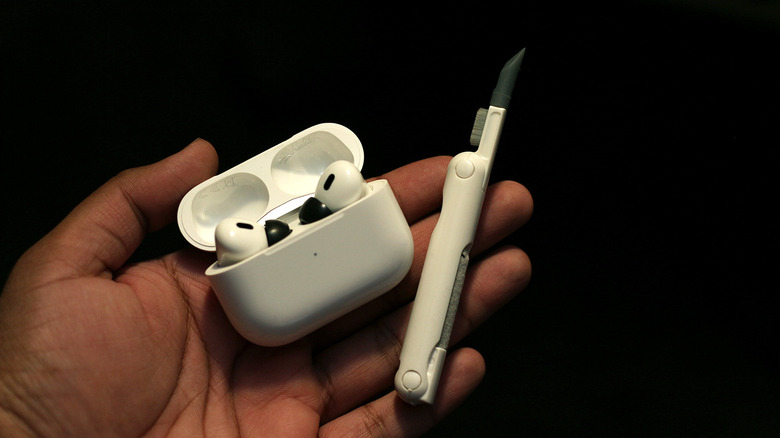
Nowadays, nearly every premium pair of Bluetooth headphones comes with active noise cancellation, or ANC. In loud environments like an airplane or a busy coffee shop, ANC can do an excellent job of reducing background noise, allowing you to listen to your music without having to crank up the volume. However, if you have been noticing worse ANC performance, such as your headphones letting in more outside noise or starting to make hissing or crackling sounds, it's time to investigate.
ANC works by using microphones to capture outside noise, then producing an inverse sound wave to help cancel it out. If you haven't cleaned your headphones in a while, there's a chance that dust or debris might have clogged the mesh of these microphones, leading to poor ANC performance. Another thing that can weaken the strength of ANC on headphones is an improper seal around your ears. For over-the-ear headphones, ensure the ear cups sit flush against your ears. If you're rocking a pair of ANC-enabled earbuds like the AirPods Pro, make sure you're using the correct ear tip sizes.
Lastly, it's also worth diving into the companion app or the Bluetooth settings on your phone. Some premium models let you pick how strong the noise cancellation can get. Check to see if this slider or option has accidentally been lowered or switched to transparency mode, which does the opposite of what ANC does.
Poor battery life
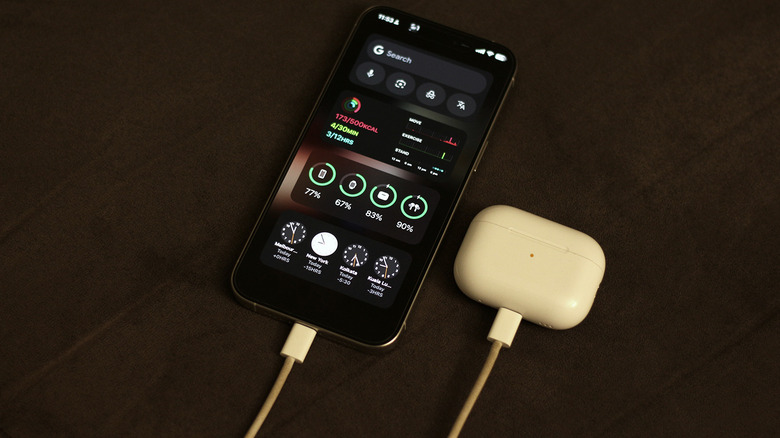
As good and convenient as wireless gadgets are, you need batteries to power them, and some dedicated charging time to juice them up. Thankfully, modern Bluetooth headphones and earphones offer plenty of juice for long listening sessions. For long-haul flights, over-the-ear headphones are going to be your best bet, but even truly wireless earbuds last six to eight hours at a time. If you have been experiencing unexplained battery drain, however, there are a few things worth looking into.
Features like active noise cancellation, 3D audio, and even high-res audio codecs can take a noticeable toll on your headphones' battery life. If you know you're not going to be using these features to their fullest, turning them off may help boost battery life. It's also worth noting that, with wireless earbuds, the quoted battery life often includes extra charges from the charging case. So, if your brand-new pair of wireless earbuds hasn't been offering you close to 30 hours of listening time, know that you will likely get closer to that figure if you count the battery that comes in the charging case.
Many headphones turn off automatically once you disconnect them, but it might still be helpful to turn them off promptly to avoid idle drain. If your headphones are more than a couple of years old, it's likely that their battery has physically degraded over time. Consider looking into support options with the manufacturer or eyeing an upgraded model with new features.
Delay between video and audio
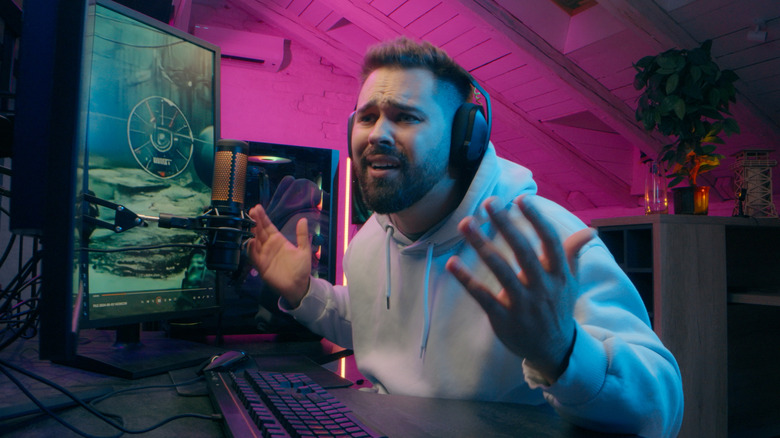
Another annoying issue that often comes with Bluetooth audio is latency. This happens when the audio playing through your headphones and the video feed on your device aren't properly synchronized. Latency is bad enough when watching content, but it's especially trippy if you're playing games on your smartphone or computer. Even if the audio is delayed slightly, it can break the experience.
If you've been noticing significant latency with audio playback, common troubleshooting steps like unpairing and pairing your headphones should reestablish a stronger connection. Check for any firmware updates on the companion app, and make sure the best audio codec is selected in the Bluetooth settings on your phone or computer.
You cannot fully get rid of latency, since your headphones need time to receive, decode, and play the audio signals wirelessly. Most video players deal with this by offsetting the video automatically to compensate for the latency. With games, where everything happens in real time, this isn't quite as easy to achieve. Some Bluetooth headphones and earbuds come with a low-latency or gaming mode, which improves latency to a point where the delay is far less noticeable.
If you primarily play competitive games, major gaming headset brands offer wireless options that use dedicated 2.4 GHz dongles for connectivity that delivers significantly lower latency. If you already own a pair, make sure they're set in the 2.4 GHz mode instead of Bluetooth.