

Are USB Flash Drives Still Worth Using In 2026?
The humble flash drive has come a long way over the years, yet there's no shortage of internet experts telling you to stop using them, or that there's no need for them anymore. You've been told to throw them out and stop buying them; you've been told they're obsolete, or have gone extinct. If that old story sounds familiar, it's because it is — the same things were said about CDs and vinyl records. Neither of those formats ever died. Vinyl has been enjoying increased sales since 2008 and hit $1 billion in sales for the first time in history in 2025. CDs and other physical formats, despite never leaving, are also part of a bigger shift back towards physical media. There are still a surprising number of new cars that offer CD players.
I bring this up because it's a recognizable pattern in technology — a new format will supersede and displace the last. CDs displaced vinyl, MP3s took over after CDs, and streaming now dominates everything. You can trace the same pattern throughout the history of computer storage, from magnetic tape all the way to cloud storage. While older USB flash drives have declined in use in favor of portable SSDs or cloud storage, flash-based storage has not disappeared. And just because you have some older flash drives lying around, that doesn't mean they're not worth using — unless they're very old, to the tune of USB 1.x or USB 2.0, in which case you should probably opt for newer ones.
Despite being overshadowed by the cloud, Wi-Fi 6E/7, and wireless file sharing like AirDrop or Quick Share, flash drives refuse to die. That's because certain use cases still make them worth using in 2026, and they still tend to be more portable than external SSDs.
Flash drives are dead; long live flash drives
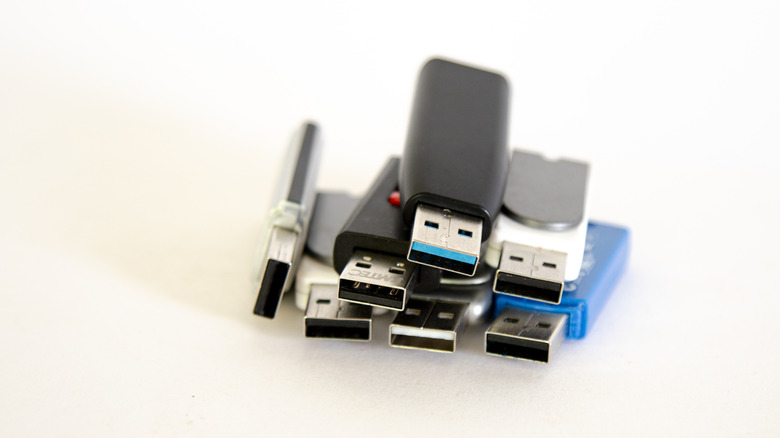
The term flash drive in 2026 is murky; in the days of yore, before the advent of consumer SSDs, a flash drive only meant one thing, and that was the little thumb drive with an exposed USB-A connector. Nowadays, anything that uses NAND flash can technically be considered flash storage, although "USB flash drive" still usually refers to a small removable USB device. Just as HDDs have faded in use in favor of SSDs but still have their place, the same is true of flash drives.
In a world where everything is cloud-connected, powered by data centers, and requires user accounts, flash drives are the opposite — you plug them in, and they work. This makes them immune to the increasingly disruptive internet and cloud-service outages that can take down chunks of the web and the services that rely on it. Sometimes, simple is better. They are also reliable for large file transfers or one-time file transfers, especially in cases where internet service is slow or unreliable. Flash drives now come with USB 3.2 Gen 2 interfaces; certain flash drives can approach read-write speeds of 1,000 MB/s, which is several times faster than older USB 2.0 and 3.0 drives.
There is also the aspect of physical possession of local data, meaning the data isn't sitting on a server where third parties have access to it. That data can also be shared or printed without having to upload or email it somewhere. USB drives are still handy for bootable OS media, so you can reformat and install an OS without an internet connection. You can also use USB drives for portable apps that you can use across different computers, without having to install them.
The line between flash drives and SSDs is becoming blurred
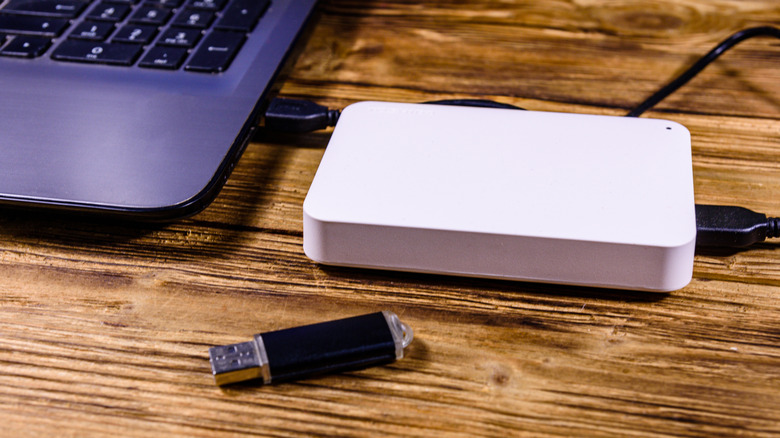
It needs to be said that in some cases, there is very little separating a flash drive from an external SSD — some flash drives are SSDs in all but name and form. In fact, there are a growing number of SSDs that are coming in the thumb drive form factor. Products like Adata SC750 and SK Hynix Tube T31 are actually SSDs that are roughly in the form of a USB stick. Many USB 3.2 Gen 2 flash drives now come in USB-C, but the presence of USB-C doesn't necessarily mean it's an SSD housed in a thumb drive. You can check out our picks for USB-C flash drives that are fast and worth the price.
The key differences that separate a flash drive from a proper SSD are usually the sophistication of the controller, the type and quality of flash used, and features like wear-leveling, which balances write activity across NAND cells and extends the drive's longevity. Some SSDs also include DRAM cache. These are all things that a traditional USB thumb drive may not have or may implement in a much simpler form. With USB4 Version 2.0, we're bound to see even more innovation in flash storage, but whether or not we can actually get USB4 Version 2.0 speeds in a flash drive remains to be seen.