

5 Apps That Let Your Phone's Camera Identify Almost Anything
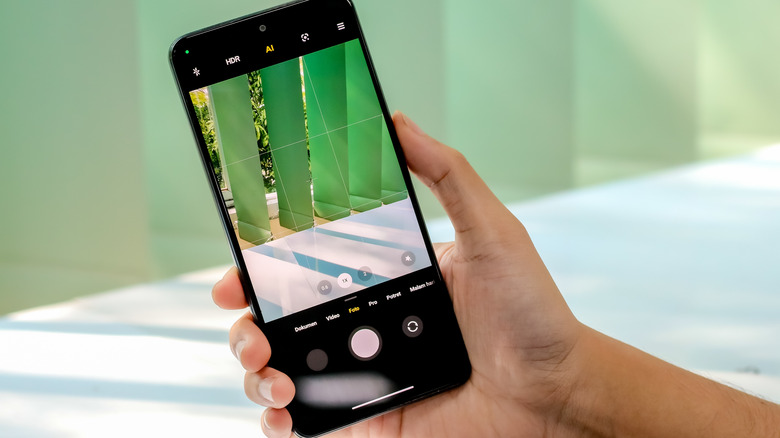
Gone are the days when smartphones used to be more about themselves and less about the cameras. Today's phones are built around cameras and not the other way around. Your phone's camera is no longer just a way to take photos and videos; it's basically a pocket encyclopedia that can tell you about anything you point it at. Be it a mystery plant that you spotted on the road or a pair of sneakers that you found your friend wearing. This shift did not happen overnight. It's the result of years of AI and image-recognition work quietly baked into apps most people already have installed.
Your smartphone's camera has turned into a translator, a plant guide, a personal shopper, and even a stargazing companion. The best part is that for most tasks, you don't need to install any third-party apps. You can use Google Translate or iPhone's built-in translator to convert text from one language to another and have it read aloud. No matter what app you're using, it has the same underlying idea — your camera is doing the identifying so you don't have to guess or do a web search manually.
We have compiled a list of the best apps that can let you learn about or understand things just by pointing your camera at them. Each one lets you learn about different categories like plants, fashion, home decor, and general objects just by pointing your camera at them, so you're never stuck wondering.
Google Lens
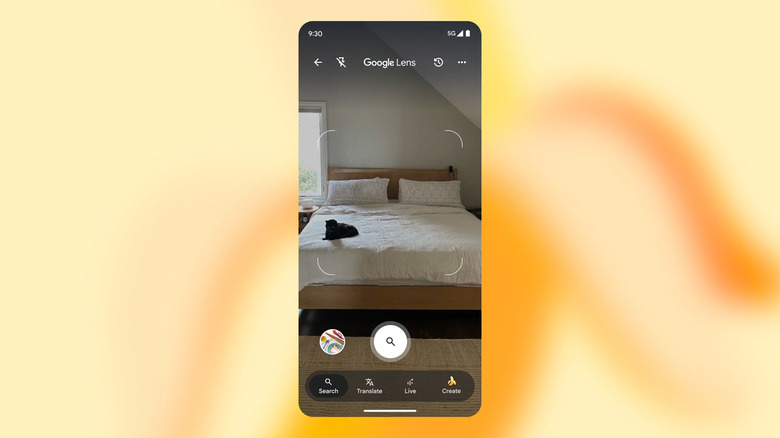
Google Lens is the closest thing you can get to an app that identifies anything your camera can see and tells you about it. When you start using Google Lens, you'll understand (and might appreciate) how far technology has advanced. Built into the Google app and directly into the stock camera app on most Android phones, Google Lens matches whatever you're pointing at. Google then indexes the image against its database and provides you with the answer. Google claims that over 20 billion picture searches are performed using Google Lens every month. That figure is from 2024, so you can only expect the number to be greater by 2026.
Where Google Lens earns its "identify almost anything" reputation is in how differently it behaves depending on what you're scanning. Android users are already leaning on Google Lens without thinking twice about it. The reason is that Lens works so well and has matured so much that it can tell you about almost anything you see in your viewfinder. Show it some food, and it names the dish; point it at an outfit, and it switches to shopping mode and pulls up similar clothes you can buy right away.
But that's not all. There are so many interesting ways you can use Google Lens, from homework help to learning more about travel landmarks. However, do note that Lens needs a decent photo to work well. A blurry shot or something genuinely unusual might only get you a rough guess instead of a solid answer. But most of the time, it is on point.
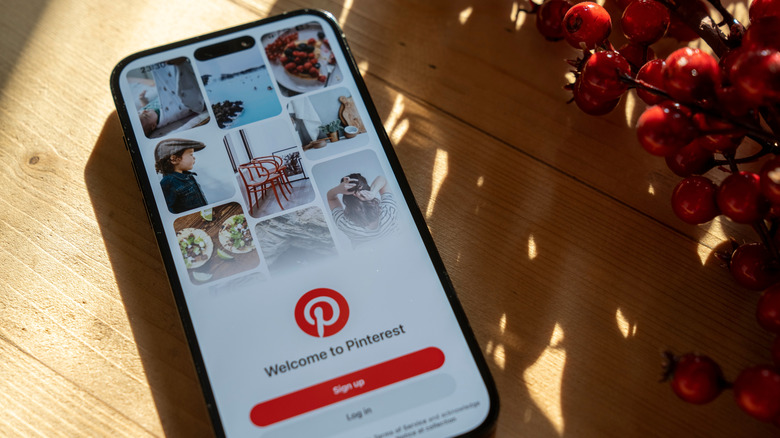
Pinterest is the place where you can find ideas about anything, be it home decor, painting, art, travel, or almost anything creative. Its camera search tool does the job surprisingly well, especially for anything you would actually want to buy. Tap the camera icon in the search bar, snap a photo of a couch, an outfit, or some jewelry, and Pinterest pulls up visually similar pins. This year, Pinterest also expanded its AWS partnership specifically to speed up its AI roadmap for visual search.
The recently launched Pinterest Assistant brings multi-turn conversational discovery to how the app searches for and recommends things. What makes Pinterest different from a basic identifier is that it doesn't stop at naming the thing. Pinterest expanded this tool for real-world shopping, meaning it can connect whatever you photographed to actual stores that are selling it, complete with product pricing. With the Pinterest Assistant, you can combine an image with spoken or typed words. This lets you search for variants of the product you're pointing the camera at.
However, we recommend using Pinterest especially for home decor, fashion, and food, because that's what the platform is built around. When you use it to identify plants or animals and are expecting high accuracy, you may be disappointed. It's a shopping tool first and an identifier second. The app is available for iOS and Android.
Amazon Lens Live
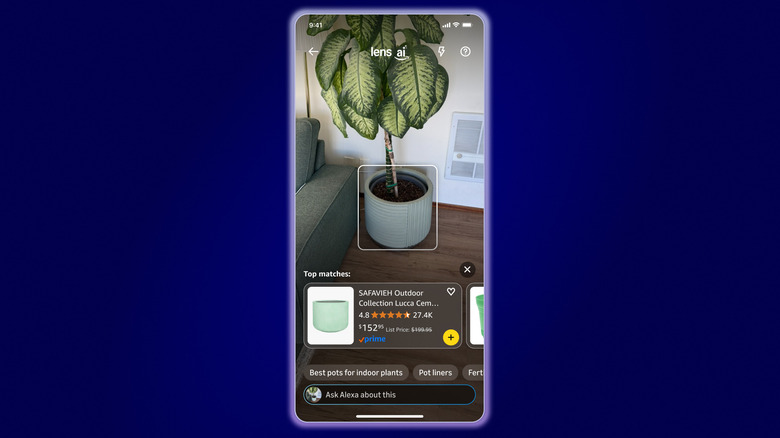
If you love shopping from Amazon, then you will love using the visual search feature in the Amazon Shopping app to locate products on the e-commerce website. The app lets you identify products from a live camera feed. The old photo upload feature, StyleSnap, has now been combined into a new feature called Lens Live. According to Amazon, when you open Lens Live in the Amazon app, the camera instantly starts analyzing whatever is in front of it — an outfit, a gadget, etc. — and matching products show up right away in a scrolling carousel at the bottom of the screen.
This eliminates the need to first take a photo and then upload it to the app to get matching results. Additionally, Amazon has paired Lens Live with its AI shopping assistant, Alexa for Shopping (renamed from Rufus). So, you can tap a product mid-scan and get quick summaries or answers to common questions about it before adding it to your cart. This is not a recent addition, and Lens Live has been built on top of StyleSnap, which launched in 2019.
The only downside is that it won't work with everything that you point it at. Meaning, do not expect it to produce results if you are trying to identify a bird or a car part, since it is built entirely around shopping. But if you ever spot someone wearing trendy sneakers and want to know more about them, you can add a similar pair to your cart with just a couple of taps.
PictureThis
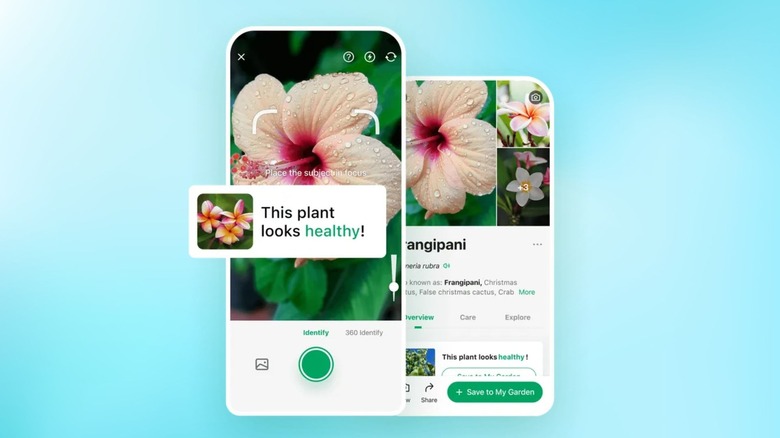
There are several apps dedicated to home decoration and shopping, but PictureThis caters to those who love plants. Plants are generally a tough category for general-purpose apps to get right, which is why a dedicated app like PictureThis exists in the first place. Point your camera at a leaf, flower, or houseplant, and it checks the photo against a massive plant database built exactly for this. The app claims that it can identify over 400,000 plant species with more than 98% accuracy.
The good thing about this app is that it's dedicated to plant identification, and unlike Google Lens or Pinterest, it doesn't try to double as a shopping app on the side. Once it finds a match, it gives you more than just the name of the plant. PictureThis tells you if the plant you are looking at is toxic, offers watering and sunlight tips, and even has a mode built in to diagnose struggling plants. You can add this to your list of camping survival apps and make sure that you don't touch any harmful plants.
The last part matters the most since plant apps aren't perfect, including this one. So, you should not rely on any app when identifying potentially harmful plants, as it may give you a wrong answer that can hurt you later. Treat any result as a solid starting point, not a final answer. You should always check twice and get a second opinion.
Lookout
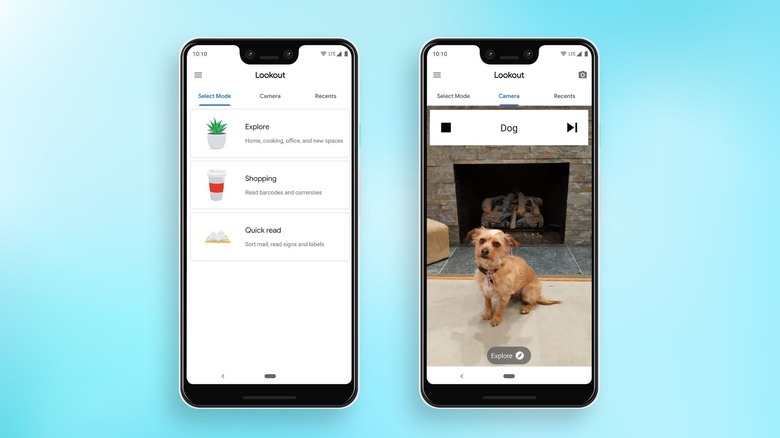
While Google already has the Lens app, it built the Lookout app for a specific group of people — those who are blind or have low vision. However, it is genuinely capable of identifying anything and can be used by anyone. Point your camera at something, and Lookout describes it out loud, with no typing or reading required once it is running. According to Google, the app can also use computer vision paired with generative AI and offers seven separate modes covering everything from reading full documents aloud to identifying currency and scanning food labels.
The mode most people would use and find useful is the Explore mode. In this mode, you simply need to point the camera around a room, and Lookout narrates the objects, people, and text it picks up in real time. Google confirms that this mode works by holding your phone so the camera faces outward, after which Lookout keeps talking as it scans.
SlashGear covered this tool when it was launched on Pixel devices as an AI tool to help the blind see. It is Android-only and leans harder into spoken description than visual results. This is the reason it would feel different from the other apps listed.