

The Overlooked Spec Most People Ignore When Shopping For A Smart TV
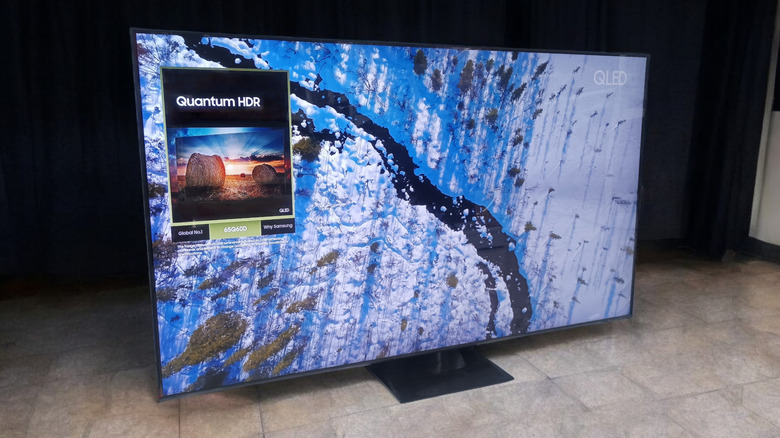
When buying a smart TV, the focus is usually on resolution, screen size, refresh rate, or certain smart TV features, such as a user-friendly operating system (OS). However, one spec tends to get overlooked, and that is the smart TV processor. Processors are impactful in every device, including smartphones and computers. It's the same with smart TVs, except it's arguably even more important, but way less advertised.
A processor in a smart TV handles many tasks, so a poor one will have an immediate and noticeable impact on your viewing pleasure, while a powerful one will help run various apps smoothly and load them up faster. Another important, yet relatively unknown part, is that the processor actually affects image quality. A smart TV processor is responsible for image upscaling. This means that when you watch something at a lower resolution, the processor does its magic and fills in millions of missing pixels to match the native resolution.
The hardware can also improve image details, providing you with a better picture quality when watching older content that wasn't shot with modern technology. Additionally, noise and grain reduction, color optimization, sharpening fine details and surface textures, energy efficiency, and even gaming performance are just some of the things a smart TV processor handles. If your smart TV is sluggish, freezes for a second or two when multitasking, or is generally underperforming, chances are, your processor could be the culprit. That's why it's such an important spec to consider when shopping for a new TV.
How to tell if a TV has a good processor?
Unlike computer CPUs, where people check the clock speed, cores, and threads, for a smart TV processor, you should primarily pay attention to the brand behind it. The reason for this is that many of the most well-known brands use their own advanced chips, which is part of what lets certain smart TV brands offer the best picture quality.
Popular brands like LG, Samsung, and Sony all have their own processors, so picking the company's latest flagship chip is a good rule of thumb. Naturally, they all focus on different aspects, and where LG's Alpha (α) series is known for its upscaling and noise reduction, Samsung's NQ series shines at managing brightness and supporting gaming features. These two are just examples. The bottom line is that you should pick a brand-name processor that focuses on the features that matter the most to you, and figuring out which one that is might involve some research.
A good way to see if a processor is adequate in performance is to test it in person. You can do this by navigating the menu and opening apps such as YouTube. If you get any lag or stuttering, that's a bad sign, so check the specifications. Apps that take a long time to load or menu lag when multitasking are another issue.
Make sure you read reviews (professional or otherwise) and see what other people say about the TV's upscaling performance, which is a good tell of a processor's quality. If you don't do your research or test first, you may run into some of the most common problems with smart TVs.