

Can The xTool M2 Actually Fix The Worst Problem With Desktop DIY Gadgets?
We may receive a commission on purchases made from links.
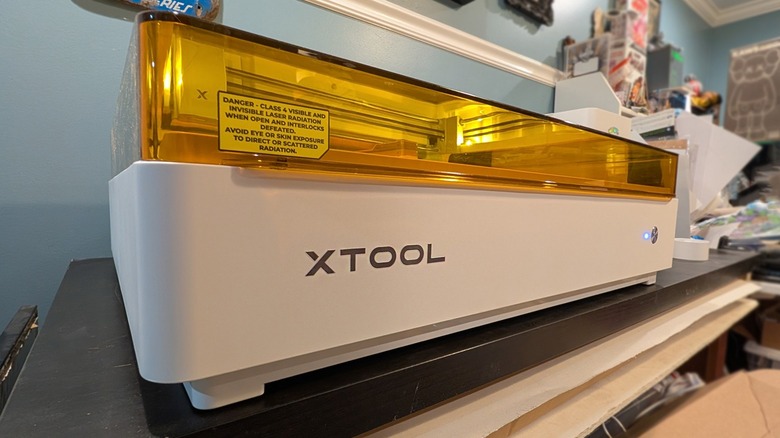
The xTool M2 is a versatile creative tool that allows its user to laser cut and print with multiple colors of ink. The xTool M2 is latest in a line of similar creative tools from the brand, the otherwise-most-recent of which was released back in 2024. The last tool in this line was the xTool M1 Ultra — a device that is more expensive and slightly more versatile than the new M2 in a few key ways.
This new device is excellent in its own right — if you're looking to print and cut certain materials, it's excellent. It's built well and it does indeed work with all the features mentioned on the xTool M2 product website. It's an in-between device that balances features, size, and cost in a way that might be right up your alley.
It's also marketed as a space-saver. This, more now than ever before, is the worst problem with DIY gadgets meant to operate from your desk or workbench: Each (considerably sized) device takes up space — and it's not always possible to store these machines while they're not in active use.
Much like a cook with a kitchen with an ever-increasing number of countertop appliances, you (a DIY/creative individual) and your workshop might have this all-too-common issue of dwindling work space. The xTool M2 makes the case for the combining of multiple tools into one, thereby reducing the footprint of the machines that'd otherwise be needed. But does it go far enough?
Space-saving, setup, simple considerations
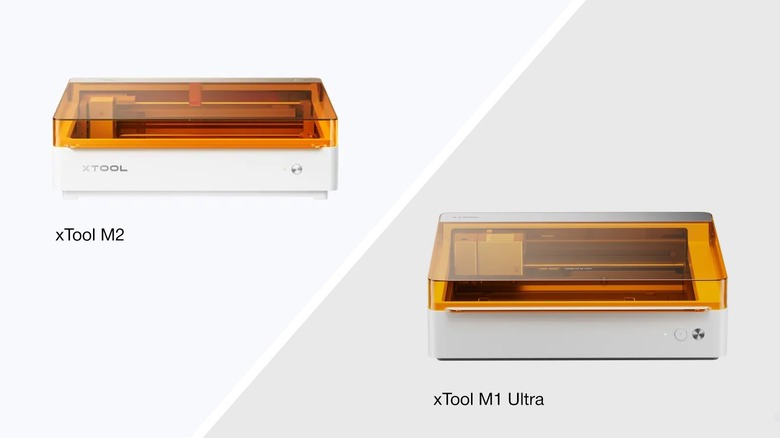
Both the M1 Ultra and the M2 take up effectively the same amount of space on your desk. Both are 7 inches tall (with the top closed). The M1 Ultra measures in at 24.4 x 19.6 inches, while the M2 is 24 x 22.4 inches. Inside the machine, the M2 is ever-so-slightly larger than the M1 Ultra. The M1 Ultra's processing area is 11.8 x 11.8 inches while the M2 is 16.7 x 12.5 inches.
Both machines are going to take up a significant amount of your worktable — but the difference between the two is negligible. If your other option for creative machines is having one machine for laser cutting and another machine for inkjet printing on multiple types of material, you'll certainly have a smaller footprint with either one of xTool's "M" machine options.
If you're aiming for a multifunctional creator tool with quick-swap modules, I think you'll be hard-pressed to find a more simple-to-use, plug-and-play option than the xTool M2. Swapping between modules requires that you unplug a USB-C cord, remove one module (attached magnetically), attach another module (magnetically), and plug the USB-C cord back in (to the new module).
The down side of this super simple magnetic system is that the machine is not suitable for modules that require physical pressure — the xTool M2 can not use tools that touch your creative materials. If you want a machine that can draw with pens, work with foil transfer, and cut with blades, the xTool M1 Ultra is the machine to get.
Which space are we saving?
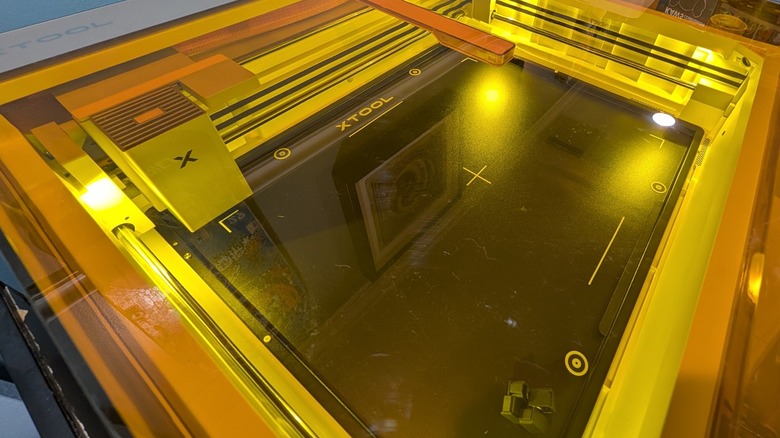
If you're currently in need of laser-cutting machines that work with 10W and 20W blue diode lasers and a 3W IR laser, the M2 could very well be the 3-in-1 device you need. The device is shipped with the 10W laser, only — unless you get a bundle that contains one or more of the other interchangeable modules. Every 10W laser test I've run so far with the xTool M2 has worked like a charm. I have absolutely no complaints about the functionality of this basic laser system as yet.
This device also has the ability to work with inkjet printing, but it's not the sort of inkjet you'd use to print multi-page paper documents. You absolutely can print on paper (and a variety of other surfaces) but this printer has no paper feed, no rollers — it's meant to print one product at a time.
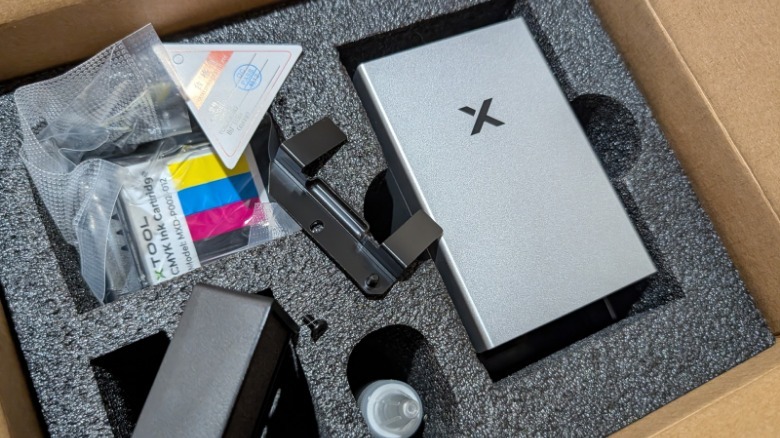
This printer works with a proprietary $99 40ml ink cartridge, a significantly larger cartridge than the M1 Ultra (15ml), but it's going to be difficult to test/show how long it'll last in any sort of standard way due to its intended multi-surface use.
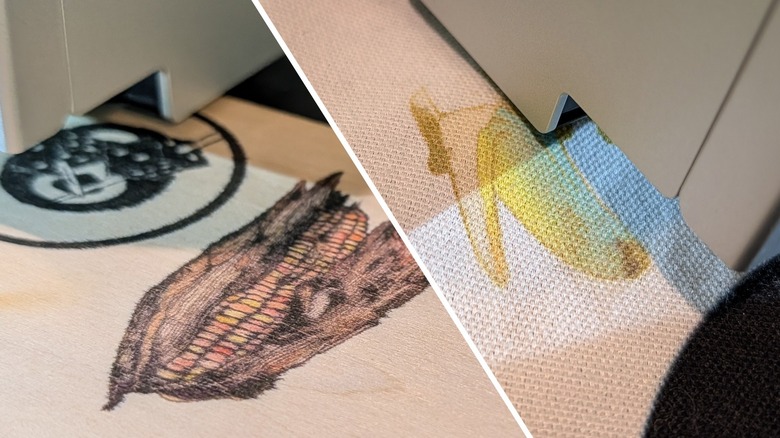
You can print on papers, cardstock, temporary tattoo paper — they work great. No complaints there — I wouldn't expect to print any museum-ready photos with this machine as it does not currently have granular color controls like a traditional printer would with its own printer driver or connectivity with 3rd party apps.
You need to pre-treat other materials before you print, but you can potentially print wood, canvas, glass, acrylic, and satin fabric. Tests with these have given mixed (but acceptable) results. All prints are water-soluble, though, so I'm not expecting any of the fabric prints to survive a trip to the wash machine.
Price, availability, and versatility
Both the xTool M2 and M1 Ultra have what might appear to be quite reasonable prices for what they promise — right around $550 for the M2, and approximately $900 for the M1 Ultra (both of these prices are in the xTool store online as of late June 2026).
The base ($900) package with the xTool M1 Ultra gets you a base 10W laser module, an ink module for printing, foil transfer tip, rotary blade, fine-point blade, cutting blade, and a few fine point pens that the device can use to draw. The base ($550) package with the M2 gets you a 10W laser module. Or you can ramp up to the "color print and cut bundle" at $700 and you get the CMYK ink module for printing.
 Chris Burns/SlashGear
It's important to note, here, that the xTool M1 Ultra was first released on July 11, 2024. While you could continue to compare the two devices as if they're out on equal footing, you should consider that the xTool M1 Ultra probably isn't long for this world — or, at least, isn't going to be sold by xTool itself for much longer.*
xTool family and software
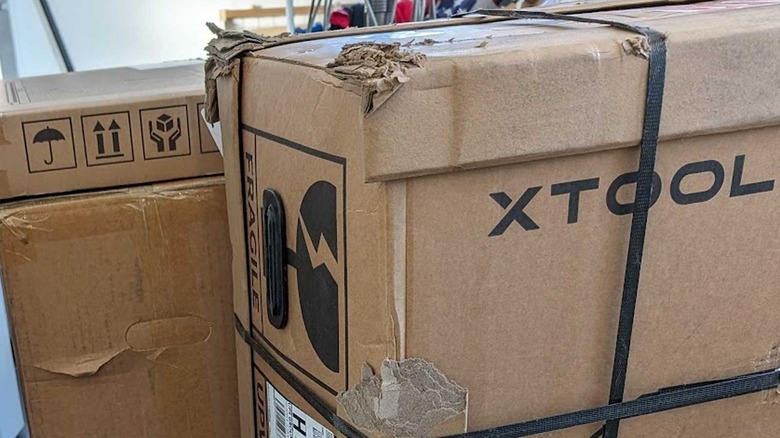
In the not-too-distant past, you would have needed to have several machines to use the features present in xTool's "M" line of creator machines. If you only need a laser cutter, I would not recommend that you start with an xTool M device. You should look at the best portable laser engraver on the block: xTool F2. That machine has a very small enclosed stage on which it cuts — but the bottom of the machine opens up, too, so you can cut into any surface you can find. On the other end of the spectrum is the massive "P" line — that'll run you over $3k at the very least (unless you find a refurbished model) and it'll be the last laser cutter you ever own (in a good way).
Or you could choose a completing device, like a refurbished Glowforge Aura. If you do consider that (one of the most well-known desktop laser cutter machine brands), it's important to note that you'll need to use an online tool to do anything and everything. If you do not have an internet connection, you cannot use your Glowforge machine.
 Chris Burns/SlashGear
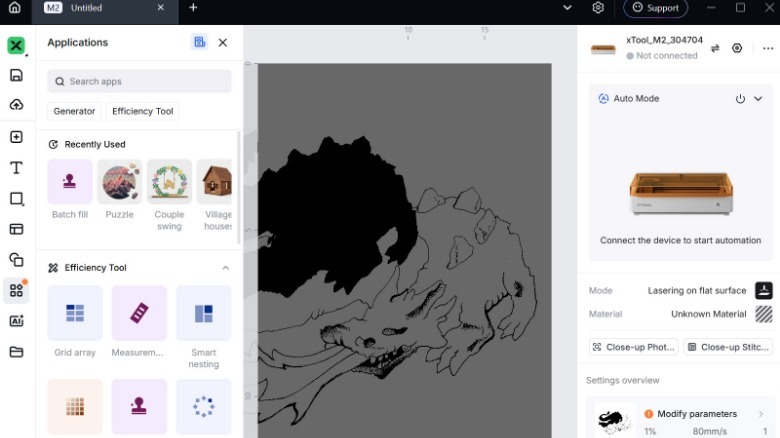
That in mind: one major reason I'd choose xTool over Glowforge is its xTool Studio software. It's a desktop app that does not need an internet connection or a web browser to function. This software is relatively easy to use, highly capable, and it works without requiring that you use an always-connected internet-based platform for access.
Longevity
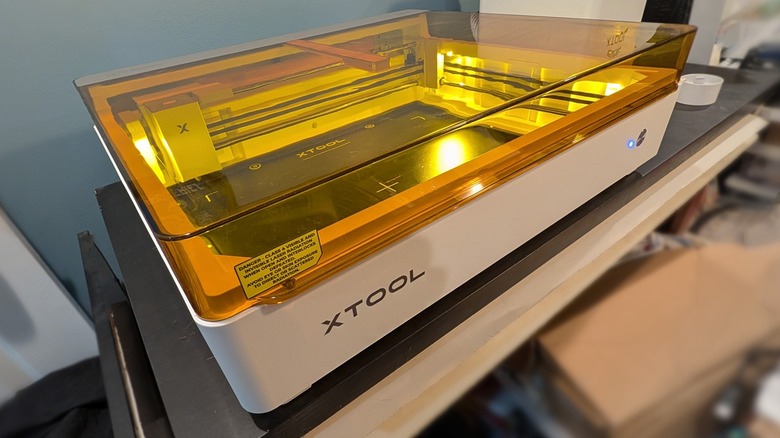
While the M2 is a fine machine with its current toolset, I would like to see xTool take the modularity of the platform and expand it significantly. Right now, each "M" device's modules are limited to one machine. If xTool really, truly wanted to fulfill the dream of a "space-saving" multi-functional do-it-all device, they'd create one capable of using modules made in the distant future.
For now, you're left making concessions regardless of which "M" you choose. For instance, both the M1 Ultra and the M2 have the ability to work with 10W and 20W blue diode laser modules*, but only the M2 has a 3W IR Laser add-on in the works. One must expect that some sort of next-gen "Ultra" model will be released by xTool eventually (with access to all of these tools and more) – but the company has not yet teased or revealed any such device.
*Also, as of June 29, 2026, xTool's M1 Ultra listing page suggests that the 20W laser (for the M1 Ultra) is completely sold out. So you've got that to consider, too: It's been a while since the M1 Ultra was originally released — approximately two full years ago by the time this feature article is set to publish — xTool won't keep manufacturing parts forever.
The xTool M2 (available from xTool online for a starting price of approximately $600) does not completely solve the biggest problem with DIY/creator machines today (that of ever-shrinking desk space) — but it's a start. The xTool "M" platform is heading in the right direction — we'll be looking to the likely (but as-yet unconfirmed) "Ultra" version of this machine to bridge the gap.