

5 Recent Updates To Samsung's Health App That Have Users Talking
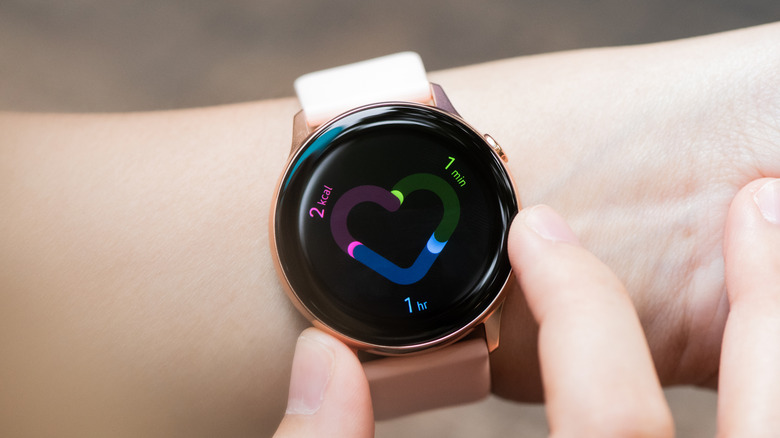
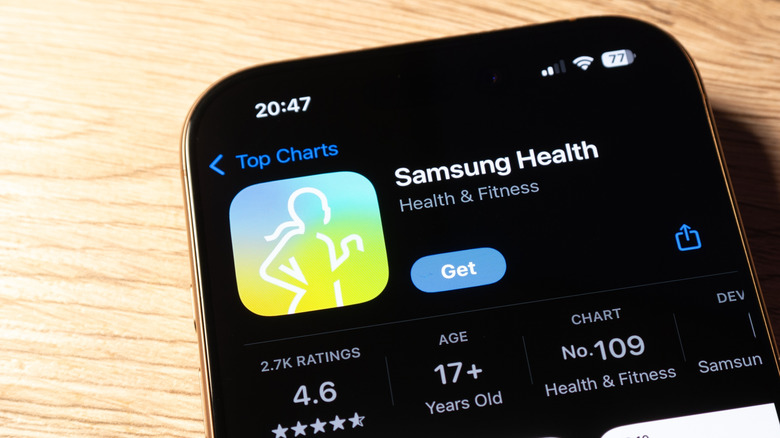
If you have been using a Samsung smartphone, chances are, you are familiar with the Samsung Health app that comes preloaded on most of its devices. Originally called S-Health, the app has been a part of Samsung devices since May 2012 when it was introduced alongside the Galaxy S3 lineup. Early versions of the S Health app offered basic fitness and nutrition tracking features. Over time, the S-Health app evolved, first arriving on other Android smartphones, eventually undergoing a rebranding exercise to become today's Samsung Health app.
Given that Samsung Health is the default app used to control and access various features of Samsung's smartwatch models, Galaxy Watch users frequently interact with the app. Over time, they have also gotten familiar with various aspects of Samsung Health, its key features, and the way it looks and functions. However, this dedicated user base was recently affected by a major change after Samsung rolled out a revamped, overhauled version of Samsung Health.
As expected from a revamp, the new additions to Samsung Health go beyond cosmetic changes. So, apart from being markedly different-looking, it also got a bunch of fresh new features. These changes have become a topic of discussion amongst long-term users, with Samsung user forums, Reddit groups, and tech communities actively talking about them. Listed below are the key changes people have noticed about the updated Samsung Health app.
The refreshed, organized look
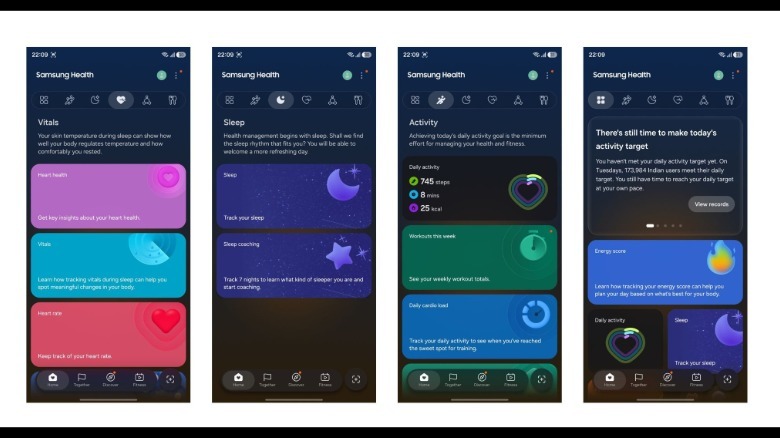
The most significant, and the most discussed, change to the Samsung Health app is the revamped user interface. The older Samsung Health UI was (in)famous for a cluttered home page filled with various health metrics, all thrown around in a haphazard manner. A key issue with this layout was the amount of vertical scrolling needed to access various app options. The new version of Samsung Health largely solves this issue.
The revamped interface of Samsung Health has clearly defined sections that make navigation much easier. It gets a cleaner visual style with larger cards, improved spacing, rounded interface elements, and more intuitive placement of commonly accessed information. The update also introduces a lot of colors, which adds a bit of vibrancy to the user experience, compared to the all-white or all-black treatment on the older version of the app.
 Rahul Srinivas/ SlashGear
The most notable addition, however, is the introduction of six dedicated tabs that separate different aspects of the app. So, rather than having activity, sleep, heart, mindfulness, and nutrition related metrics scattered vertically along a single scrollable page, this information is now grouped together in tabs, making it easier to find what you're looking for.
Samsung has also changed the manner in which health information is presented. Important data is displayed in larger, more visually appealing cards, while less frequently used metrics are still accessible, but without cluttering the interface. Although the redesign has received general praise for making the app easier to navigate, some longtime users — unsurprisingly — found it difficult to adjust after years of using the previous layout.
The new Vitals feature
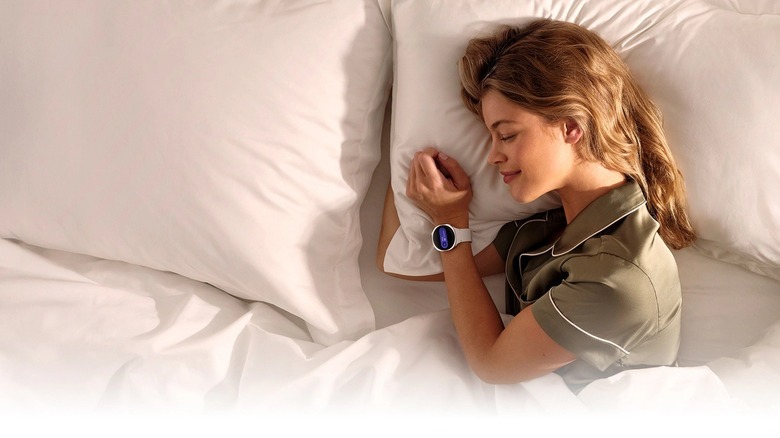
Among the biggest additions to Samsung Health is a new section called "Vitals," a new centralized dashboard for important health measurements. This new section works by first establishing your baseline metrics (by wearing a Galaxy Watch or Ring while sleeping for 7 nights). Once the baseline is set, it regularly checks the nightly vitals to continuously look for major deviations. The biggest advantage of this feature is the alert option that notifies the user once an unusual change is detected.
The Vitals feature essentially measures five key metrics while sleeping; heart rate, heart rate variability, respiratory rate, skin temperature, and blood oxygen, and compares the same value against the users' resting baseline. To give an example, if Vitals detects that your sleeping heart rate has increased, it will alert you about the same and help you understand what could be causing it. Armed with this data, you can make actionable changes to your lifestyle to bring your vitals back to normal levels.
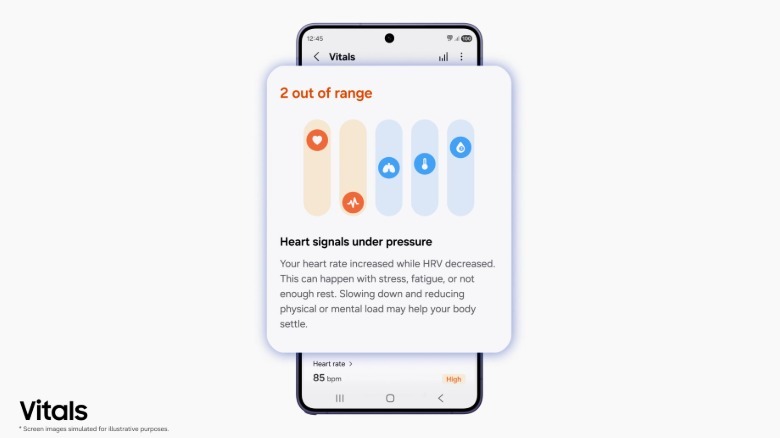
Another interesting feature of Vitals is the way in which the information is presented. Many users have noticed that the metrics are displayed in a format resembling an audio graphic equalizer, usually seen on music apps. This is quite intuitive given that it allows users to quickly identify the bars that are out of range and need immediate attention.
For Galaxy Watch owners, the Vitals feature could become one of the most useful additions because it brings together information that was previously spread across multiple screens.
New Daily Cardio Load , Heart Health Score, and Fitness Index Features
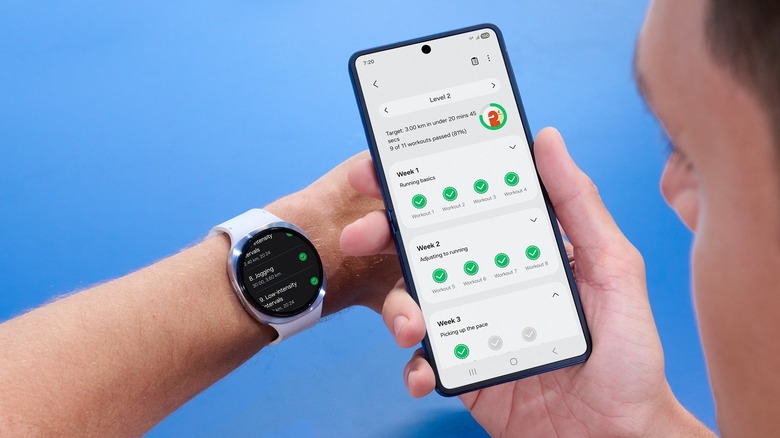
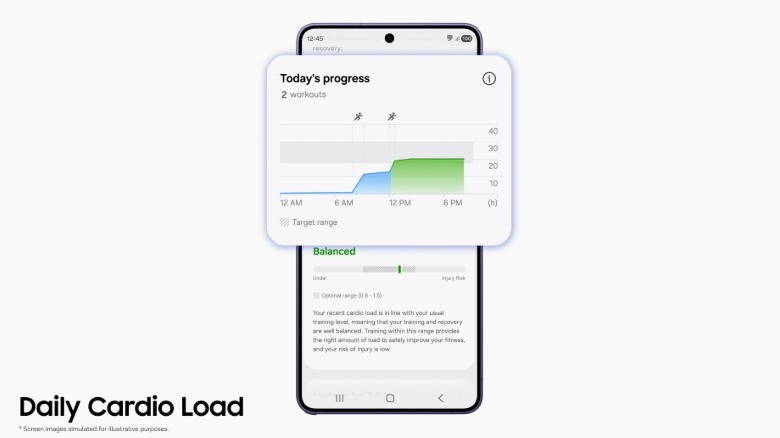
Samsung has also expanded Samsung Health's cardiovascular tracking capabilities with three fresh additions: Daily Cardio Load, Heart Health, and Fitness Index. Starting with the Daily Cardio Load feature, it estimates how much strain physical activity places on your cardiovascular system throughout the day. Rather than simply count steps or track workout duration, it evaluates exercise intensity and recovery to help users understand whether they're under-training, maintaining an ideal workload, or pushing themselves too hard. The goal is to encourage sustainable exercise habits while reducing the risk of overexertion.
As for the Heart Health feature, it combines various heart-related metrics including sleep duration/quality, stress levels, and physical activity, and combines them with body composition data to generate a Heart Health score between 0 and 100, with anything above 65 considered stable, and a score below 49 indicating that the heart health needs attention. The idea appears to prod people into scoring higher, and improve their health metrics while doing so.
Next up, we have the fitness index feature which is essentially the average of scores of multiple fitness metrics like cardiorespiratory fitness, muscular endurance, muscular strength, body composition, and overall flexibility. These scores are predicted using data already supplied to Samsung — which includes your user profile, body composition, and daily activity. This data is then converted into a score between 0-100. What is different here is that the fitness index also tells you where you stand in terms of overall fitness compared to your peers of the same age and sex.
All the new features can't be used yet
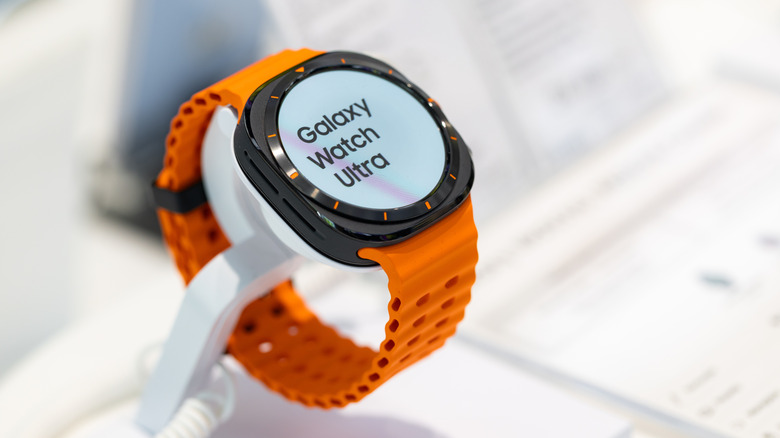
While Samsung has refreshed the Samsung Health app for smartphones, for many of the new features to work, the company needs to issue a corresponding update to several of its watch models. So, despite newer watch models like the Galaxy Watch 8 and the Galaxy Watch 7 supporting all the new features, it cannot use those features simply because the Watch hasn't been issued a corresponding update.
While these watch models will eventually support these features, many users felt Samsung's decision to release the updated smartphone app without actually updating the watch itself was a case of poor execution. What makes this even worse is the fact that Samsung is set to announce the next generation Watch 9 series models in the next few months. It would be interesting to see whether those watch models will support the refreshed Samsung Health app right from day one.
Another issue with the update is that Samsung doesn't explicitly reveal which of the older Galaxy Watch models are compatible with some of the newer features. Several of the headline additions rely on newer sensors and processing capabilities found only in Samsung's latest Galaxy Watch models. This results in a situation wherein a user ends up opening a section, only to realize that they need newer equipment for the feature to work.
Some versions of the app have an ads problem
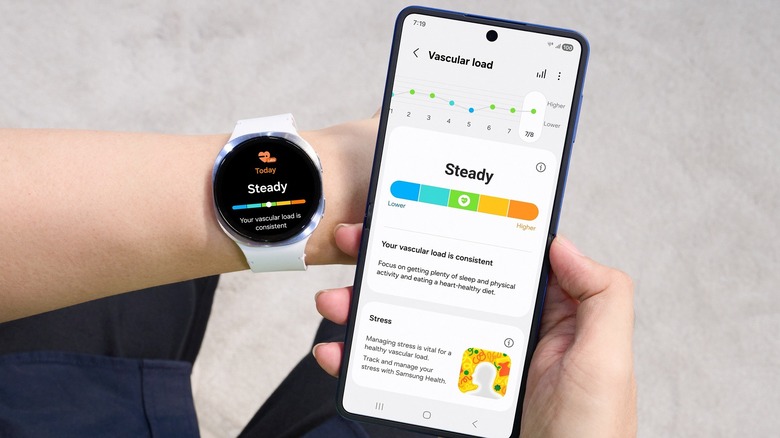
One of the major concerns flagged by multiple Samsung Health app users post the update is the sheer number of ads that make it to the platform. Shortly after the redesigned app began rolling out, several users reported seeing promotional banners and advertisements inside the application. These promotional banners are contained within the "Discover" section located at the bottom of the screen,
The reports sparked criticism because Samsung Health is primarily viewed as a health and wellness platform rather than a commercial storefront. Some users also believe that these advertisements feel out of place inside an app designed to monitor fitness, sleep, and other personal health information.
Interestingly, the ads do not appear for everyone. Their availability appears to vary by region, Samsung account, device model, and ongoing promotional campaigns. Some users report never seeing any advertisements, while others occasionally encounter promotional cards within the interface. That being said, given that these promotional banners appear only within the "Discover" section, all users need to do is to steer clear of it to avoid seeing ads.