

Why You May See Small Flashing Dots On Your Samsung Phone Screen
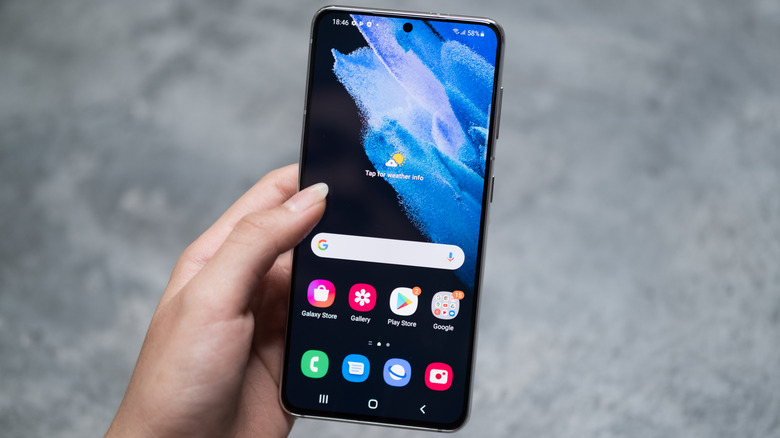
If you own a Samsung phone, you may have occasionally noticed a flashing dot (or even multiple dots) appearing on its display. They usually show up around the top center when the phone's proximity sensors (that are located underneath the screen) are activated during phone calls. Worth noting that this isn't the same thing as the green dot that appears in the top corner of the display, which is usually an Android privacy indicator showing that an app is actively using the camera or microphone.
Not all Samsung phones get the same "flashing dots," though. This issue dates back to the era of the Samsung Galaxy S10 series, which were the first Samsung phones to move the proximity sensor underneath the display. It was then subsequently noted on the Galaxy S20 and the S21 Series as well, where people noticed two flashing dots, although some owners report seeing two static dots on the Galaxy S21 FE. Fast forward to the Samsung Galaxy S23, and there were reports about the device displaying four dots instead. Owners of the Samsung Galaxy S25 FE also report seeing them, albeit this time, with three green dots.
The official explanation from Samsung is that these flashing dots are not a manufacturing defect and are part of the proximity sensor's normal working routine. This is also an indirect way of saying that the issue cannot really be fixed, as it's not truly considered to be a problem in the first place.
The reason behind the flashing dots on Samsung phones
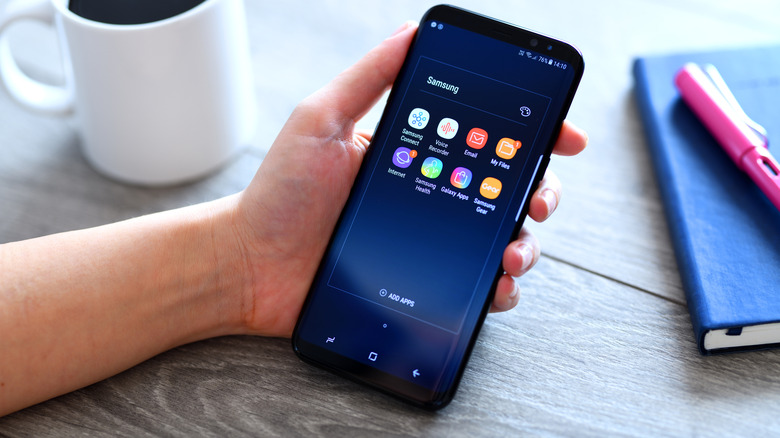
The proximity sensor located underneath the display of Samsung smartphones works by emitting infrared rays that pass through the screen. The sensor also has a light-receiving component that detects the reflected infrared rays and uses them to calculate how close an object is to the display. When an object gets really close to the sensor, it triggers the phone display to turn off. Phone companies do this to prevent accidentally triggering the touchscreen, which can cause unwanted phone calls or mistouches.
Before smartphone displays got to where they are today, proximity sensors were typically placed in the space between the display and the bezels. However, with the advent of bezel-less Samsung Infinity Displays, the display reached right up to the edge of the smartphone itself, leaving no room for the proximity sensor. This conundrum eventually resulted in the birth of the under-display proximity sensor.
The infrared emitter sits behind the screen, so modern smartphone displays are built to let those rays pass through. Under certain conditions — such as in a dark room, at low screen brightness, when using the Phone app to make calls, or when viewed from specific angles — some users may notice this activity as tiny flashing dots or faint lights on the screen. While it can look unusual, it is actually a normal byproduct of the phone's proximity sensor doing its job and is not a defect or sign of damage.
Can this issue be fixed?
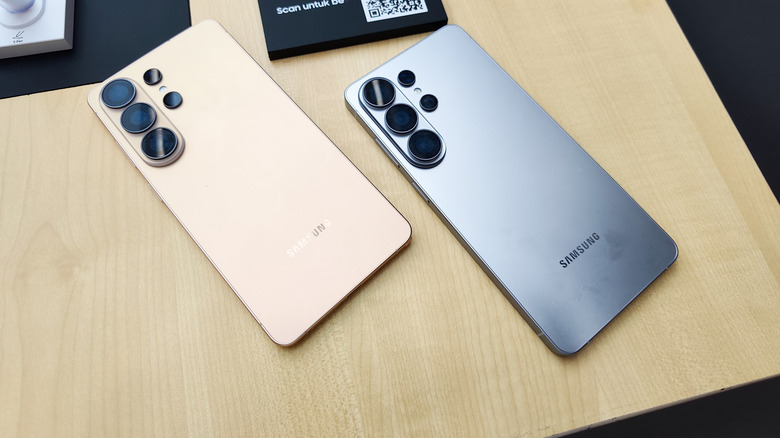
For any issue to receive a solution, it needs to be acknowledged as an issue in the first place. Going by Samsung's own documentation, the flashing dots caused by the proximity sensor on some of its smartphone models are part of that device's normal behavior, so they're unlikely to be "fixed." That being said, it's worth noting that as of 2026, only some Samsung smartphones are confirmed to be suffering from this flashing dot issue.
Some of Samsung's newer devices, including the flagship-grade devices like the Galaxy S24 Ultra, Galaxy S25 Ultra, and the latest Galaxy S26 Ultra, are not known to display these flashing dots. However, there have been some reports on the dots being visible on some foldables, like the Galaxy Z Fold 4. On some of these phones, you can still see the proximity sensor through the display (especially after a screen replacement), although it's really faint. This issue was also noticed on some S24 Ultra units, although I could not observe the same on my own Galaxy S24 Ultra.
If you're concerned about the flashing dots on your Samsung smartphone display, the unfortunate reality is that Samsung does not consider this a defect. For the same reason, you are left with no choice but to live with the "issue" until you move on to another device.