

How To Spot Fake SSDs
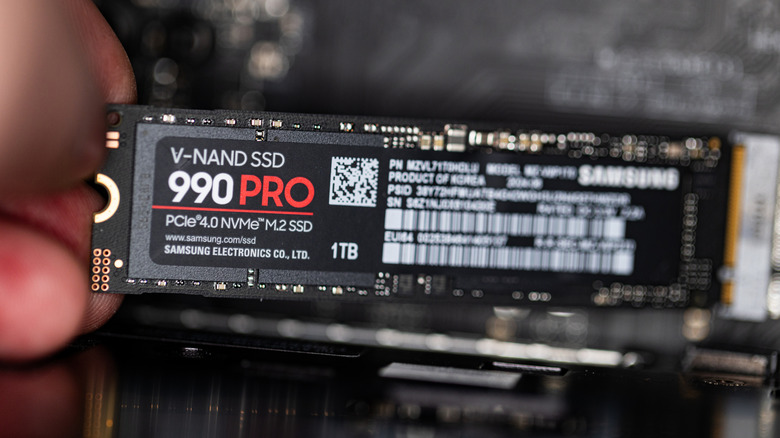
Fake flash storage scams are increasingly common these days, with SSDs, SD cards, and USB flash drives all targeted. The most common scam involves SSDs marked as high-capacity drives with terabytes of space, when in reality they're cheap, low-capacity memory modules with only a few gigabytes of storage. They are usually programmed to show the falsely advertised storage size, which can cause files to become corrupted as they exceed the actual capacity. Another common trick is counterfeiting, in which scammers try to pass off low-quality drives as authentic products from the best major SSD brands like Samsung, Western Digital, Crucial, SanDisk, and so on. Although they may look the same on the outside, they will perform less reliably in real-world use and are far more prone to failure.
It's always tempting to snap up a deal on an M.2 SSD or portable USB SSD, especially as prices have risen to a truly unattainable level for many consumers as a result of the AI industry's rapacious storage and memory needs for data centers. But getting scammed will leave you with a potentially unreliable SSD and less money in your pocket, or even lost files you can't replace.
Thankfully, savvy shoppers can stay safe with a bit of know-how. Here's how you can steer clear of fake SSDs by spotting them before you buy. But even if you've already bought a suspicious SSD, there are techniques you can use to determine its authenticity before trusting it with your files.
Look for too-good-to-be-true prices before you buy
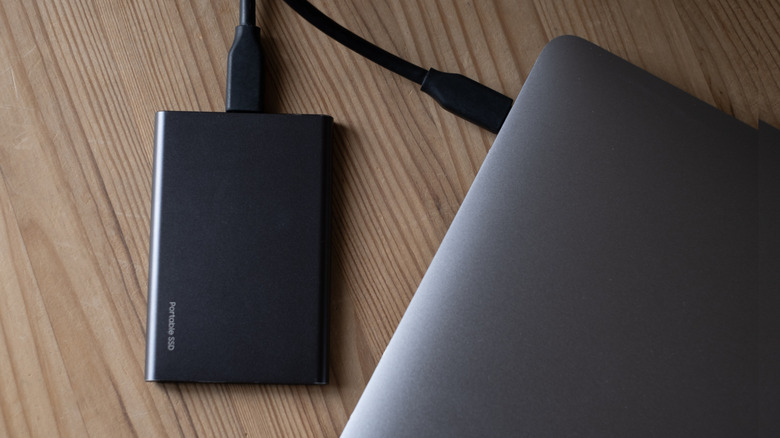
The second-best time to figure out whether an SSD or other flash storage device is fake is after you've already bought it, but the best time is before. Without physical access to the SSD in question, you'll have to rely on contextual information to spot a scam. Thankfully, fake SSDs often have a number of red flags that make them relatively easy to avoid.
The most obvious sign you're looking at a fake storage drive is a price tag that's too good to be true. Especially now, with common PC upgrades becoming painfully expensive due to AI data center build-outs, real flash storage commands an eye-watering price point. To get a sense of the market, look at the official product listings for top-tier SSDs from companies like Samsung and SanDisk. If the potentially fake listing is offering the same amount of storage for a fraction of the price, it's almost certainly a scam. If the suspicious product claims to be from the same, well-known brand, that low price becomes even more of a warning sign.
You should also look at other contextual clues, including the storefront you're shopping in and the seller who placed the product listing. Platforms like Amazon, Walmart, Temu, or the TikTok Shop are a hotbed for fake SSD scams because they make it easy for anybody to set up a third-party storefront, and the sheer volume of trade makes it impossible for such platforms to police every listing effectively. If a third-party seller has a spotty track record, that's a strong sign to steer clear, especially in combination with a suspiciously low price tag. When possible, you should shop at trusted brick-and-mortar stores like Micro Center or Best Buy.
Use software tools to verify a drive's authenticity
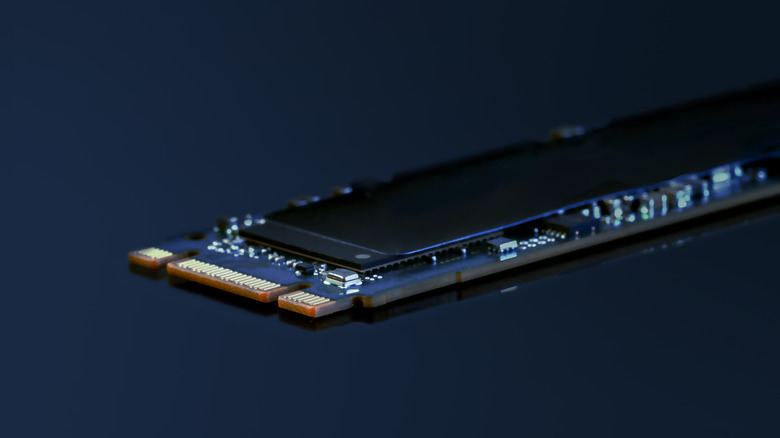
If you've already purchased an SSD that you're concerned may be fake, you can examine it yourself using both your eyes and software tools. Unfortunately, scammers have become experts at making convincing counterfeit SSDs, with Japanese tech website Akiba PC Hotline! recently finding a spot-on replica of the perennially popular Samsung 990 PRO SSD. Even so, you should examine your SSD thoroughly, comparing it to a known authentic version of the same product if you have one on hand. Pay special attention to lettering and print quality, materials and manufacturing, and more, as even slight deviations can tip you off to a fake SSD.
You can also test the drive using software, though you should be aware that, although it's uncommon, there's always at least a small chance that, in addition to being a fake, the SSD is also a malware vector. Use a computer without personal files on it, if possible, and disconnect it from the internet. As for the testing, one of the most highly recommended tools is F3, which is available on most Linux distributions and can be installed through the terminal.
Windows programs such as H2Testw or CrystalDiskInfo can often help you identify fake drives, too, by testing the drive, checking its specifications and history, and more. The latter program was recently updated to detect counterfeits. No program is infallible, though. Another test you can perform on your own is to simply try loading an SSD up with files to its stated capacity. If you run into errors, the SSD is a low-capacity drive masquerading as a larger size. However, this method can only determine fake capacities. It cannot tell you whether a drive with a correctly listed capacity is using low-quality hardware.