

3 New CarPlay Features Apple Added In April 2026
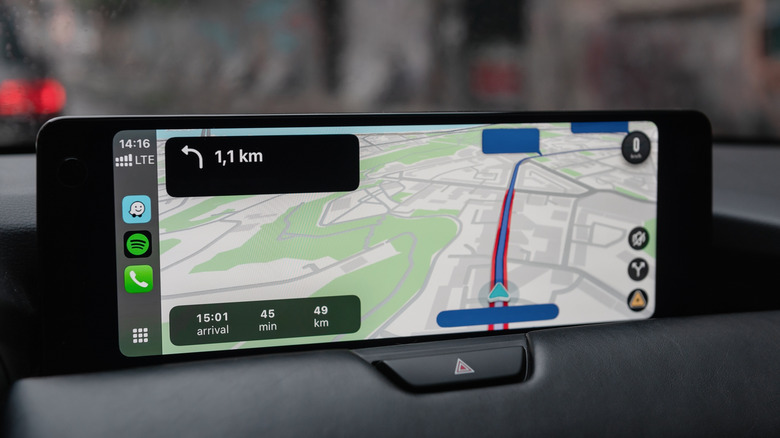
For vehicles that support it, Apple CarPlay offers a more streamlined infotainment experience that also has the advantage of being seamlessly synced with your iPhone. You don't need to install a separate set of apps in your car or worry about syncing your contacts, creating playlists, or setting up navigation again. CarPlay continues to receive new features — it even got a fresh new look with iOS 26's Liquid Glass visual overhaul last year.
Over the years, CarPlay has added support for a much wider range of apps beyond just navigation and music streaming services. Lesser-known CarPlay apps like PlugShare get you functionality that the iPhone doesn't offer out of the box. CarPlay also received support for widgets and Live Activities, and the updated user interface makes it easier to view incoming calls without losing sight of the navigation view.
To enjoy new features in Apple CarPlay, you need to keep your iPhone up to date. Navigate to Settings > General > Software Update and check whether your device is behind. At the time of writing, the iOS 26.4 update brought about a few useful additions to CarPlay — here's a slightly more detailed look at these changes.
Ambient Music widget
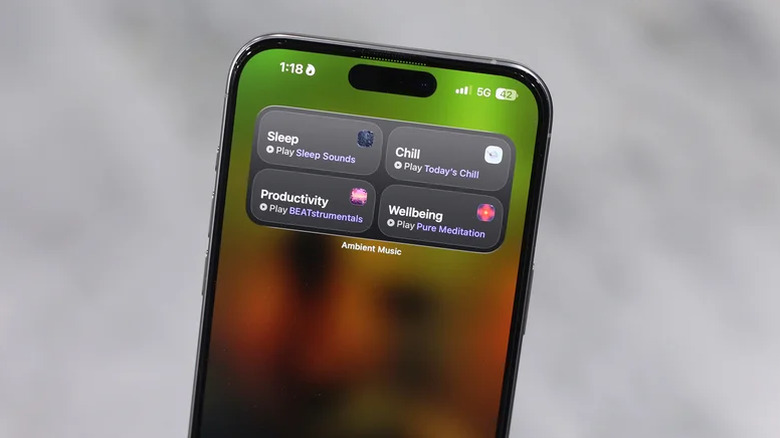
Perhaps the two most-used aspects of CarPlay while you're on the road are navigation via Apple Maps or Google Maps, and music playback control via services like Spotify or Apple Music. If you would like to take a break from your usual playlist and instead switch to something calmer and more focused, you should definitely give the Ambient Music feature a shot. It's not exactly a new feature — it's been available since iOS 18.4, but was only accessible on the iPhone through the Control Center until recently.
Although it still lacks a dedicated app, iOS 26.4 introduced a new Ambient Music widget you can add to your home screen. Since CarPlay now supports widgets, you can navigate to Settings > General > CarPlay > [Your Vehicle Name] > Widgets > Add Widget, and select the "Ambient Music" widget. This does not require a subscription to Apple Music and offers ad-free playback.
Ambient Music offers serene soundscapes across categories like sleep, chill, productivity, and well-being. You can choose from a few curated playlists for each mood. Alternatively, if you have an Apple Music subscription, you can associate your own playlist with a mood. This is a neat addition for people who prefer calmer background music while driving, or those who simply can't decide on a playlist before heading out on a drive.
Support for AI chatbots
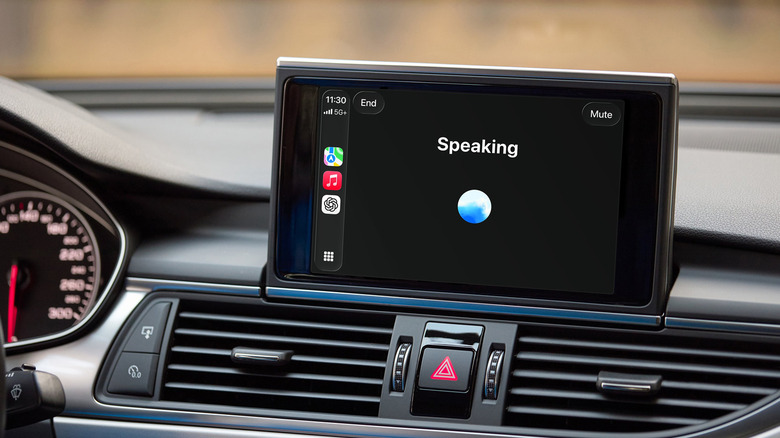
With the rise of generative AI, it's become impossible to sit through a product announcement without hearing about a bunch of new AI features. Apple has been promising a supercharged Siri for a while now, but has been struggling to deliver on the AI front in any meaningful way. Meanwhile, Android Auto received a pretty major update with Gemini Live, making it clearly the more capable voice-based car assistant. While we're still waiting for the big Siri overhaul, iOS 26.4 introduced support for third-party AI chatbots.
You can get started right away if you have ChatGPT installed on your iPhone. Just launch the app on your car's infotainment screen to start talking to the assistant. It works exclusively in voice mode, so you won't find yourself distracted trying to type things out while driving. Unfortunately, you cannot really get ChatGPT to control your device actions or car features. It's more of a companion that you can use to ask questions or converse with while you're on the road.
It also looks like it cannot access your location in real-time, but you can still get recommendations for nearby places if you just tell it the area you're driving through. Siri remains the only way to perform hands-free operations like placing calls or sending messages, but if you ever need a friend on a long road trip, you can now boot up ChatGPT.
New apps to try
Most of what you'll probably use CarPlay for is navigation or music streaming, but it's always great to see the list of third-party apps grow. After all, they provide a specialized, hands-free interface that a standard iPhone screen can't safely offer while driving. Those living outside the U.S. will know how big a deal WhatsApp is. Well, following the release of WhatsApp on the Apple Watch, the instant messaging giant finally released a CarPlay version of the app in April, allowing users to stay connected while driving.
It's designed with safety and ease of use in mind, which is why the primary way to communicate on WhatsApp in CarPlay is via voice messages or calls. The interface doesn't let you read older messages; instead, it narrows it to recent conversations and unread messages. That being said, you can still send messages to someone who doesn't immediately appear in your recent chats by tapping on the new message icon.
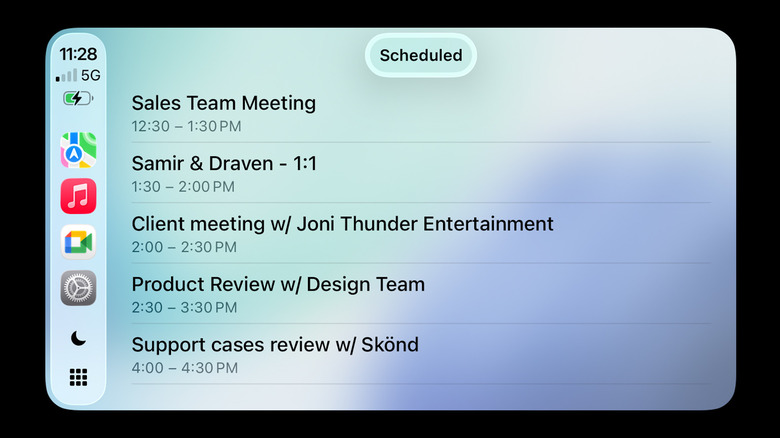
Google Meet is another new addition to CarPlay's app lineup. You can hop on incoming calls or urgent meetings while you're on the road without having to pull your phone out. Obviously, you can always use Google Meet for casual calls with friends and family members, too.