

When (And Why) Should You Power Off Your Android Phone?
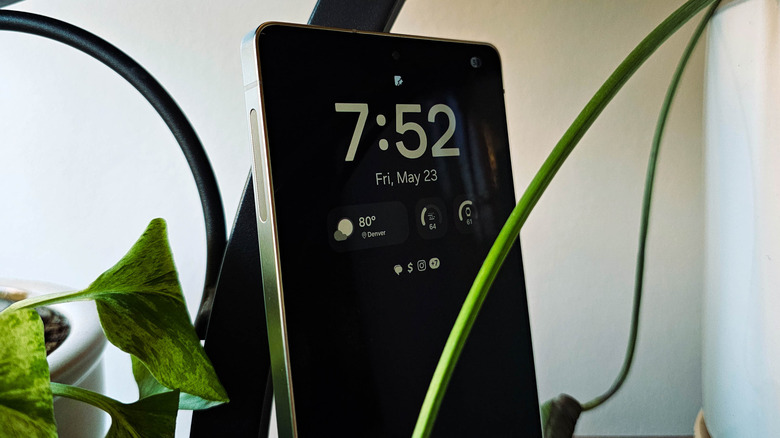
Many users are aware that routinely powering down a computer when it is not in use can be crucial to caring for it. But what about your smartphone? After all, it is also a computer, just one that happens to fit in your pocket. Should you power it down regularly, or can you leave it powered on without worry?
Generally, keeping a smartphone powered on is fine. These devices use efficient ARM-based processors, and the Android operating system is built to handle long uptimes. Your phone is constantly optimizing itself to keep everything running smoothly. But that power button is there for a reason, and there are plenty of times when shutting down an Android system can be beneficial.
In general, you don't need to power down your Android phone or tablet very often. Once a week is more than sufficient. But when you run into issues with your phone, keep in mind the eternal IT department mantra and ask yourself, "Have I tried turning it off and back on again?" Rebooting your device is often the one-stop fix for small annoyances like system slowdowns and network issues, as well as for assorted glitches and bugs. One of the few times it's crucial to power down an Android device for longer than a few minutes is when you plan on putting it into storage. Doing so will help preserve the battery and protect your digital security. So, here's when and why you should power off your Android phone.
Power cycling your Android device can keep it running smoothly
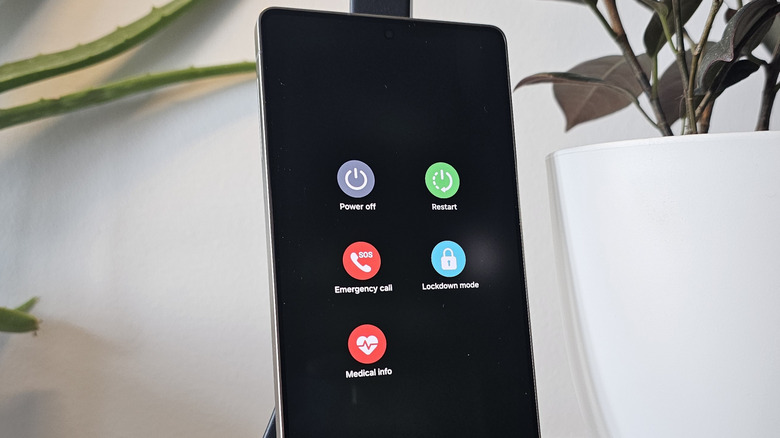
When your Android phone is running, it loads many processes and apps in the background and then holds them in memory. While this fills up your RAM, it's actually a good thing, as Android operates on the philosophy that unused RAM is wasted RAM. Apps that are pre-loaded into memory run faster, since the system doesn't need to load them again when you open them. When an app goes unused for long enough, the system will dump it to make room for new ones.
However, this doesn't always work flawlessly, especially on budget and mid-range devices with limited RAM. If you notice your phone slowing down during use, or if the battery is draining faster than usual, quickly power-cycling the device will clear the RAM and repopulate it when the system reboots, forcing each app to load into memory anew. This is especially worth trying if clearing the system memory using your Android device's built-in tools, such as the app switcher, does not solve the issue.
Power cycling will also reset your cellular and Wi-Fi network connections, among other things. If you're having connectivity issues, you can toggle airplane mode to reset them; if that doesn't work, turning the phone off and back on may help. Additionally, the National Security Administration (NSA) recommends turning off your phone once a week, claiming that doing so can help prevent certain zero-click exploits and spearphishing attacks, as well as promote general smartphone health.
Turn off an Android phone before storing it long-term
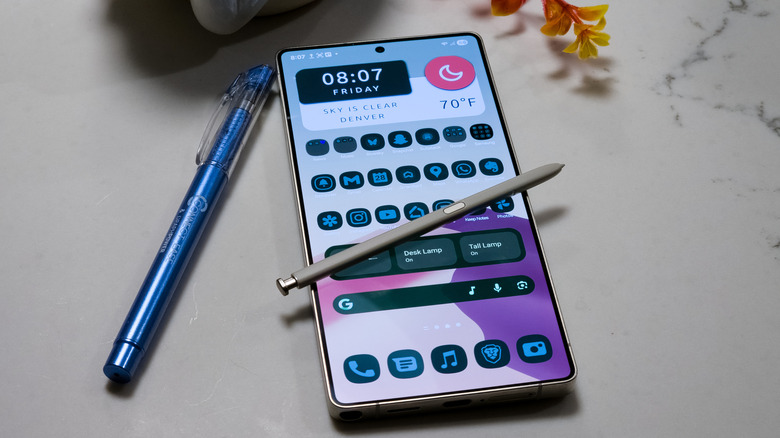
Another crucial time to turn an Android device off is before storing it for an extended period. That old smartphone sitting in a drawer could be a disaster waiting to happen, both in terms of the hardware and your digital security.
The primary concern here is the battery. When storing your phone for a day or more, the battery will drain to zero. This can stress the battery and disrupt its internal chemistry, and it can even cause the battery to not charge back up when plugged in. Of course, the battery will still drain if the phone is powered off, but it will do so at a much slower rate. You should also not leave it plugged in to bypass this issue, as this can cause damage. There is also the risk of a swollen battery, which can easily occur if power isn't managed properly. The usual recommendation is to charge the phone to about 50% and turn it off completely before storing it. You'll also want to charge it back to 50% every six months.
Leaving a dormant phone turned on can also be a security risk. An unused phone is a phone you're not installing updates for, which can leave known security vulnerabilities unpatched. Every device on a network is another attack surface that attackers may use to compromise the safety of your work and personal data. A phone with personal data, such as text messages, photos, and documents, becomes an attractive target for threat actors. Turning your Android phone off stops a remote attacker from gaining access.