

4 Devices You Can Plug Your Fire TV Stick Into (Besides Your TV)
We may receive a commission on purchases made from links.
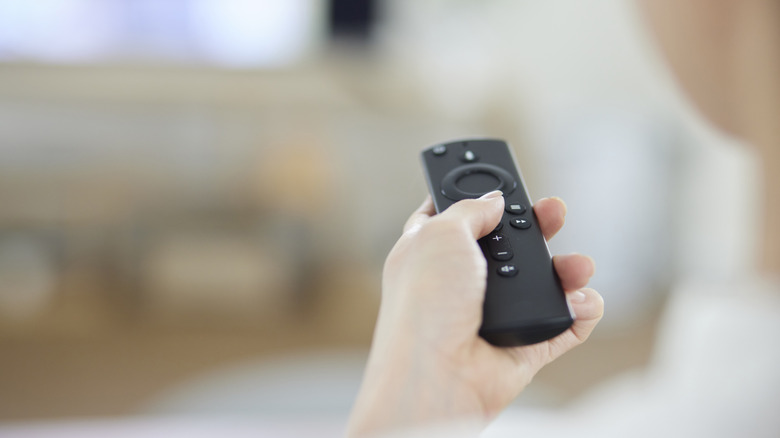
For an easy and affordable way to turn your TV into a smart streaming hub, one of the top recommendations you're going to hear is a Fire TV Stick. It doesn't even matter if you have a Roku TV or other streaming OS built into your television. People get a Fire TV Stick because it does a better job integrating with smart homes, supports voice assistants, and streamlines all your movies, shows, music, and live TV into one easy-to-use place. Install is super easy because it's just plug-and-play: just stick it into the HDMI port on the back of a TV, connect the power cable, and you're good to go.
But the Fire TV Stick shouldn't be limited to your house's TV alone. This Amazon hardware is a lot more flexible than people realize. As it turns out, there are several other useful ways you can use one. No matter if you're working with a Fire TV Stick HD, one of the 4k models of the Fire TV Stick, or one of Amazon's other Fire TV offerings, we've rounded up four other compatible devices you can use a Fire TV Stick with.
Projectors
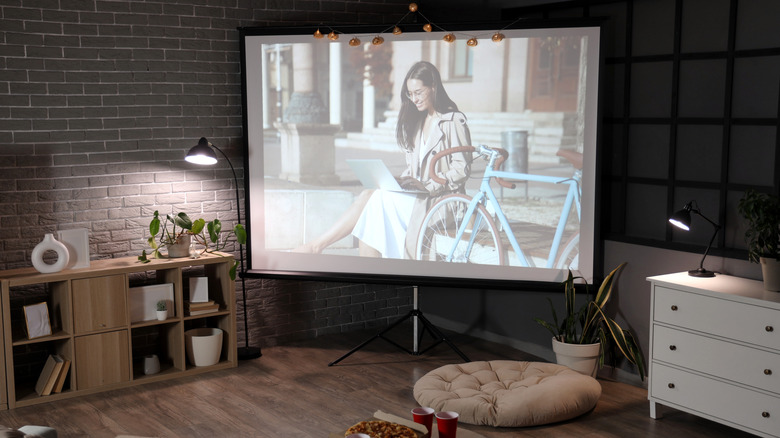
If you have a nice, big wall of open space in your house (or one of those backyard setups any neighbor would be jealous of), you might've already invested in a projector. They're one of the most common alternatives to traditional TVs, and they do a great job giving you that movie theater experience from home. Turns out, they can also pair with a Fire TV Stick. Most modern projectors include at least one HDMI input, and that's all the Fire TV Stick needs for video and audio output.
Once you get it connected, just find an outlet to plug the Fire TV Stick's power cord into, and you're all set to stream HD or 4k content. The Fire TV Stick HD supports resolutions up to 1080p at 60 frames per second, while the Fire TV Stick 4K Plus and its siblings can output up to 2160p with support for HDR formats like Dolby Vision and HDR10+. Combined with a compatible projector, you'll easily be able to stream movies, live sports, or other content from the projector to the screen. If you're planning on using it outside, just make sure your Wi-Fi signal can reach.
Computers
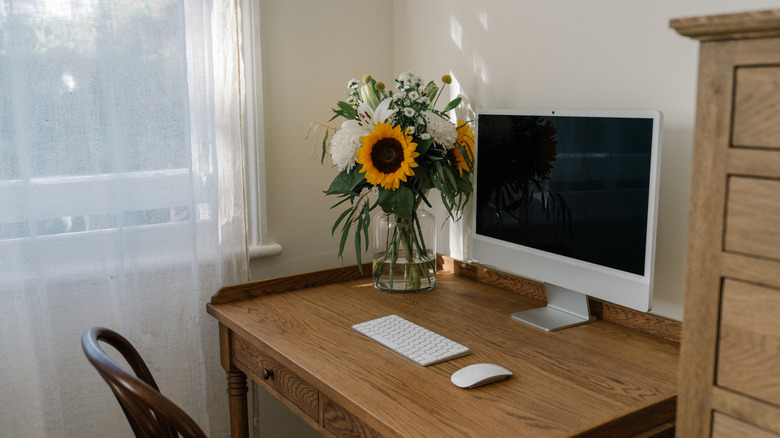
If you're away from home, it's nice knowing certain desktop displays and even laptops can support a Fire TV Stick. As long as it has an HDMI input that supports external devices, you'll be able to plug it in and start streaming. Once it's connected, the Fire TV Stick basically turns your monitor into a display separate from the computer's operating system. This comes in handy in offices, dorm rooms, or work-from-home setups where a TV would be too big or too excessive for the space.
If you're already strapped for space, don't worry: The Fire TV Stick's small size and low power requirements mean it won't be a burden that clutters up your desktop setup. Pair some Bluetooth headphones to your computer, and you can enjoy some private listening as well. As a note: Not every laptop computer has an HDMI port, and of the ones that do, not all of them support HDMI input. Check your computer's specs before committing.
Hotel room TVs
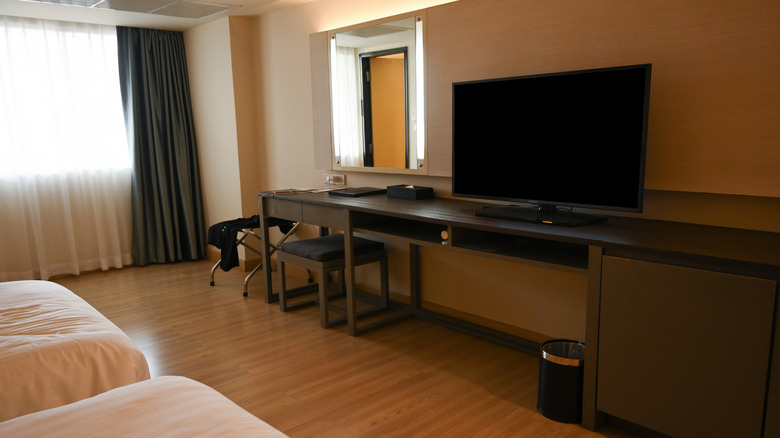
On vacation or a work trip and can't find anything good to watch on the hotel or Airbnb's TV? You might want to remember to pack your Fire TV Stick next time. That way, you won't have to bother with those limited channel selections, locked menus, or unreliable casting options and can just watch what you want to watch instead. As long as the hotel TV has an accessible HDMI port, your Fire TV Stick has space to shine. (Just don't forget it when it comes time to check out.)
Some hotels and short-term rentals have started encouraging people to log into their personal streaming services on the place's smart TV, but that's a pain. Plus, you have to remember to log out before you leave. Using a Fire TV Stick instead means you just plug it in, sign into the Wi-Fi, and start streaming off your own apps without needing to fiddle with the hotel's. And some good news: If your device supports 4k but the hotel's TV doesn't, the device will simply adjust to the resolution of the screen.
AV Receiver
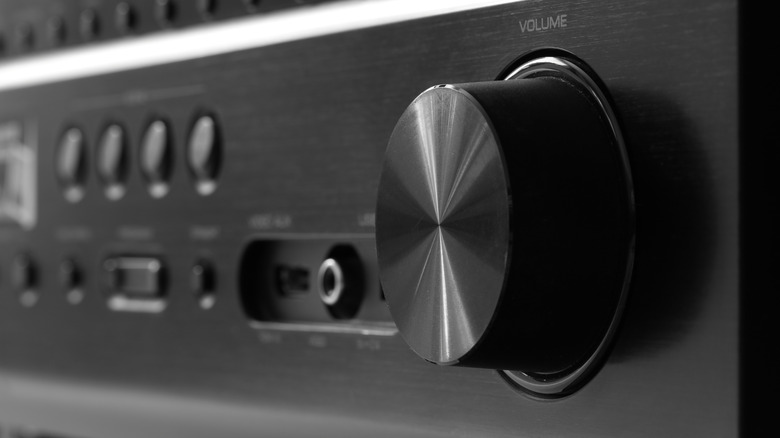
If you have an AV receiver and really want to get the most out of your Fire TV Stick's surround sound support, just plug it right into the receiver's HDMI port. No need to plug it into the TV at all! Just cut out the middle man and go straight to the source. Plenty of modern receivers give you both HDMI inputs and outputs, meaning they'll route video to your projector or TV while taking care of the audio separately. No extra hardware required.
The Fire TV Stick 4K Plus and Fire TV Stick 4K Max work especially well with AV receivers because of their Dolby Atmos support, not to mention the multi-channel audio pass-through and HDMI 2.1 features like ARC. The included Alexa Voice Remote might also be able to control certain receiver functions, including power and volume, depending on how smart your setup is. That said, a Fire TV Stick HD will work just fine in the receiver, too.