

4 Tasks Apple TV Handles Better Than Your Smart TV
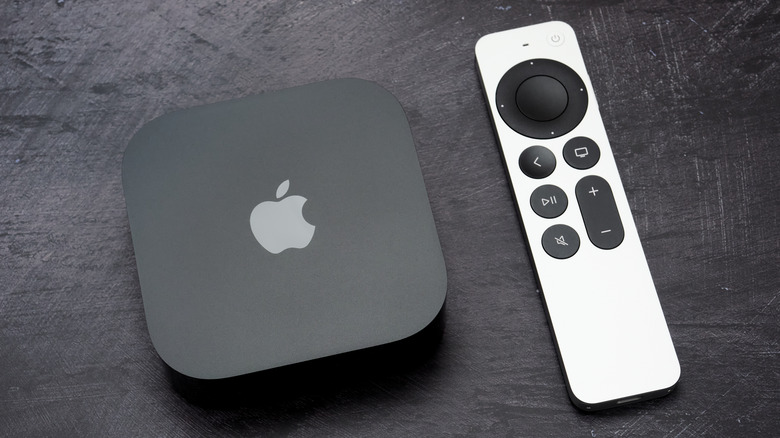
While a streaming media player with access to the internet and hundreds of apps can fully overhaul an old television, does it make sense to buy one if you already own a smart TV? It depends on how old your TV is and if it has the features you're looking for. If you've been contemplating buying a brand-new TV, it might be worth looking into streaming devices instead, especially if your need for an upgrade doesn't stem from bad image quality.
Compared to alternatives like the Amazon Fire TV Stick, the Apple TV 4K is on the more premium end when it comes to streaming devices. It starts at $129 for the 64GB version, but you can pick the $149 model for double the storage and an Ethernet port. Unlike the competition that usually uses Android or Linux-based operating systems, the Apple TV 4K runs tvOS. So, if one of your requirements for a TV upgrade was better integration with the rest of your Apple devices, the Apple TV is your only real option.
Beyond bringing the latest streaming apps like Netflix and Hulu to the big screen, there are other things an Apple TV can do better than your smart TV. From a visual revamp to support for convenient Apple-exclusive features, here are four reasons to consider an Apple TV 4K as your next living room upgrade.
A snappier software experience
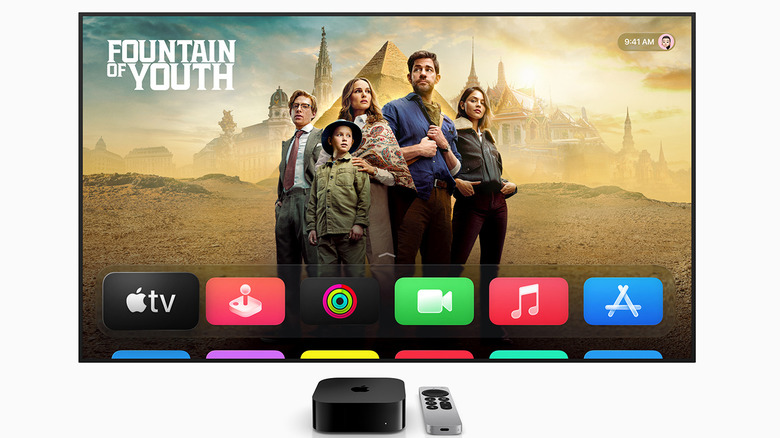
If your smart TV is a few years old, it might have started showing its age — a sluggish software experience is a prime example. Slow app loading times and random force closes also add to the frustration. Though you can fix common TV issues like these by troubleshooting or performing a soft reset, there's only so much you can do when hardware is the bottleneck.
As years pass, everyday TV apps like Netflix get UI overhauls and new features, which end up requiring more processing power. Older hardware will struggle to run new versions of these apps. This is one of the biggest concerns that an Apple TV addresses. Under the hood, it uses the A15 Bionic chip, which is the same chipset that powered the iPhone 13 Pro — a flagship phone from not too long ago.
This makes the Apple TV 4K one of the more powerful streaming media players you can buy. All this horsepower means you get a software experience that's buttery smooth. Navigating around the user interface is a joy, and apps launch quickly. Add to it the fact that tvOS receives regular software updates with new features and security patches, and it's clear how an Apple TV 4K can breathe new life into your smart TV.
Better compatibility with Apple apps
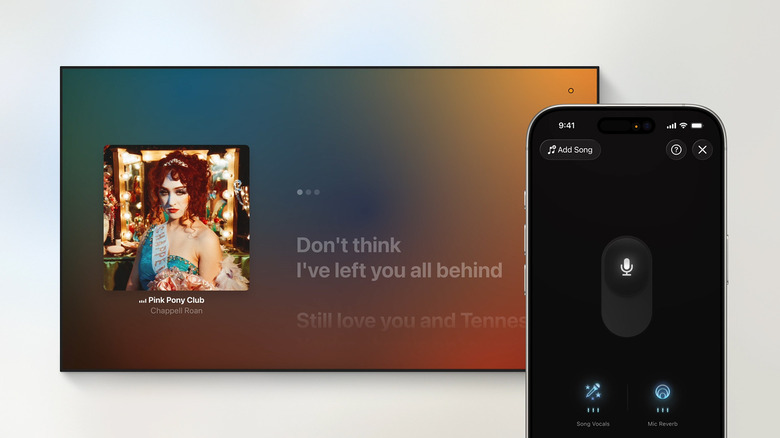
Another big reason to upgrade your smart TV with an Apple TV 4K is if you care for any of the company's first-party apps. Spotify is huge, but Apple Music, with the right audio setup, can play mixes in Dolby Atmos. Unfortunately, the Apple Music app is available only on select TV models and doesn't support the majority of televisions running Google TV. The official Apple Music app on the Apple TV 4K gives you a host of features, including lossless audio.
The A15 Bionic powering the Apple TV 4K is no slouch either, and you can make the most out of it through Apple Arcade. It is a subscription-based gaming service that lets you play casual titles like "PowerWash Simulator" and "UNO." If you have a compatible game controller lying around, Apple Arcade can turn your smart TV into a fun, couch gaming station.
Coming to the more utilitarian services, tvOS supports FaceTime calls. For video calls, you can use your iPhone's camera, thanks to Apple's Continuity features. If you use iCloud on your Apple devices, you can view photos and videos on the big screen through the Photos app. Of course, if you ever need additional apps, the App Store is home to a huge library of third-party options. So, if your smart TV doesn't natively support an app, there's a good chance you'll find it on the App Store on an Apple TV 4K.
Ability to control smart home devices
The Home app on your iPhone or iPad lets you add and control a variety of smart home gadgets, like light bulbs, speakers, thermostats, or security cameras. If you have a HomePod or an Apple TV 4K, however, you can use either device as a smart home hub. This will allow you to control your devices even when you're away from your house.
Unlike the iPhone or iPad, there is no dedicated Home app for tvOS. Instead, you can use Siri to perform automations or view a live feed of your security cameras — something that a bigger screen is better suited for anyway. Individual device control is a bit tricky, though, and you will need to create scenes on your iPhone, which can then be toggled via your TV.
Apple TV can add a decent bit of control over your smart home automations, especially if your smart TV can't do it natively. That said, if smart home control is a big priority for you, competitors running Google TV do it much better with their dedicated home panel that offers more granular control. Likewise, the Amazon Smart Home Dashboard on Fire TV devices provides a fuller experience.
Other Apple ecosystem perks
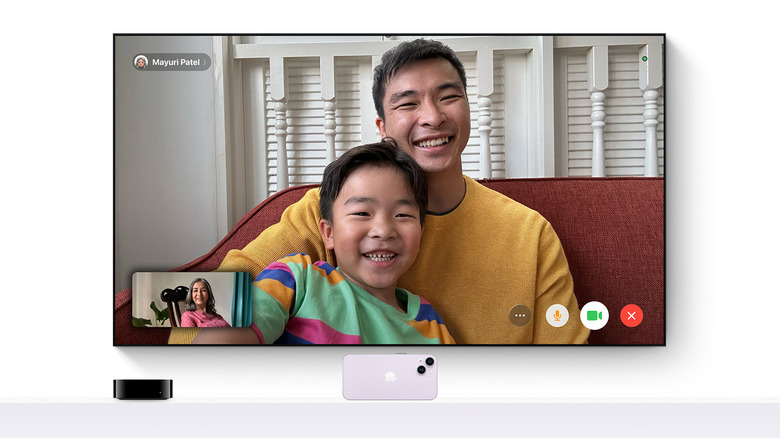
If you're heavily invested in the Apple ecosystem, an Apple TV extends the experience to the living room in a way that no other smart TV or streaming device can replicate. A good example of an Apple-exclusive feature is SharePlay. If you're watching a video on your iPhone, this feature lets you send it instantly to your TV. Additionally, if you are on a FaceTime call with a friend or family member, you can start a watch party on Apple TV. Media is synced, and everyone on the call can control playback.
Most TVs let you connect a pair of headphones via Bluetooth to keep you from disturbing others in your home. Apple TV makes this easier if you own a pair of AirPods or Beats headphones. With the Share Audio feature, you can also connect two pairs of compatible headphones and watch content with another person.
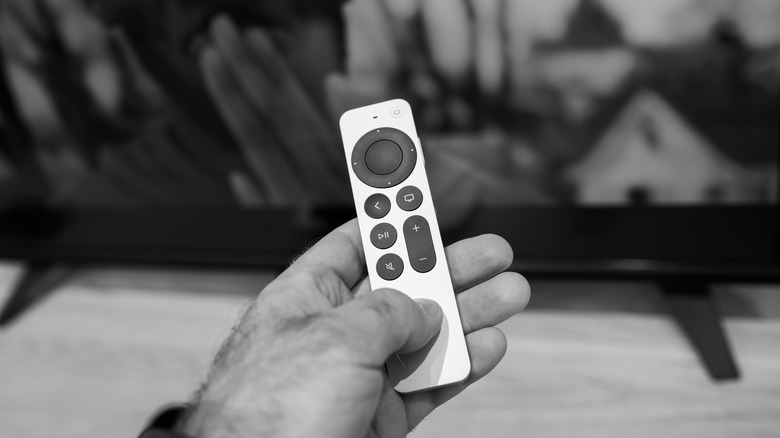
The bundled remote that comes with the Apple TV 4K is sleek and all you need to surf around the user interface, but you can also use your iPhone as a remote control for convenience. Once set up, you'll find a remote shortcut in the Control Center that lets you play, pause, or control playback on your Apple TV.