

3 Tasks An Amazon Fire TV Stick Handles Better Than Your Smart TV
We may receive a commission on purchases made from links.
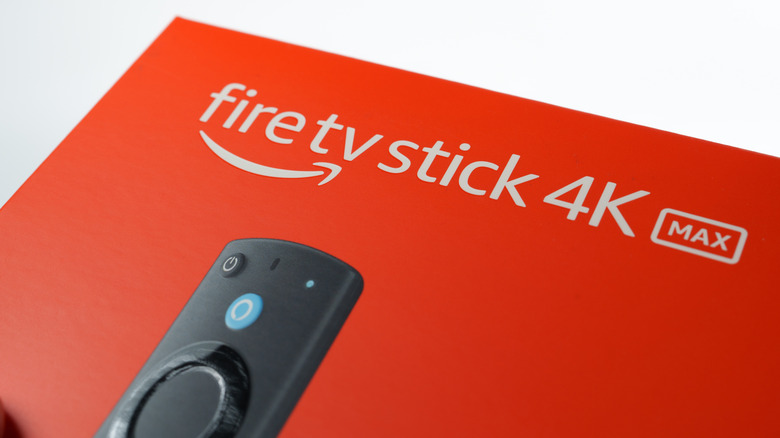
Amazon's online shopping service may be its most popular offering, but it also manufactures and sells a range of products. Besides brands you might not have known were owned by Amazon, the Fire TV lineup of devices is one of its most recognizable solutions. More specifically, the Fire TV Stick is a small, inexpensive, and effortless way to add smart functionality to older televisions.
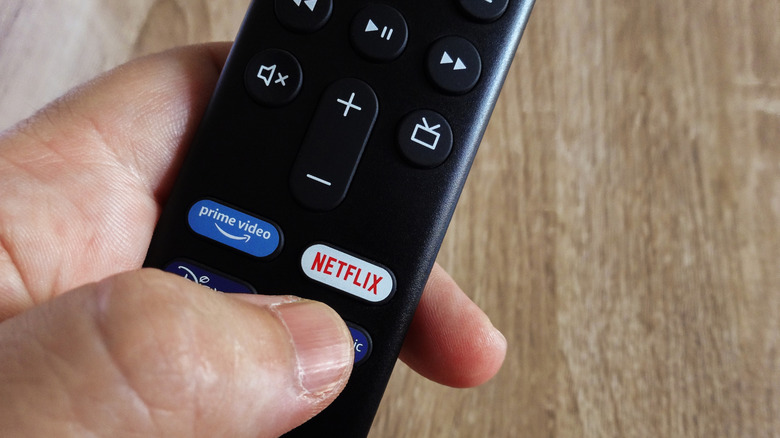
Fire TV devices run Fire OS, which offers a wide range of downloadable apps. This includes popular streaming platforms like Netflix and Amazon Prime Video. You also get access to newer video and audio codecs, with Wi-Fi and Bluetooth support, so your accessories can connect directly to your Fire TV. It also makes it simpler to stream videos from your phone to your TV through Miracast.
The $35 Fire TV Stick HD is the most affordable in the lineup and can convert your old TV into a smart one. However, if you already own a smart TV, is getting an Amazon Fire TV Stick worth it? Depending on how old your television is, it might be a worthwhile investment. A current-generation Fire TV Stick will provide access to the latest app versions and may add functionalities your smart TV lacks.
Better software experience and longevity
Your smart TV may already have an app store that lets you access your favorite content by downloading streaming apps. Adding a Fire TV Stick on top to achieve the same benefit doesn't make much sense at first glance. However, it can be a meaningful upgrade if your TV's built-in interface has grown clunky and slow over the years.
If you notice long app launch times, laggy performance, or random force-closes, a quick software reset may improve performance. However, older hardware can only perform so well against the latest app versions, which have increasing requirements. A new Fire TV Stick can instantly breathe new life into your smart TV. It also includes a modern interface that can be customized to your preferences.
Software updates bring new features, bug fixes, and important security patches. The latest software shields you against malware, which is why even televisions need software updates. Depending on which Fire TV device you're going for, you'll either get to experience Fire OS or Vega OS. Both operating systems are actively supported by Amazon and see regular patches. Assuming your smart TV is a few years old, it's likely no longer receiving major updates from the manufacturer. Picking up an inexpensive Fire TV Stick will get you on the latest version of apps instantly.
Fire TV mobile app makes navigation easier
Smart TVs may have streamlined your access to online content by allowing you to download TV-friendly versions of apps like Netflix and YouTube. However, the remote controls that ship with most TVs haven't evolved much. Sure, you can perform actions more quickly with voice commands, but that's not always an elegant solution. This is especially painful when you have to enter credentials. This is where the Fire TV mobile app comes in.
It's available for free to download on Android and iOS devices and serves as a companion app to your Fire TV device. The app turns your phone into a remote control with navigation keys and quick shortcuts to your favorite apps and channels. The best feature, though, is the presence of a full-sized QWERTY keyboard, so you can type in text boxes dramatically quicker and with greater ease.
You also get voice search in the mobile app if your remote's microphone has difficulty picking up your voice. When watching media, you can use playback controls to play, pause, or seek within the content. The app can also fully replace your Fire TV Stick remote if you lose or break it.
Cloud gaming via Amazon Luna
With RAM prices out of control, building a powerful gaming PC isn't exactly economical right now. A growing alternative, especially if you're a casual gamer, is cloud gaming. There are plenty of good services that let you play graphically demanding titles on a laptop, phone, or even your TV. Amazon Luna is available on Windows, macOS, Android, and iOS via a web browser. It is also compatible with selected Samsung and LG smart TVs. However, if your smart TV isn't on the list, picking up an Amazon Fire TV Stick is a quick way to bring the convenience of cloud gaming to the large screen.
Assuming you have a game controller, you can get started with Amazon Luna at no extra cost if you already have a Prime subscription. Cloud gaming has come a long way in recent years and no longer feels like a sluggish mess nerfed by high latency. Though you can play competitive titles like Fortnite, the rotating game library on Luna features a good selection of casual, couch-friendly games as well.
Nvidia's GeForce Now cloud gaming service is also coming to Fire TV, which should unlock a much wider range of games. Since cloud gaming offloads all the processing to remote servers, even an entry-level Fire TV Stick can stream console-quality graphics on the big screen. You will, however, need a relatively fast and stable internet connection to avoid network-related bottlenecks.