

5 Raspberry Pi Projects That Can Save You Serious Cash
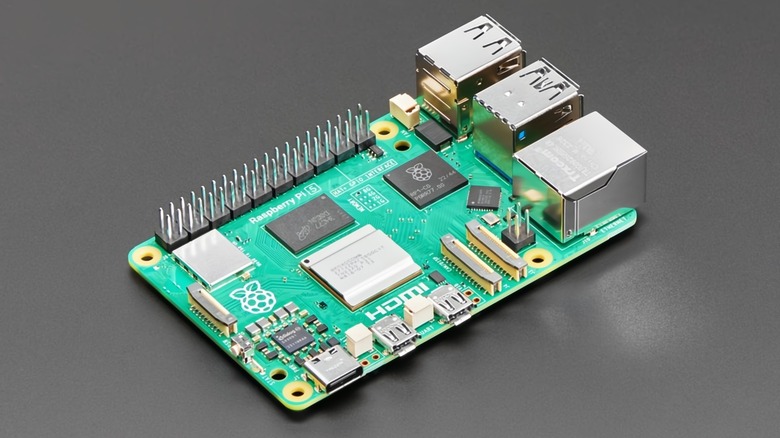
The Raspberry Pi is a tiny credit-card-sized computer, and the best tool for anyone who loves DIY projects and saving money. But when you look at the builds listed here, don't just focus on the upfront cost of the Pi itself. What really matters is the long-term value and who owns your data. Every big tech company, whether it handles cloud storage, streaming, or security, relies on recurring revenue.
Companies basically rent you access to their software or storage, and they all come with trade-offs — you gain convenience, but you lose privacy. And while these tools are easy to use, they often lock you into the vendor's system. So you're not just losing money, but you're forced to deal with someone else's rules.
On the other hand, the Raspberry Pi is a one-time capital investment that lets you run those same services yourself. It will follow only your rules and be secured only by the methods you pick. These aren't easy to do, but they aren't so complicated that you can't learn. This kind of project can also be really fun, and there's plenty of information online — that's what we're here to offer, after all.
Self-hosted cloud storage
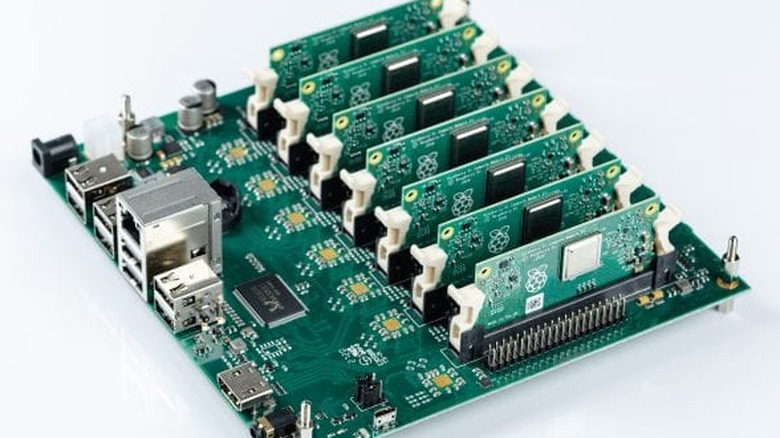
You don't need to hand over cash every single month for services like Google Drive, Dropbox, or iCloud. Instead, build your own network attached storage (NAS) system, with just a Raspberry Pi and a spare external hard drive. If you run open-source software like Nextcloud on a high-performance board like the Raspberry Pi 5 (4B), you'll get the same access-from-anywhere feature and automatic photo backups. This is also a great way to replace your expensive subscriptions.
This setup turns your Pi into a personal server that keeps files synced across all your devices, just like the big commercial guys. And it also offers entry into huge plugin ecosystems, to let you manage calendars or even handle video calls.
A 2TB plan from a large provider can be expensive every year. However, a single investment in a Raspberry Pi kit and a big external drive can literally break even in time. Once you hit that hardware break-even point, your only expense is the small amount of electricity needed to power that efficient, low-power board. If you have serious data needs, like 14TB or way more, the savings become dramatically better, potentially saving you hundreds of dollars yearly compared to the equivalent commercial plans.
Retro gaming console
Collecting all those old consoles and cartridges is seriously expensive. If you manage to find the location of an expensive NES, SNES, or Sega Genesis, they still can sell for $80 to $150 per unit, and that's before you even look at the skyrocketing prices for the games themselves.
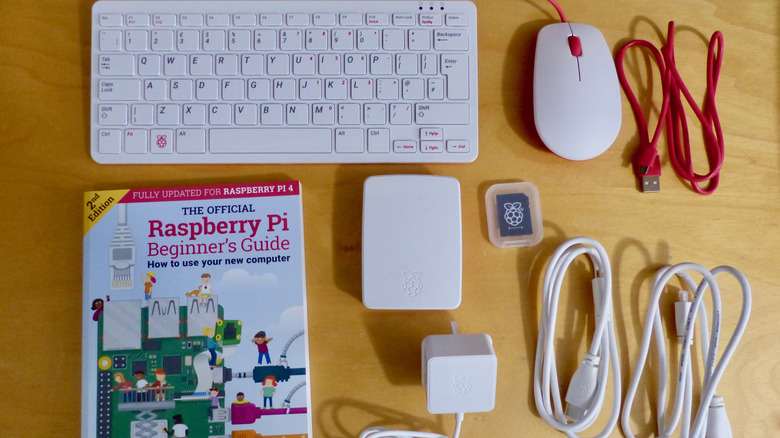
Using something like the RetroPie software for an operating system, you can build Raspberry Pi using a Raspberry Pi 4 or the keyboard-integrated Raspberry Pi 400. This will give you a sleek, easy-to-use interface that organizes your collection with box art and metadata. It makes the whole experience feel premium, despite the low entry cost. Raspberry Pi hardware can also output video through micro-HDMI, and often upscale classic titles to 1080p for modern displays. This isn't something original analog consoles can really do without modification.
A complete Raspberry Pi starter kit typically includes the board, a case, a power supply, and a microSD card, and you can assemble one for $128. That's a fraction of the price needed just to maintain a physical collection. Unlike the official "Classic Edition" mini-consoles that companies like Nintendo have released, which often have limited game libraries and suffer from inflated scalper pricing due to scarcity, a Pi-based system offers practically library expansion and customization.
DIY home security system
Professional home security systems typically force you to buy pricey gear up front, and then charge annoying mandatory monthly monitoring fees. For instance, a basic Nest setup that includes 24/7 recording and professional oversight might set you back a few hundred just for the camera, and you'll keep paying for cloud storage and services. It can really pile up over time.
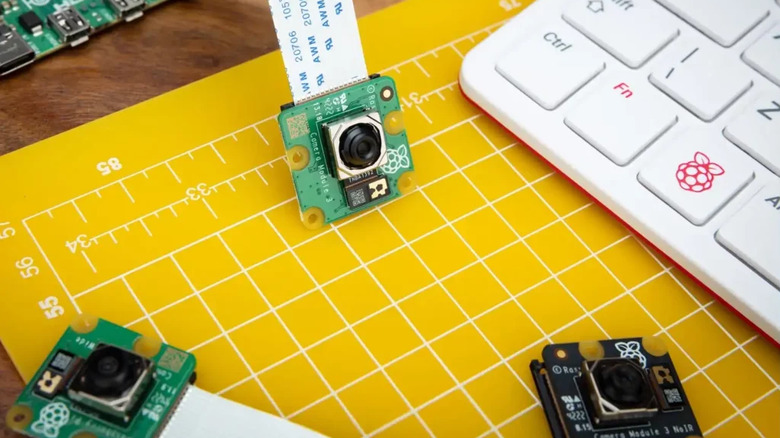
You can ditch all that if you pick up a Raspberry Pi, a basic camera module, and software like MotionEyeOS. You can easily build your own Raspberry Pi security camera that activates on movement. By using affordable hardware like the Raspberry Pi Zero W for satellite cameras and a stronger Pi 3B or 4 as your main hub, you can put together a complete multi-camera network.
This system records high-quality video, senses movement, and sends important alerts straight to your phone, without any recurring subscription fees. The MotionEye software gives you a dashboard right in your web browser where you can check live streams. You can also customize the motion detection sensitivity to filter out things like pets or wind, and set up instant email alerts or webhooks whenever activity is found. You can also do other projects with a Raspberry Pi and a camera.
Car diagnostic tool

It's frustrating to have to take your car to the shop just because the Check Engine light came on. The diagnostic fee alone can easily run you $100 or more, before they even talk about fixing anything. However, you may be able to completely skip those recurring costs by setting up a dedicated car computer with a Raspberry Pi.
All you really need is the Pi connected to your car's On-Board Diagnostics (OBD-II) port. It is important to learn how to use a code reader in your car, this is a standard interface that's been in U.S. cars made since 1996. You hook it up using a cheap ELM327-based Bluetooth or USB adapter. Professional scanners can get pricey, but you can get this setup with a Raspberry Pi 3B or 4, and software options like OpenAuto Pro or custom Python scripts using libraries such as python-obd let you read and clear those trouble codes on your own.
This implementation lets you troubleshoot small problems on your own, like a loose gas cap or a simple vacuum leak, without needing to pay someone just to hit the reset button. It can also upgrade your ride by working as a full digital dashboard. You can pull up real-time performance metrics that standard gauges usually hide, like exact coolant temperatures, engine load, mass air flow readings, and air-fuel ratios.
Personal web server
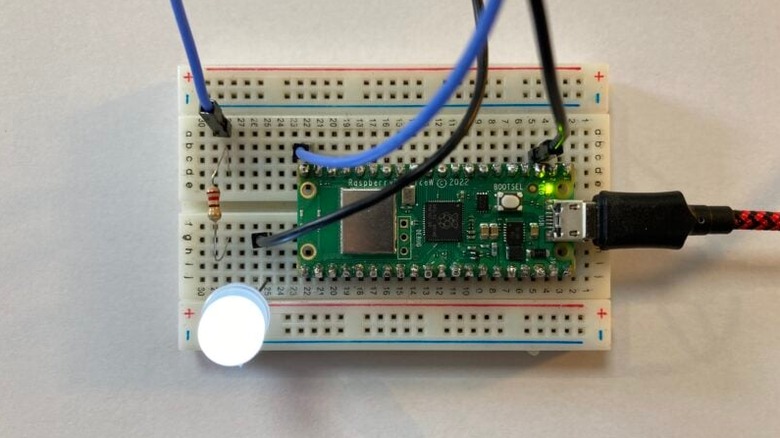
Web hosting costs $10 or $20 every month, and that can really start to hurt your wallet, especially if all you need is a simple portfolio, blog, or resume site. Even shared hosting plans that start cheaply often skyrocket in price once the introductory period is over — some are expensive immediately, too. As long as you depend on virtual private servers, you'll be stuck with those monthly fees.
The great news is that a compact board like the Raspberry Pi 2 W or a Raspberry Pi 5 (2GB) is capable of running a LAMP (Linux, Apache, MySQL, PHP) or LEMP (using Nginx) stack, letting you host your own website server on a Raspberry Pi. If you connect your domain name directly to your home's IP address using a dynamic DNS (DDNS) service, you completely eliminate those monthly hosting bills. All you'll owe is that small yearly charge for the domain name itself.
If you're running a content management system like WordPress, you can further optimize performance on the device's limited hardware by using the lightweight Nginx web server instead of Apache. Also, unlike a traditional tower server that might consume 80 to 300 watts, a Raspberry Pi sips electricity, often consuming as little as 2 to 5 watts under load. So the cost to run your personal server 24/7 is essentially pocket change.