

Plugging These 5 Devices Into The Wrong USB Port Can Damage Them
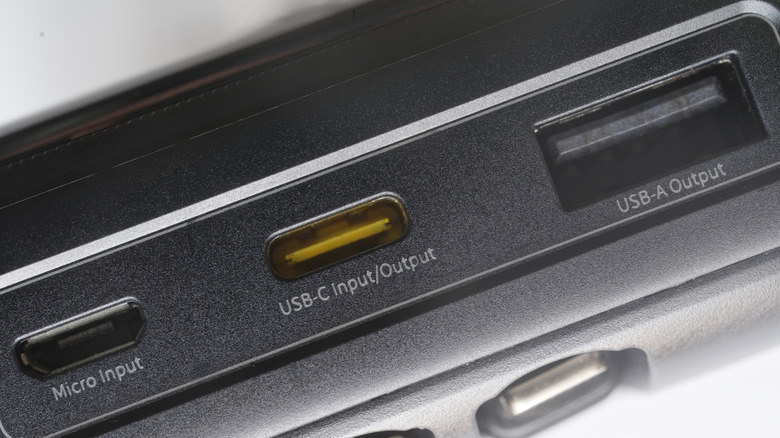
The Universal Serial Bus (USB) was designed as a standard to allow users to connect any device to any port, enabling effortless charging and data transfer. However, while modern technology has largely fulfilled this promise — many of us can charge our laptops, smartphones, wearables, and headphones using the same charger — this convenience may be misleading. Beneath the standardized shapes of USB Type-C and USB Type-A ports lies a confusing landscape of differing voltage standards, proprietary power delivery protocols, and cost-cutting manufacturing practices. Not all ports are the same, nor are the devices we connect to them.
While most modern electronic devices have fail-safes to prevent any mishap — for example, overcharging — there are some specific gadgets that are surprisingly fragile. In some cases, a simple mismatch at a USB port can cause overvoltage or a missing handshake protocol, leading to corrupted data, fried circuit boards, and even a fire hazard.
We have rounded up five such common devices that require extra caution before you plug them into a USB port.
The Nintendo Switch
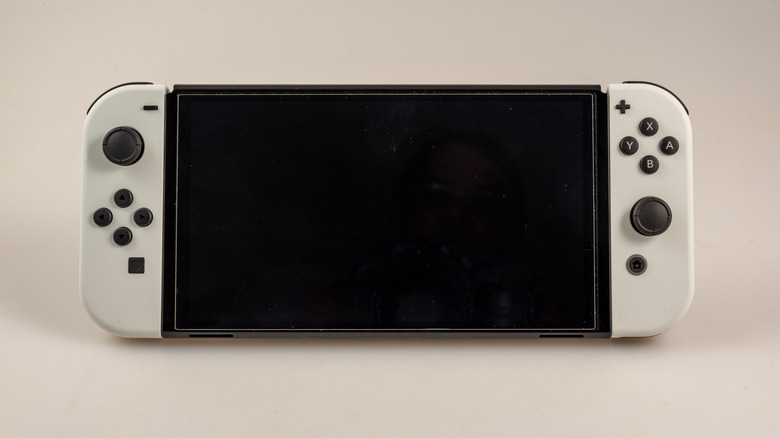
Nintendo Switch — which is built in China and Vietnam — is one of the most popular victims of the USB-C confusion. When the console first launched, countless users reported "bricking" their devices after using third-party docks. The issue became so widespread that engineers began tearing down the console to find the culprit. It turns out that while the Switch uses a USB-C connector, it does not strictly adhere to the standard USB-C Power Delivery (PD) protocols.
An engineer on Reddit explained the specific issue as something often related to the "Configuration Channel" (CC) pin. In a compliant USB-C PD system, this pin is used to negotiate power levels. However, Nintendo's proprietary implementation, along with the M92T36 Power Delivery chip inside the Switch, has an absolute maximum voltage rating of 6 volts on this specific pin.
The problem arises with poorly made third-party docks or chargers. Some cheaper accessories, like those trying to mimic the official dock's HDMI output, accidentally sent 9 volts through that sensitive CC pin during the power negotiation handshake. This overvoltage instantly fried the power management chip, making the console unable to charge or turn on. So, it is always best to use the official Nintendo charger, and if you have to use third-party docks, it is highly recommended to get them from a trusted, reputable brand.
External hard disk drives (HDDs)
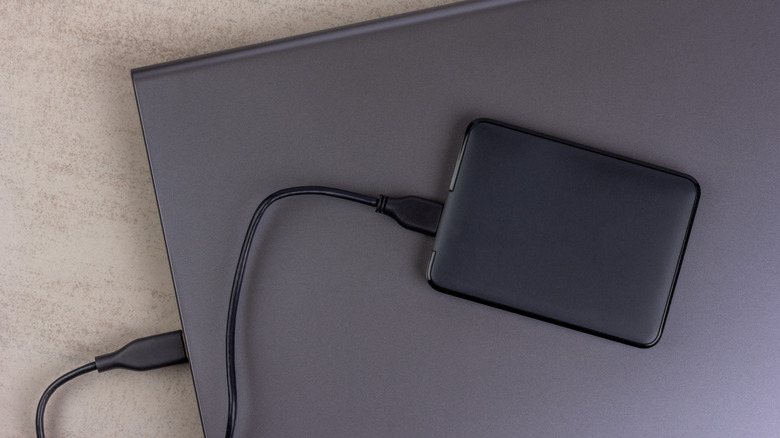
External hard drives are an excellent storage and backup solution for our precious data, but if you are going to buy an HDD, you should know that they are highly sensitive to power fluctuations due to their mechanical parts. HDDs depend on physical platters spinning at thousands of revolutions per minute to function properly. To maintain proper read and write speeds, the drive requires a consistent, stable voltage from the USB port into which it is plugged.
The danger arises when you plug a "bus-powered" external drive (one that doesn't have its own wall plug) into a low-power USB port. This often happens with unpowered USB hubs, like the ones that pass-through ports on a keyboard, or the front-panel ports on an old PC case. If the port cannot supply the required amperage, the drive suffers a brownout — a loss or reduction of electrical power.
This power loss causes HDDs to spin down unexpectedly, which will then result in a failed read or write of data. The read/write head of the disk may fail to park correctly and crash into the platter. Even if this physical damage doesn't occur immediately, the power drop during the read/write process can still corrupt the data. So, it's always best to connect the external drives to dedicated ports or a powered hub.
Cheap USB-C electronics
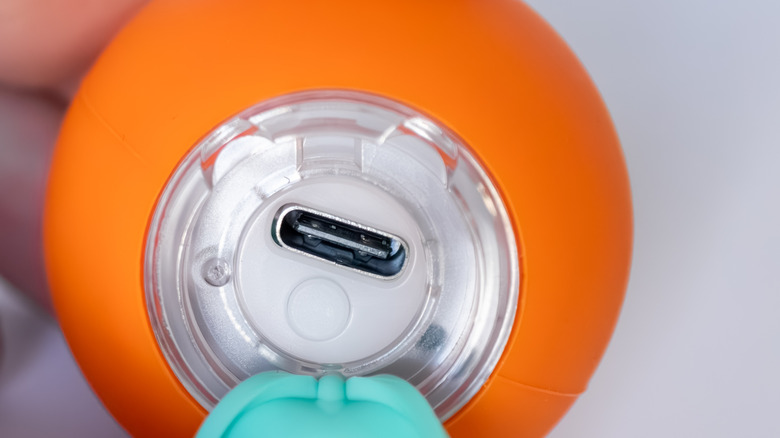
The market is flooded with both cheap gadgets that are worth buying and ones that aren't. These days, disposable vape pens, rechargeable flashlights, desk toys, and beyond have all largely swapped their old micro-USB ports for shiny new USB-C ports. However, while the connector fits, the internal engineering can still cut corners. Specifically, many of these "dumb" devices lack the necessary resistors (CC1 and CC2) on the USB-C port to perform a proper handshake with a charger.
If you use a basic USB-A to USB-C cable (the rectangular one), these devices usually charge fine because the cable always outputs a standard 5 volts. The trouble starts when you try to use a USB-C-to-C charger. Because the cheap device lacks resistors, the smart charger, like the one that comes with your MacBook or a fast-charging Samsung phone, assumes nothing is connected and safety-locks the power, refusing to charge the device at all.
However, a high-wattage, cheap, non-compliant "C-to-C" charger cannot determine that only 5 volts are needed, leading to confusion or potential power delivery failures. In worse scenarios, using a high-amp charger on a device with a cheap charging circuit can lead to overheating. The poorly regulated battery management system inside the gadget may not be able to handle the current, leading to melted charging ports, swollen batteries, or even small fires.
Smart home hubs & IoT gateways
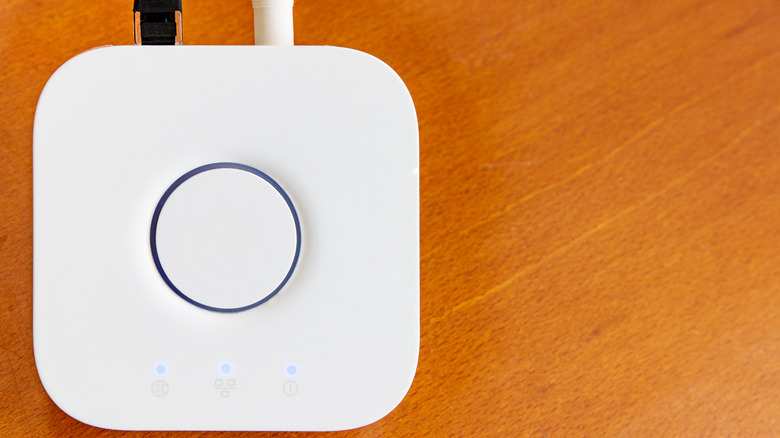
One of the easiest ways to destroy a piece of electronics is to plug a 12-volt power supply into a 5-volt device. Unfortunately, in the world of smart home tech, this is shockingly easy to do. Many smart hubs (such as older SmartThings hubs, Hue bridges, or specialized IoT gateways) use a round "barrel jack" connector or a USB port for power.
The problem is that the power bricks for these devices often look identical to those used for Wi-Fi routers or external hard drives. However, routers usually require 12 volts or even 19 volts, while many smart hubs are strictly 5 volts. If you grab a random power brick that fits the hole, you might be bypassing the device's internal protections.
Voltage is "pushed" by the charger. If you connect a 12V charger to a 5V hub, that extra voltage will be forced through the motherboard, instantly frying the CPU. Unlike amps (which the device "pulls" as needed), voltage must match exactly. Before plugging in any hub, always look carefully for the tiny print on the power brick to ensure the "Output" voltage matches the device's "Input" rating.
Audio-visual equipments

For musicians and content creators, the USB port isn't just for power; it is for high-fidelity signal transmission. Audio interfaces and USB microphones are incredibly sensitive to "dirty" power. Plugging these devices into a USB hub shared with high-drain devices (like webcams or RGB keyboards) can introduce electrical noise, hum, or ground loops that ruin your recordings.
However, there is a physical danger too: phantom power. Professional microphones often require 48 volts of power, which is generated by the audio interface. While phantom power is generally safe for modern dynamic mics, it can damage vintage ribbon microphones.
More concerning is the risk to the computer itself. If an audio interface is faulty or if a user uses a damaged USB cable while phantom power is engaged, there is a rare but possible risk of that high voltage leaking back into the USB data lines. Since standard USB ports are designed for 5 volts, a spike of 48 volts can instantly kill the USB controller on your computer's motherboard, potentially disabling every USB port on the machine.