

5 Smart Home Gadgets To Upgrade Your Apartment
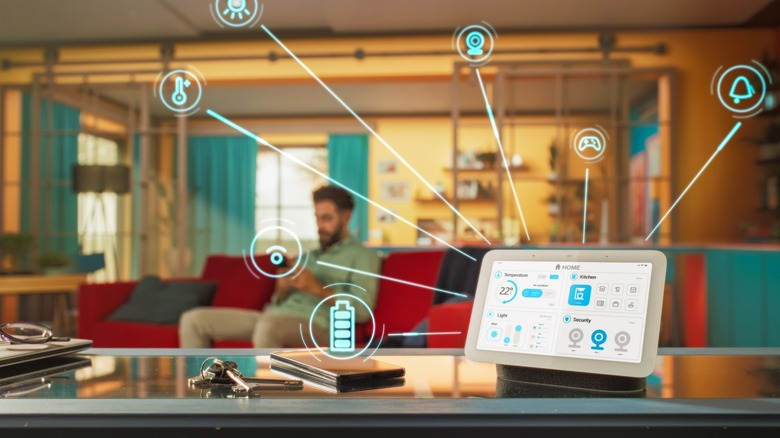
Many people want to install smart home gadgets to make managing their house so much easier. However, some of these items require permanent installation, which is usually not allowed for apartments. This means items like smart switches and smart thermostats are out of the question. And even if the owner of the unit you're living in lets you make these changes, you're often not allowed to take them out when you're moving out, which means you're not maximizing the value of the devices you installed. Alternatively, you can return the original devices that you replaced with smart gadgets when it's time to go. However, this means spending extra effort, time, and money when your lease is up.
Nevertheless, you still have several options when it comes to smart home gadgets that are easy to install. These items are all plug-and-play, so you don't have to worry about making any changes to your apartment. So, if you want to "smartify" the place you're living in without going through the hassle of written permits, professional installation, and removal, these are the smart items that you'll want to get for your rental instead.
Smart speaker
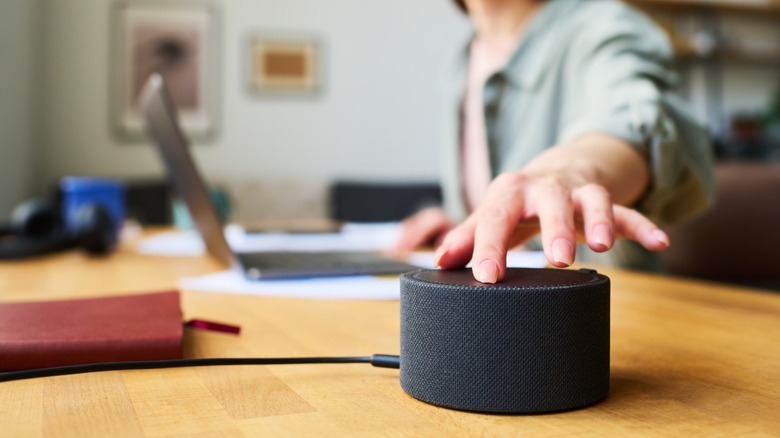
You strictly do not need a smart speaker for your smart home, as most smart devices can be controlled through an app via your smartphone. However, it's pretty good to have this gadget in every space that you often use in your home, as it gives you the ability to command your smart devices with your voice, even if you don't have your phone on you. This is especially important for smart devices without an easily accessible switch, like a smart bulb or a smart plug buried underneath your desk. Instead of rummaging through the apps on your phone or bending over into an awkward position to manually turn off a smart device, you can just tell your smart speaker to turn off that specific device.
Aside from receiving voice commands, smart speakers like Amazon Echo Dot also have several other handy features. You can use it as a white noise machine, a kitchen assistant, and even as a morning assistant to tell you what you have lined up for the day. And if you have multiple units set up in your home, you can use them as a whole-house speaker system when you're hosting a party, or as an intercom system to get your family to the dinner table without having to scream your lungs out.
The best thing about smart speakers is that they don't require any sort of permanent installation. You just need to plug it into an outlet for power and pair it to your smart home via Wi-Fi, and you're good to go. And if you're an audiophile and want to enjoy high-quality audio from your smart speakers, you can find several options from Bose, Sonos, and even Bowers & Wilkins in our list of the best smart speakers worth buying.
Smart bulbs
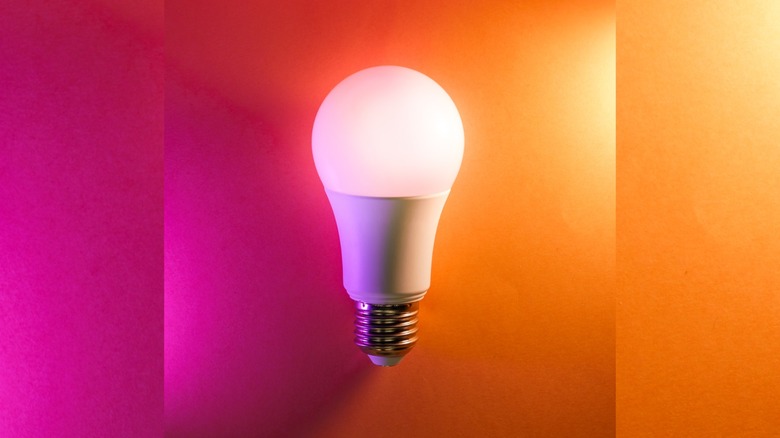
Lighting control is one of the most convenient uses of smart home control, but you might think you won't be able to enjoy this if you can't install smart switches. Thankfully, manufacturers have thought of this, so they created smart bulbs. These items screw into the socket and connect to your Wi-Fi, and you can then control them using your smartphone (or smart speakers, if you have one). This means you don't have to make permanent changes to your rented unit just to enjoy automatic light control.
Aside from just controlling your lights through your phone or your voice, these things also come with a few other features that many don't realize. For example, the smart bulbs in the exterior of my rented home are timed to switch on five minutes before sunset and five minutes after sunrise. That way, I don't have to manually switch them on and off to keep my home's perimeter well-lit, which is especially important for me as I do not work the usual 9-5. I also grouped together my hallway lights to ensure that a single command can control the two bulbs.
Some smart bulbs, like the Philips Hue, can do even more things aside from scheduling. For example, some models can change color, allowing you to change the feel of your home without needing to buy new bulbs. You can also sync it to music, which makes it great for parties without needing to invest in an independent light and sound setup.
Smart plug
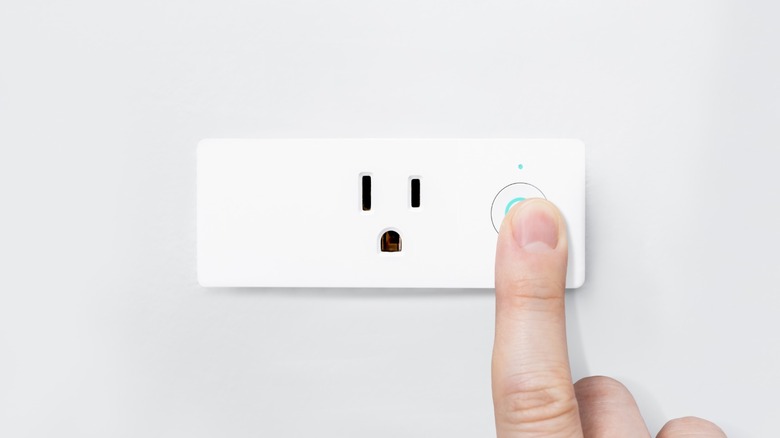
Even though not all devices and appliances are smart, there's one thing you can do to upgrade them without spending a fortune by using a smart plug. Smart plugs are basically that: a power plug that's connected to your Wi-Fi or smart home network. You can then control it through its smartphone app or your smart speaker, making it a convenient way of running some basic tasks without needing to physically plug in the device.
One good use of the smart plug is if you have a basic coffee maker and want a hot cup of joe first thing in the morning. Instead of having to manually power on your machine after you wake up, you can just prepare everything before you go to bed (ensuring that the coffee maker's switch is turned on) and plug it into a smart plug. You can then set the smart plug to turn on at the same time as your alarm, ensuring that you can be awakened by the aroma of a pot of freshly brewed coffee. I also have several bug zappers arrayed in my home, which are all controlled by smart plugs synced to sunrise and sunset.
While smart plugs are convenient for turning non-smart appliances into smart gadgets, there are still a few items that you should never plug into a smart plug. These include high-powered machines that would exceed the rating of the smart plug, devices that require consistent power like medical appliances, and security systems that you don't want to be remotely deactivated, whether intentionally or by accident.
Smart remote with temperature and humidity sensor
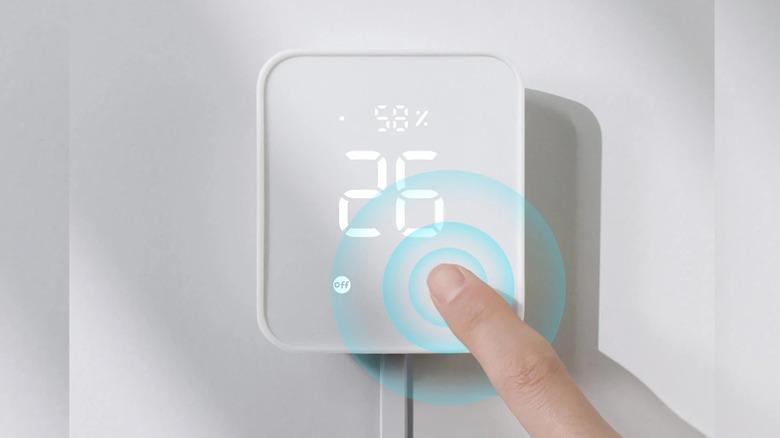
Smart thermostats may require a consistent power source and even a C-wire for installation, meaning you'll likely need professional services to get the job done for you. But if you don't want to deal with complicated things like this and just want a plug-and-play solution, consider getting a smart remote with a temperature and humidity sensor like the SwitchBot Hub 2. This won't work if you have a centralized HVAC system that has manual controls, but if you have one that can be controlled with an IR remote control, then you can use this to remotely.
This also works with individual units, like air conditioners, dehumidifiers, and space heaters, placed in rooms. More than that, you can automatically adjust these units based on the temperature and humidity that the smart remote detects. For example, the air conditioning unit in my office is set to automatically turn on once the room goes above 30 degrees Celsius (86 degrees Fahrenheit), ensuring that my computer has a lower chance of overheating when it's running.
Aside from temperature control, strategically placed smart remotes can also be used to control other appliances with IR receivers, like TVs, set-top boxes, media players, dehumidifiers, and more. So, even if you have an older, non-smart TV, you can still use a smart remote and your phone or smart speaker to make it feel like one.
Wi-Fi security camera
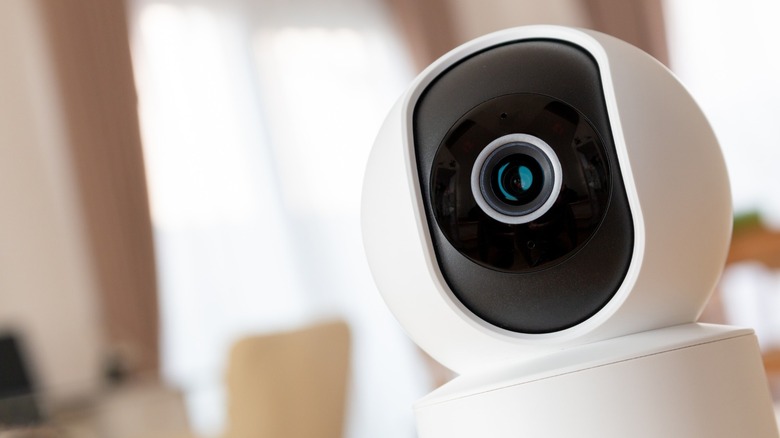
Before the advent of smart devices, most security cameras were hard-wired into buildings and often required a dedicated digital video recorder to store the footage. Thankfully, smart Wi-Fi security cameras are now affordable, readily available, and easy to set up, so you don't have to worry about any complications when installing one. Note that you might not be allowed to install an external camera outside your apartment (like your balcony or apartment door), so you'll have to check your contract before buying one.
However, a Wi-Fi security camera installed inside your house should be good enough for you to monitor what's going on inside your house when you're away. That way, if you have someone going inside your rented home to do some repairs while you're away, you can monitor them and ensure that they're not doing anything they're not supposed to do. This can also be useful if you have pets, as you can use a Wi-Fi security camera to check up on them while you're at work for your peace of mind. Some Wi-Fi camera models even come with a speaker, letting you reprimand your cat or dog if you see on camera that they're up to no good.
If you're looking for a system to help keep your home and family safe, these are some of the best Wi-Fi security cameras you can buy. Many of these models offer both cloud and local storage, allowing you to keep an online backup in case someone steals the camera or its storage card/drive.
Why I recommend these smart home gadgets
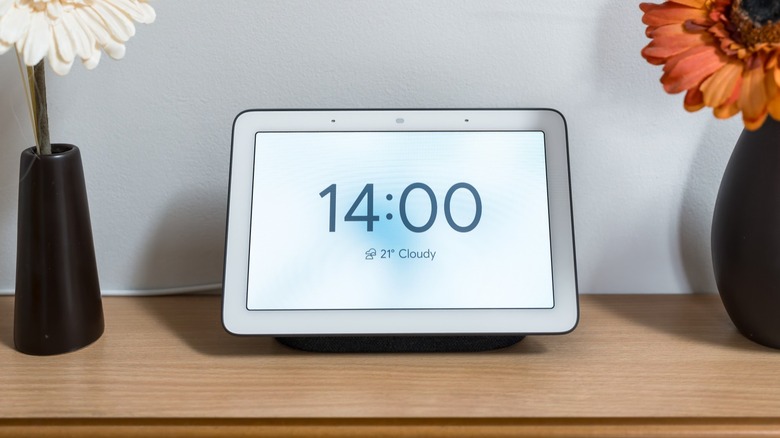
I've been renting homes and apartments for over 10 years now and have been deeply involved with smart home improvements since I started working as a tech journalist and reviewer in 2022. I've also moved several times, meaning I know how important it is that you can easily take the smart home gadgets you've invested in with you. I use most of the items that I recommended above, and they've made taking care of the place I'm living in so much easier. As for the Amazon Echo Dot, I don't have that in my home as I prefer the second-generation Google Nest, but it was highly recommended by a fellow SlashGear writer, as can be seen in the link.
I installed of the items listed above myself and did my own setup and configuration. Although it might seem complicated at first, taking the time to ensure that everything works as intended has helped me save a lot of time since I started using these smart devices.