

5 Things To Never Plug Into Your Chromebook's USB Ports
Chromebooks are well-known as great laptops for those who want a simple computer at a low price. Running ChromeOS, a lightweight operating system built around running cloud-based web apps, Chromebooks are able to provide solid performance even when equipped with low-end internals. You can even convert old Windows laptops to Chromebooks long after they cease to be supported by Microsoft's operating system. While they're certainly not fit for hardcore users like avid gamers or video editors, their ability to provide basic functionality in a laptop form factor complete with multiple USB ports makes them an excellent choice for children, students, and those with web-based workflows.
Much like any other computer, Chromebooks have limitations, and their USB ports are no exception. There are a number of things you should never plug into your Chromebook's USB ports unless you want to risk damaging or even ruining your notebook. But even things that don't break a Chromebook might not be worth connecting to it. From dangerous materials and drives to incompatible hardware, we've rounded up 5 items you should know not to connect to a ChromeOS laptop.
Paper clips, pushpins, and other metal objects
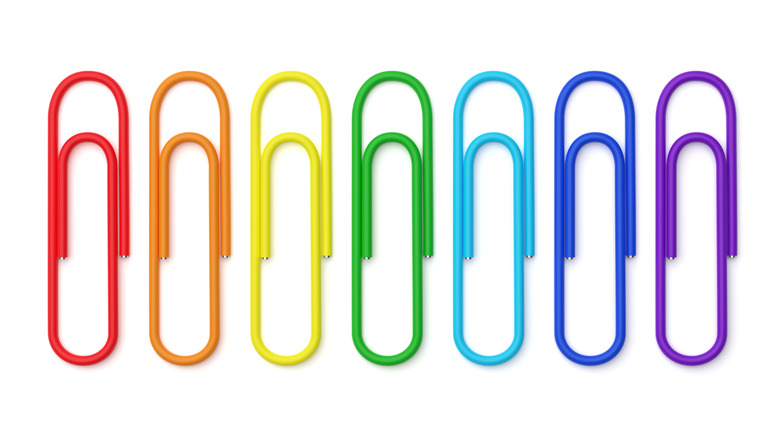
This probably goes without saying, but after a viral TikTok trend earlier this year, it's worth reiterating: you should never stick objects not meant for a USB port into your Chromebook's USB port, especially things that are made of metal. The so-called "Chromebook challenge" inexplicably involved schoolchildren sticking pencil lead into their Chromebooks' USB ports, along with paper clips, pins, and other objects. Schools reported that many laptops were destroyed by this behavior, and destruction appears to have been the goal of the online trend.
USB ports on laptops not only connect devices, they supply power to them from the motherboard. Sticking a metal object into the port can cause a short circuit, zapping the motherboard in the process. In many cases, the USB port will be destroyed, and it is not uncommon for the entire motherboard to fry. This can also cause the Chromebook to catch fire and produce smoke — as seen in some of the viral videos. It can be extremely toxic to breathe in and can lead to serious injuries and other health issues.
You may not be a mischievous child influenced by TikTok to destroy property, but you might be someone with debris in your Chromebook's USB port who thinks a paper clip or pencil is a good way to clear it out. If you need to clean out your computer's USB ports the right way, do your laptop a favor and try cleaning it out with a bristle brush and compressed air. If that fails, use something made of plastic or wood, not metal.
Unknown flash drives or other USB storage drives
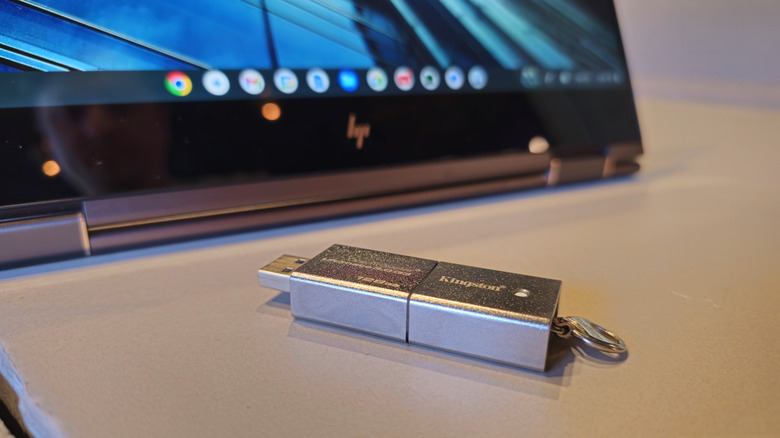
As a general rule, you should never plug a strange USB into your Chromebook or any other computer (including your smartphone). Upon being connected to a computer, it could attempt to execute a malicious code. This is called a "drop attack," and it's remarkably effective. In a 2016 study published for the 2016 IEEE Symposium on Security and Privacy, researchers dropped 297 flash drives across a university campus, each loaded with code that would alert them when it was connected to a computer. The "attack" was up to 98% effective, with the first drive connected after just six minutes. Even the FBI has had to remind employees — whose computers are desirable targets for foreign agents — not to plug in USB drives conveniently found near their workspaces.
With those warnings out of the way, it's hard to get a virus on a Chromebook. If you were going to risk your computer with a potentially malicious USB drive, a Chromebook is one of the least likely to be infected compared to a Windows laptop or MacBook. Malware must be tailored to the operating system it's targeting in order to work. Because Chromebooks are far less popular than competing brands, hackers don't often write malware that targets ChromeOS nearly as often. ChromeOS also has robust security features, which have been widely praised by cyber security experts. Lastly, even if your Chromebook were to be compromised, the cloud-based nature of the operating system makes it incredibly easy to reset the machine using the Powerwash feature on ChromeOS without losing too much data. Even so, you shouldn't risk it.
Cheap or broken USB cables
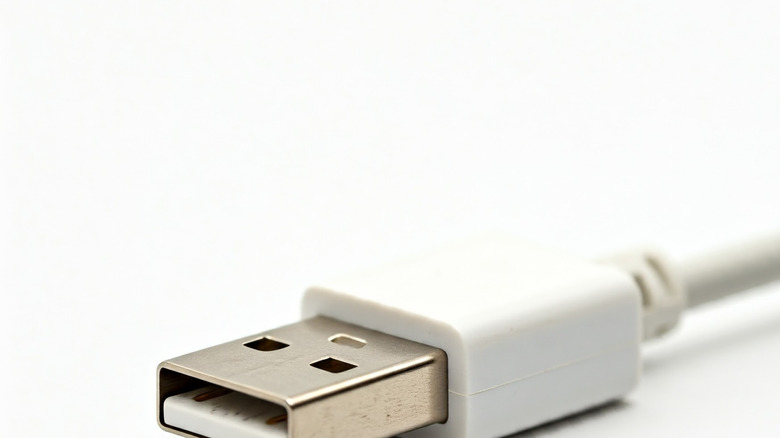
USB cables are a dime a dozen these days, but they're not all created equal. When it comes to telling USB-C cables apart, even the best ones look dangerously similar to the crummiest. But distinguishing them can be the difference between good times and a broken Chromebook, especially when it comes to cables that are non-compliant with USB standards or are simply broken.
Before you get overly paranoid, it's worth noting that older cables are generally more dangerous than new ones. Amazon cracked down on USB cables that can destroy laptops over nine years ago, and when PCWorld tested USB-C to A cables in 2022, they found that 10 out of the 43 cables tested were dangerous to devices. The main danger is that a cable will be made without safety measures that prevent it from doing damage. For instance, it was once more common to find cables made without the proper resistor or with incorrect wiring, causing a power imbalance that could take out a device. Again, this is far from the widespread problem it used to be, but it's better to avoid white-labeled or suspiciously cheap cables.
Broken cables pose a similar danger, since their wiring may be damaged in a way that also damages devices they connect. Old, well-used cables aren't necessarily broken, but if you notice a fray or exposed wiring in one of your cables, it's better to be safe than sorry.
Improperly formatted USB drives
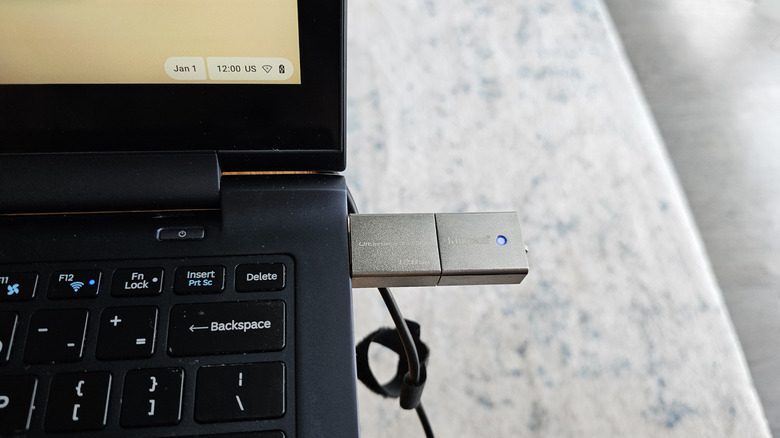
Unless your USB drives are formatted using a file system format that ChromeOS recognizes, don't bother plugging them into your Chromebook. Assuming they're your drives and you have no reason to suspect they've been tampered with, plugging in an incompatible USB drive won't damage your Chromebook, but it will be a waste of time.
ChromeOS supports many common file systems, including NTFS and FAT (along with subvariants like exFAT, FAT32, and FAT16). It also supports HFS+, UDP, NTF, and ISO9660, though these formats are very uncommon. Out of the box, most USB drives use either some version of FAT, or NTFS if they're marketed to Windows users, but you never know when you'll encounter a drive formatted in something like Apple's proprietary APFS. Overall, unsupported drives are very rare.
You may also encounter unsupported USB accessories because they require particular Windows or MacOS drivers, or because your Chromebook's specs don't align with its requirements. You'll need to consult your laptop's specs from the manufacturer, as well as those of the accessory to determine whether a given accessory is supported.
USB killer devices
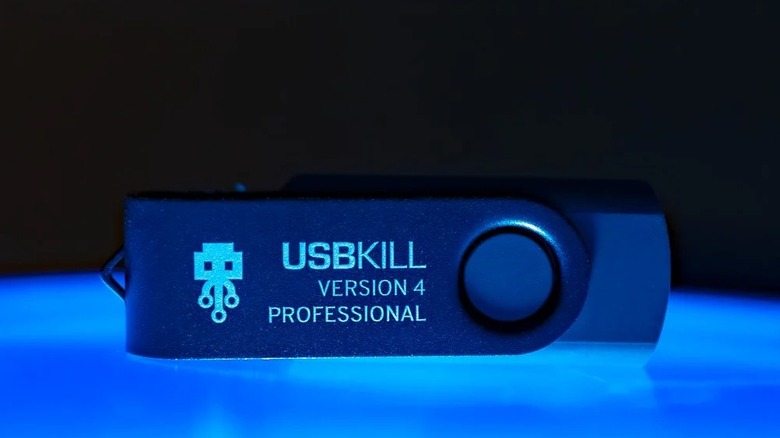
A device known as a USB killer looks like a flash drive but can instantly destroy your Chromebook the moment you connect it. They're specifically designed to act like the paper clips in the "Chromebook challenge" or like improperly wired USB cables — except on steroids — charging itself with energy from the computer, then unloading that energy all at once, overloading the motherboard with electricity and destroying it. These days, advanced models are easy to purchase and can even be triggered remotely. But you shouldn't worry too much about USB killers, as we can illustrate with an analogy. Within the field of epidemiology, the level of a viral threat depends on both how deadly it is and how easily it spreads. For instance, COVID was initially rather deadly and also easy to transmit, which allowed it to become a global pandemic quickly. On the other hand, despite being incredibly deadly, Ebola can only spread through direct contact with bodily fluids, meaning it has a hard time rampaging through populations.
A USB killer is to computers as Ebola is to viruses. Sure, you should never plug one into your Chromebook (unless you deliberately want to destroy it), but the odds of encountering one unknowingly in the wild are slim to none. If you're someone likely to be the target of a physical cyber attack, like a government official or corporate executive, keep an eye out. But the average person is somewhat unlikely to encounter one of these devices. With that said, their existence is yet another good reason never to connect an unknown USB flash drive to your Chromebook.