

What Is Internet Bandwidth And How To Know How Much You Need

While reviewing internet plans for your home or office, you'll often come across the term bandwidth, but what does it really mean? Many people confuse bandwidth with internet speed, but they are not the same thing. Bandwidth refers to the maximum capacity of a network connection (wireless or wired) to transmit data within a given timeframe. This, in turn, impacts how quickly you can load webpages, stream videos, or download content. Bandwidth is measured in bits per second (bps), kilobits per second (Kbps), megabits per second (Mbps), and gigabits per second (Gbps), much like internet speed.
Internet bandwidth directly affects your internet speed. To understand this better, think of bandwidth as the number of checkout counters at a grocery store. If there's only one counter, customers will have to wait in line, which slows down the process. However, if there are multiple checkout counters, more customers will be processed at once, resulting in a faster experience. In the same way, higher bandwidth means more data can flow at once, which translates into better internet speed and less waiting time.
While bandwidth refers to the maximum data transfer capacity in a given period, internet speed refers to how quickly the data is actually transferred in real-world conditions. The internet speed you experience can vary depending on factors like the type of connection and the number of devices connected to the network.
How much bandwidth do you need?

Since bandwidth plays a crucial role in your internet experience, it's important to estimate how much you'll need. This largely depends on the types of activities you'll be doing and how many devices will be connected to the network. Of course, different tasks require different amounts of bandwidth. For instance, to stream 4K videos, you'll need internet speeds of at least 25 Mbps, while for more basic activities like checking emails or browsing social media may only require 1 Mbps. The FCC's (Federal Communications Commission) website provides a list of bandwidth requirements for various tasks. However, keep in mind that these are only minimum requirements, and actual needs can vary depending on the source of data and other factors
To determine the bandwidth requirement, you'll need to consider the tasks you'll be performing, not just for your own device, but also for other users in your home or office. You can then add up those bandwidth requirements for each device. For example, if four devices in your home are streaming 4K video at the same time, the bandwidth requirement would be around 100 Mbps (25 Mbps per device x 4 devices). That said, it's always a good idea to opt for slightly more bandwidth than you think you'll need.
The easiest way to calculate your bandwidth needs
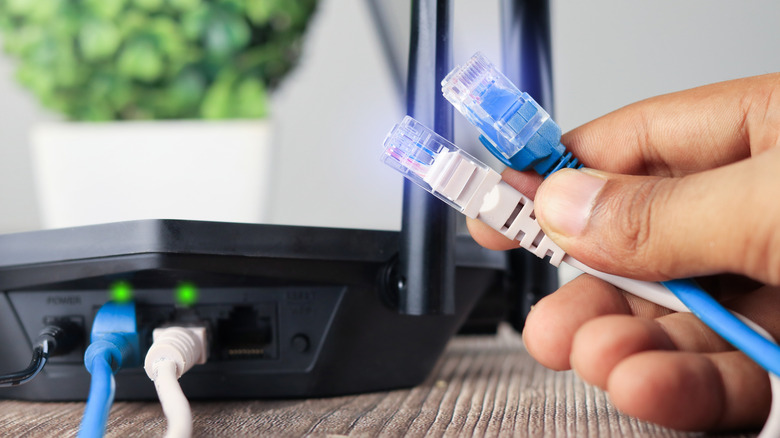
If calculating your bandwidth requirement feels like too much math, you can use an online bandwidth calculator, such as the one offered by Consumer Reports. You simply need to enter the number of devices and what each will be used for, and it will instantly calculate the ideal bandwidth for your needs. While using such a calculator, make sure you consider all the devices that'll be using the internet and not just your phone, computer, or smart TV. You need to consider all the other smart devices in your home, such as smart speakers, video doorbells, and even robot vacuums.
While calculating bandwidth requirements, you should also consider upload speeds. That's because opting for a 200 Mbps plan, for instance, doesn't guarantee the same upload speed. For tasks like video conferencing, cloud backups, or livestreaming, you will need to have a connection with faster upload speeds.
If you already have an internet connection that meets your bandwidth needs but are experiencing problems, you should run an internet speed test on your phone or computer. If the actual speeds are significantly lower than what your plan offers, consider rebooting your router or moving it closer to your devices. Also, you should disconnect unwanted devices to reduce network congestion and fix any issues specific to your device.