

Every New GM Model Getting Digital Car Keys In December 2026
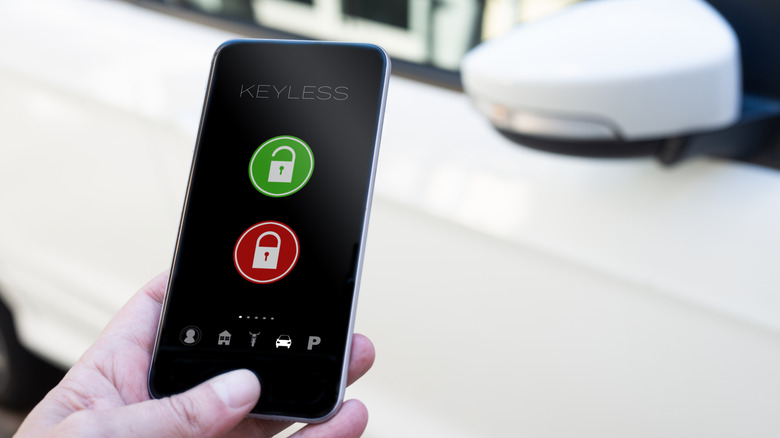
GM has announced that it's now offering digital keys for select vehicle models in its 2026 and 2027 lineup. Digital keys work like digital payment cards, added to automaker or digital wallet apps on mobile such as Google Wallet or Apple Wallet. That means you'll be able to unlock compatible vehicles with your iPhone, Apple Watch, Samsung Galaxy or Google Pixel phone. If and when you leave your physical key behind, you'll still be able to unlock and start your car. The caveat, if you can call it that, is you have to add the digital keys and authorize them before you can use them.
The eligible vehicles include the 2026 Cadillac Vistiq, Optiq, and Lyriq, and the 2027 Cadillac Escalade, Escalade IQ, IQL, Chevrolet Suburban, Tahoe, and GMC Yukon, and Yukon XL. The 2026 models will be supported from September and October on, and the 2027 vehicles will be supported from December — which is when you can start adding digital keys to your devices.
GM says the rollout will continue across additional GM vehicles in the future, which means we may see more models supported. Any newcomers will receive announcement updates in the what's new section in their mobile vehicle apps when the time comes. It appears this is the first time proper digital key functionality is coming to GM brand vehicles despite initially being mentioned by Apple in mid-2025.
How do you add keys for eligible vehicles to your phone?
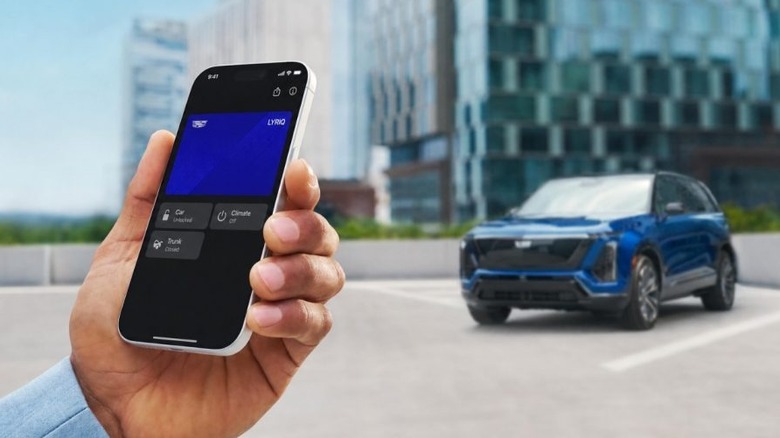
First, you'll need two things downloaded and installed on your device — your vehicle's related mobile app, and an eligible digital wallet. On Android, for example, you can use Google Wallet to store keys, Google's built-in mobile wallet app. If you have an iPhone, Apple Wallet is what you'll use to store your digital keys. GM has the full list of compatible devices, from iPhone to Samsung Galaxy, in its original announcement. To clarify the vehicle apps, that means if you have a Cadillac you'll need the MyCadillac mobile app, and if you have a Chevrolet you'll need the My Chevy mobile app.
With those mobile apps installed and logged into an account — you'll have to register if you don't have one yet — the rest of the setup process is easy. Sign in to the mobile vehicle app, make sure the physical key fob is near your OnStar-connected GM vehicle and select the Add key to device wallet option either on the home screen or under the Set up your vehicle card. Follow the prompts to add a digital key to your chosen wallet.
To use the key with your vehicle you'll need to have Bluetooth or ultra-wideband connectivity enabled. That's how the phone communicates wirelessly with your vehicle to unlock and start the engine. GM says those new digital keys will allow easy sharing with additional devices, which you can AirDrop or send via messages to friends and family. You'll also be able to walk up and drive, with a cabin that automatically sets itself to your preferred comfort levels, adjusting climate controls for you, and more before climbing in.