

3 Phones That Support Satellite Messaging In 2026
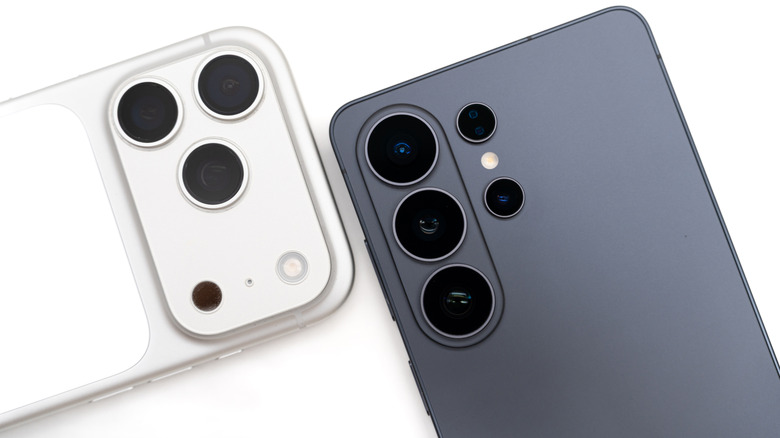
Satellite messaging is probably the last thing one considers when buying a phone. Features like cameras and performance just seem much more important. While we understand this notion, imagine this: You're on a trek where there's obviously no connectivity, and you get stuck somewhere. Maybe you tripped over something and sprained your ankle. Or perhaps you got a fever from all the mosquitoes that bit you last night. Unless there's someone with you, the only way out is to keep walking toward an area with network coverage.
And that's the problem satellite connectivity solves. People feel safe knowing they can always call for help. However, there is an important distinction. You might remember those hefty satellite phones from movies. No, smartphones don't have the same calling functionality. Instead, this feature helps you contact emergency services in dire situations. We've seen plenty of people being rescued just because of this. Given how useful satellite messaging can be, you may assume it is standard on every phone, but the reality is different. Only some iPhones and certain Android devices like Samsung and Pixel phones support satellite messaging. Here's what you need to know.
Apple iPhones
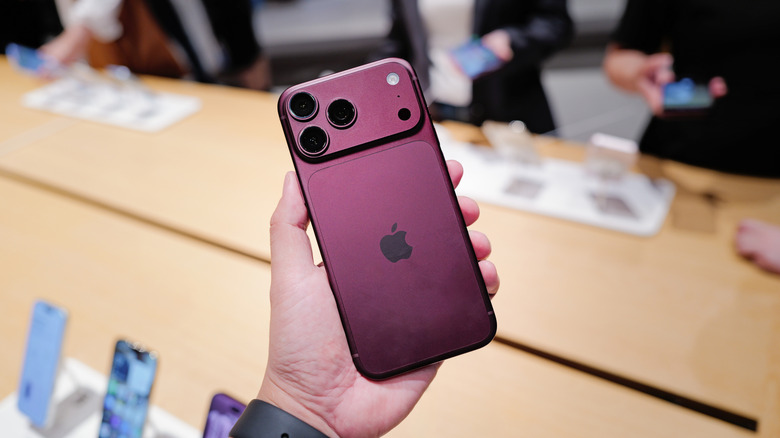
While Apple is usually late to trends, it was the first mainstream company to introduce satellite messaging with the iPhone 14 series in the United States, Canada, Mexico, and Japan. Since then, every iPhone has had the feature, including the newly launched 18 Pro series and the iPhone Duo. But what exactly can you do with satellite connectivity? Apple says you can contact emergency services, request roadside assistance, text friends and family, and even share your location. But the overall experience depends on a variety of factors, like whether you're in an area with heavy tree cover or not. Ideally, it shouldn't take more than a couple of minutes to send a text, but things like your latitude (the feature doesn't work above 62 degrees latitude), surrounding conditions, and message length can affect how long it takes.
Your iPhone also includes a demo. To try it, open Control Center, tap the Mobile Data button, then select Satellite and Try Demo. Remember to be in an open area. Then hold your phone in a natural position. Once connected, tap Try Emergency SOS. As for privacy, Apple says your messages are encrypted from your iPhone to Apple servers. That said, the company decrypts the message when sharing it with emergency services, which may or may not retain it for their records.
Samsung Galaxy phones
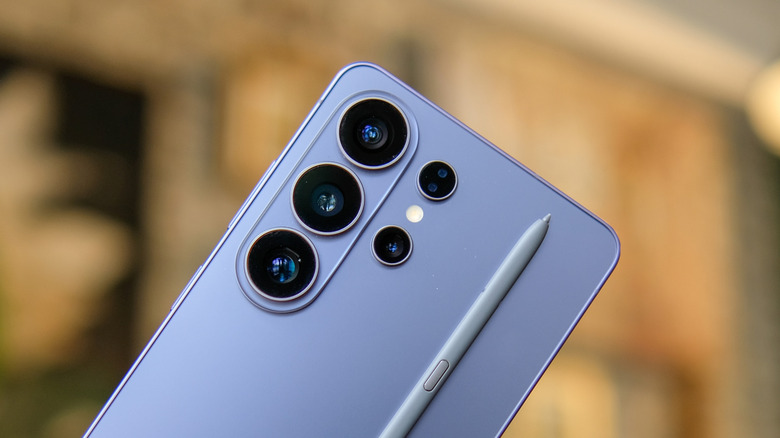
Compared to Apple, Samsung's implementation of satellite connectivity is very different. It relies on carrier partners like Verizon and T-Mobile in the United States, Virgin Media O2 in Europe, and Docomo in Japan. Interestingly, each carrier supports different devices. For example, Verizon users with a Galaxy S25 or newer can use satellite connectivity to send/receive texts and contact emergency services. Meanwhile, T-Mobile's Starlink service adds support for select Galaxy A-series and Z Fold models as well. In Japan, however, the Earthquake and Tsunami Warning System (ETWS) alerts and satellite messages have been available on the Galaxy S22 series phones or newer.
To use satellite messaging in the US, all you need to do is open the Google Messages app. Then navigate to the chat box of a specific person, and you'll see a small option to connect to a satellite when you're outside network coverage. Follow the on-screen instructions and hold the phone in a certain direction. Once done, you can send messages as usual, though there may be a delay of around a minute.
Google Pixel phones
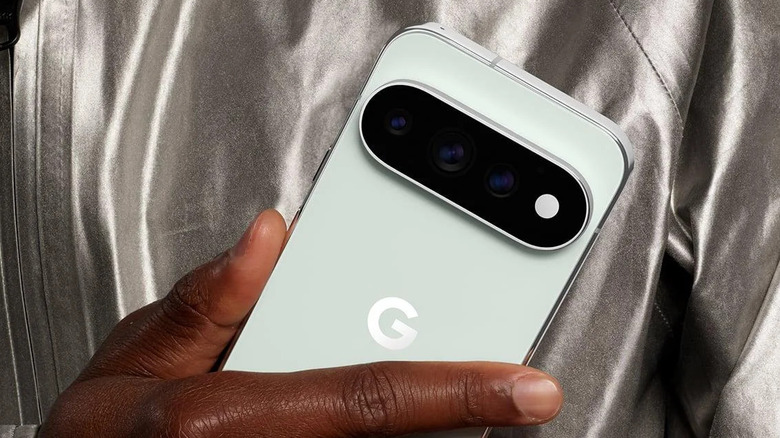
Google Pixel phones from the 9 series onward support both built-in and carrier-activated satellite connectivity services. In practice, it works similarly to Apple's implementation. There's a demo, which we recommend trying before you hike a trail or go into the woods. To experience this, go to the Safety & Emergency section in the Settings app, then tap Satellite SOS > Try a Demo.
In a real emergency, you'll need to share details, such as whether someone's life is in immediate danger and if you want to inform your emergency contact. After that, your phone will connect to a satellite. As always, you'll need to keep the phone pointed in the right direction. After a successful connection, you can contact the services or text someone. Just remember that Google will share your name, device, phone number, current location, and emergency contacts with the services. At the time of writing, Google's Satellite eSOS has the widest availability, covering 34 countries, including most of the European Union and the USA, but excluding states like Alaska and Hawaii.