

What Is The FireWire Port On Older PCs For?
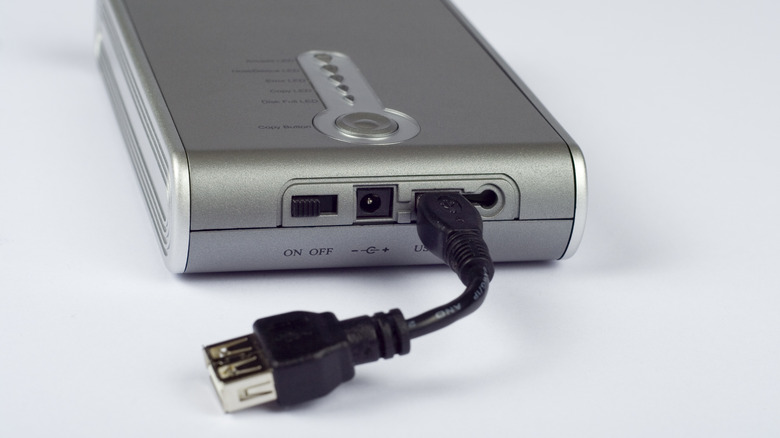
These days, no matter how many ports a computer has, the majority of these are various types of USB. Just about everything runs on USB, from mice and keyboards to flash drives that can store tons of files. But before USB, data transfer relied on different connectors, including FireWire.
Alternatively known as IEEE 1394, FireWire was a series of ports and compatible cables that were designed for speedy data transfer, especially to audio and video peripherals. Apple pioneered the technology, and it was standardized in 1995. Not only was FireWire fast, but it supported a relatively rare feature at the time: plug-and-play. When users inserted a FireWire cable into a device and plugged that cable into a computer, they would be able to start using the device immediately.
Technically speaking, there's no such thing as a single FireWire port, as several variants of FireWire cables and ports were developed. The cables were primarily split into two versions: FireWire 400 and FireWire 800, the latter of which was approved in 2002. FireWire 800 was faster and supported speeds of up to 800 Mbps (hence the name), but it needed a nine-pin construction to support these speeds — three more pins than FireWire 400 cables. While most FireWire ports utilized the same number of pins as the cables, some only used four pins, as two functioned as a power supply. Regarding compatibility, FireWire 800 cables couldn't work with FireWire 400 ports, but you could buy an adapter that allowed you to connect a FireWire 400 cable to a FireWire 800 port.
Gone but not forgotten
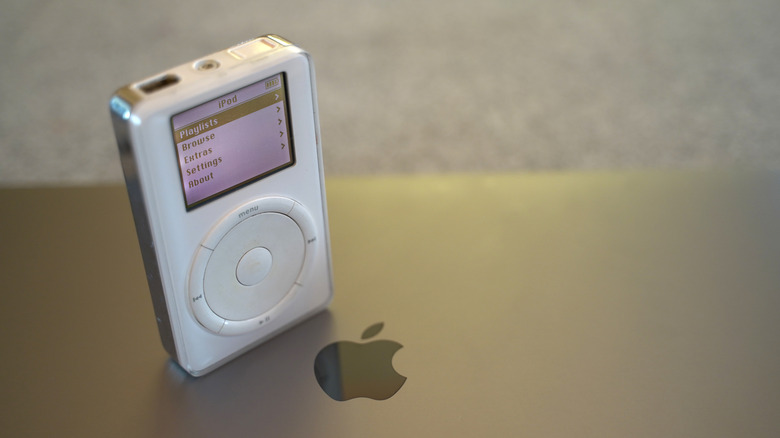
History has a tendency to repeat — or at the very least rhyme with — itself. FireWire was designed to replace the parallel SCSI bus, and it did. It went on to become highly successful until Apple got a little greedy, charging money to install FireWire ports onto devices (initially $1 per port).
USB is widely considered the successor to FireWire, as well as just about every other computer port designed to transfer data. However, you might be surprised as to why. Contrary to popular belief, FireWire cables weren't slower than early USB wires; while FireWire 800 sent data at 800 Mbps, USB 2.0 could only handle 480 Mbps. To make up for this shortcoming, USB could handle more devices at once (127 compared to FireWire's 63). So how did USB become the new gold standard? This was because it cost less per slot, if only slightly. That might not sound like much, but given how many USB-compatible computers and devices factories churn out every year, those savings add up.
Even though Apple invented the cable format, FireWire was eventually discontinued. Apple continued to forge its own path (in collaboration with Intel) with the Thunderbolt cable. And like the many types of USB ports that support different speeds, early versions of Thunderbolt surpassed FireWire in terms of speed. For Apple, phasing out FireWire was a no-brainer. Today, you can still find Thunderbolt ports on devices, with modern versions such as Thunderbolt 5 featuring a USB-C connector.