

GTA 6 Controls Are Different Than GTA 5's - Here's How To Change Them Back
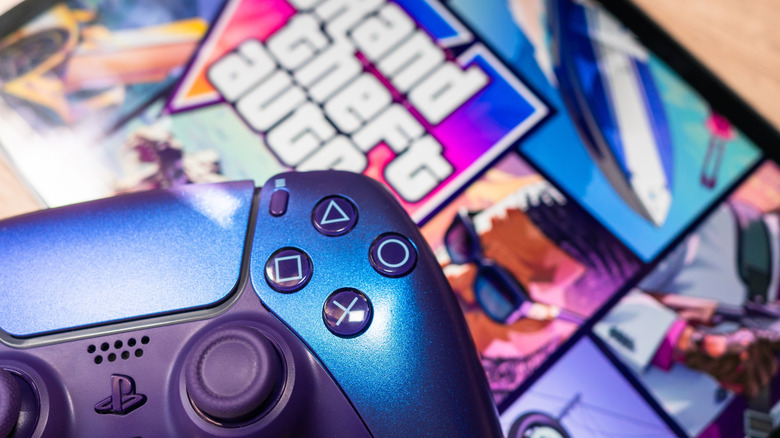
When you fire up "Grand Theft Auto VI" for the first time, don't be surprised to find your muscle memory failing you from the jump. After more than a decade training yourself on "Grand Theft Auto V," Rockstar Games has switched up some of the controls for this new installment. If you'd rather not re-train your brain to learn these new controls, there is a way to switch back to the classic controls you're used to.
Please note that for the purposes of this article, we're referring to X on PlayStation controllers as Cross (Sony's official name for the button) and on Xbox controllers as simply X.
Now onto the key differences: Depending on if you're playing GTA 6 on an Xbox or PlayStation, pressing B or Circle will make you crouch. In GTA 5, tapping those buttons would perform a melee attack, but that is now done by pressing Square/X. The Cross button on PS5 or A button on Xbox would allow you to jog, and tapping the button repeatedly would cause you to sprint. In GTA 6, sprinting is now done by pressing L3 on the PlayStation 5's DualSense controller or LS on Xbox. The Cross/A button in GTA 6 instead has you jump, which previously lived on Square/X.
There's no doubt it'll take some getting used to. Still, the option remains: You can change to the classic controller scheme by opening the settings while in-game and navigating to the "Control Scheme" tab. From there, you can cycle through various options until you land on "Classic Control Scheme." Then, just save your changes and get back to the way you're used to playing.
What happens when you switch to classic controls
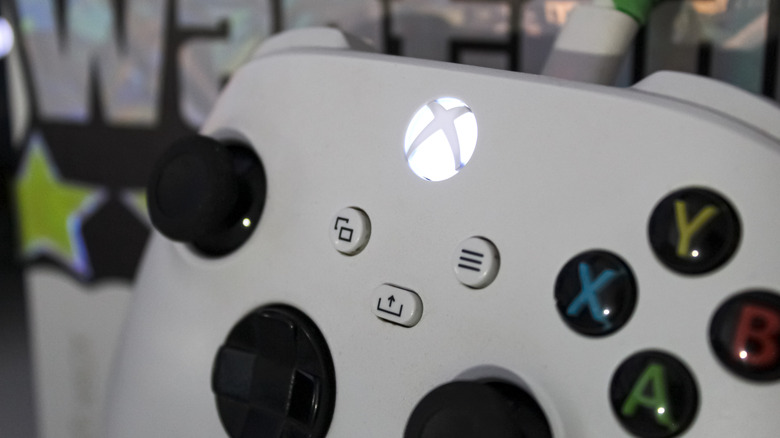
Switching to Classic moves running and sprinting back to Cross on PlayStation or A on Xbox. Meanwhile, depending on your console, melee attacks return to Circle or B. Jumping and climbing return to Square on PlayStation or X on Xbox, and crouching is assigned to L3 or LS once again. For those of us who've been playing on these controls since 2013, it'll be a welcome return to what you know by heart.
The "Control Scheme" tab is also where you'll find a layout of every single control available. The full diagram goes beyond the basic controls mentioned here. It also lays out controls for more than just on-foot gameplay. As in Grand Theft Autos past, you'll also need to know how to use weapons, drive vehicles, control boats and aircraft, and (new for this installment) ride bicycles. You'll see it all mapped out here for each control scheme.