

Your Apple Watch Can Tell You The Time Even When You Can't See The Screen
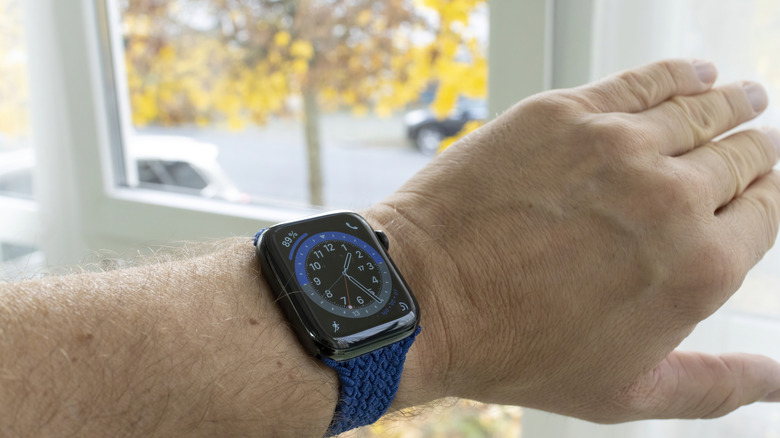
An Apple Watch can offer so many features it's easy to forget the popular wearable can also fulfill the basic purpose a watch is supposed to serve: telling time. However, even this feature leverages technology to offer greater convenience to users. Specifically, thanks to haptic tech, the Apple Watch can tell a user the time without a user even looking at the device.
Apple refers to this feature as "Taptic Time." To set it up on an Apple Watch, open the Settings app on the device, select Clock, scroll down, and tap Taptic Time. When you opt to turn Taptic Time on, you'll be presented with three options.
The first option, Digits, shares the current time using long taps to represent tens and short taps to represent ones. Through this pattern, haptics can convey the hour and minutes. For example, two long taps and one short tap, followed by one long tap and two short taps, would indicate the time is 21:12, or 9:12 p.m. Be aware, Taptic Time uses military times.
Another option is Terse. This mode is less exact, as it provides the time within a 15-minute period of accuracy. Long taps indicate five hours have passed since midnight, short taps indicate the remaining hours, and additional long taps represent the quarter-hours. So, two long taps, followed by two short taps, followed by another long tap would mean the time is somewhere between 12:00 and 12:15 p.m.
The last option is Morse Code. Naturally, you should only use this option if you're familiar with it.
Additional Taptic Time tips for Apple Watch users
If you don't currently have your Apple Watch on you, you may set up Taptic Time via your iPhone. To do so, open the Apple Watch app, select My Watch, scroll to Clock, then tap Taptic Time to turn it on.
Taptic Time won't work if you've set your Apple Watch so that it always speaks the time when prompted. To ensure Taptic Time works, navigate to the Clock in the Apple Watch Settings app, find where it says Speak Time, and turn on Control With Silent Mode.
Taptic Time is easy to use once it's turned on. All you have to do is hold two fingers to the watch face. It will relay information about the current time via haptic taps on your wrist.
Don't worry if you've owned an Apple Watch for some time and are just now discovering this feature. These devices offer no shortage of features that users might not be aware of. In fact, brushing up on some basic Apple Watch tips and tricks is a good way to remind yourself just how versatile these devices can be.