

5 Of The Worst Places To Put Your Gaming Console (And Why)
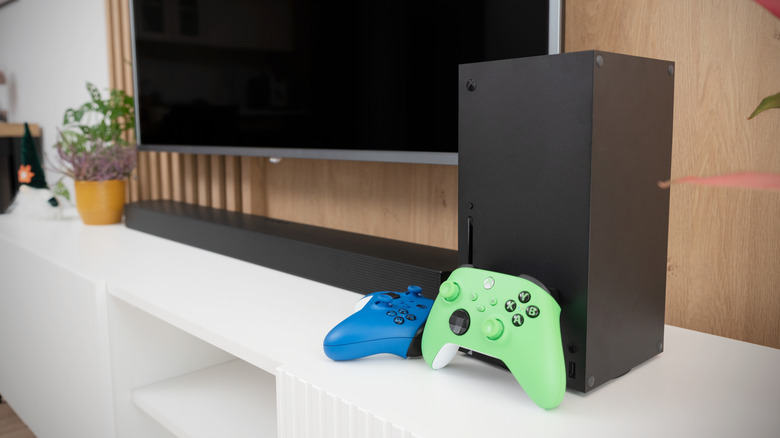
The Sony PlayStation 5, Xbox Series X, and Nintendo Switch 2 start at $599.99, $749.99, and $499.99, respectively. It would be a shame if something were to happen to your console after you've shelled out all that money, especially if it's avoidable. If you don't place your console in an ideal location, you risk it overheating, sustaining moisture damage, or even getting accidentally stepped on or kicked. If it gets damaged, you can lose more than just the money you need to replace or fix it. If the internal drive stops working and you haven't made a cloud backup, you could lose hundreds of hours of playtime and years' worth of save data.
Despite what you might think, finding a good spot for your console isn't all that difficult. You don't need to build a dedicated console compartment in your TV cabinet or a wall-mounted shelf. Even in your current entertainment center, you can find a place for it. It just needs to be on a flat surface, somewhere elevated, and with enough space around it for proper ventilation. This opens up a lot more possibilities than you might think. For example, this could be the top of your TV unit, an open shelf, or a small stand. However, if you want to keep your console in tip-top condition for years to come, there are a few places you should avoid putting it.
Inside a closed TV cabinet
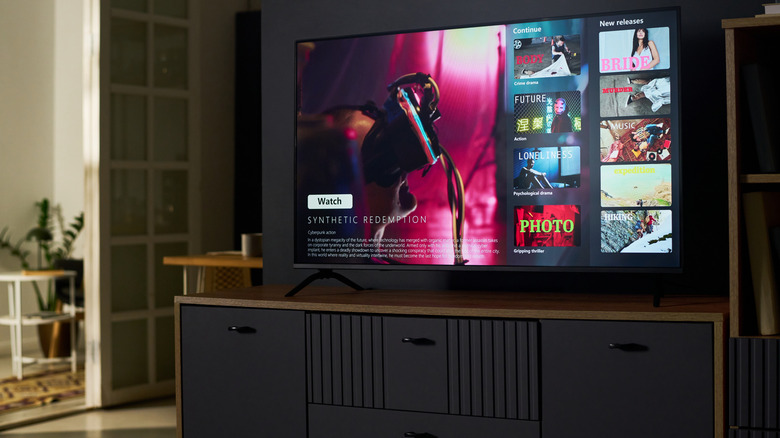
If you own a PlayStation or Xbox, your console's fans are constantly spinning to help cool the Accelerated Processing Unit (APU), which is where the CPU and GPU are located. These draw lots of power to sustain their performance and are the biggest reason why consoles heat up. When they get really hot, the fans get louder to expel as much heat as possible through the vents. So the last thing you'd want to do is place your console in a closed cabinet where airflow is heavily restricted.
The vents also bring in cool air from the outside to help with cooling. For example, the cool air goes in from the front of the PS5 and is expelled from the rear. On a vertically oriented Xbox Series X, the fan draws cool air from the bottom and expels it at the top. This air circulation is what helps keep the components at optimal operating temperatures, but all a closed cabinet does is circulate the hot air back into the console.
When the console senses that the temperatures are too high, it can throttle performance. This means it artificially bottlenecks the CPU and GPU to prevent heat damage. When that happens, the frame rates can drop, and the console might even freeze. The console can also overheat, which is one of the biggest problems of modern consoles. At some point, you may get a message notifying you that the console is too hot and needs to cool down before you can continue playing.
Near a source of heat
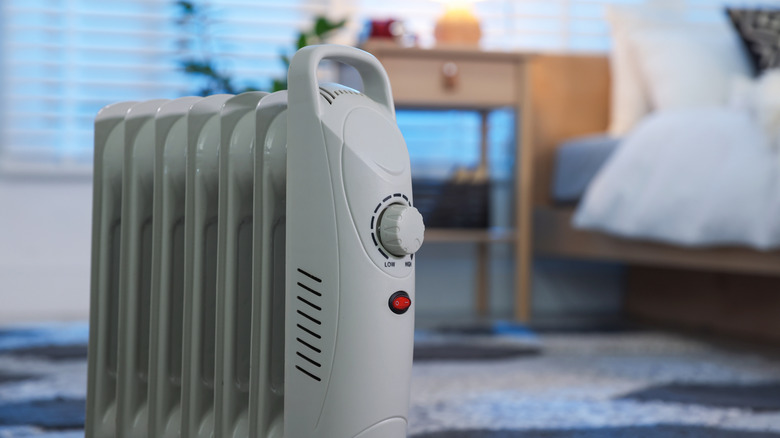
Even if you place the console in a well-ventilated area, you have to ensure that there are no heating sources next to it. So keep it far away from your radiator or space heater. These work by warming the air around them. So, if your console is next to one of these heat sources, it can raise the console's internal temperature because the fan can end up sucking in warm air through the intake vents. Again, this can lead to sluggish performance due to thermal throttling, and the console may even overheat and shut down to protect its internal components.
You also shouldn't expose your console to direct sunlight. While you're less likely to take your console outside, it can get a lot of sun when placed near a window with no curtains. When you turn on the console after it's been basking in the sunlight, it will already be warm. With the addition of the heat from the APU, things can get even hotter really fast.
The Nintendo Switch 2 has an extra vulnerability, just like a laptop that's been placed in direct sunlight: the lithium-ion battery. Excessive heat can reduce the battery's capacity by hastening the rate of thermal degradation. Also, extremely high temperatures can cause Li-ion batteries to swell. When that happens, the battery is at risk of catching fire.
On top of other electronic devices
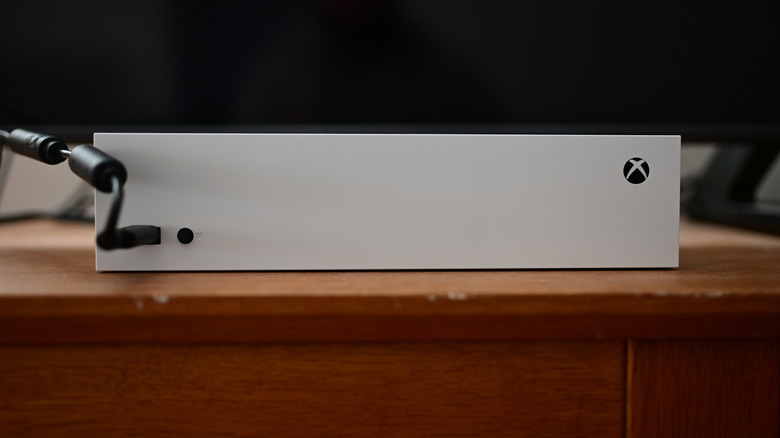
If you've ever touched your console after a heavy gaming session, you've probably noticed that it feels warm. But so do other electronics if they've been used for some time. That's why it's not a good idea to place your console on top of devices like Blu-ray players, AV receivers, amplifiers, cable boxes, and other consoles. The heat that those devices generate can be transferred onto the console and disrupt its thermal management. Also, considering that a vertically placed Xbox has intake vents at the bottom, that heat can go directly into it.
Also, placing the console on top of another electronic device could block the other device's vents. If it's a Blu-ray player, for instance, this can lead to disc reading errors and overheating. Another reason is that the device underneath the console might not be able to handle its weight. For example, the launch PS5 with a disc drive weighs 4.5 kg, and the Xbox Series X with a disc drive weighs 4.445 kg. If the casing of the other device is made from thin sheet metal or plastic, the console's weight can cause it to dent, crack, or warp.
Next to a source of moisture
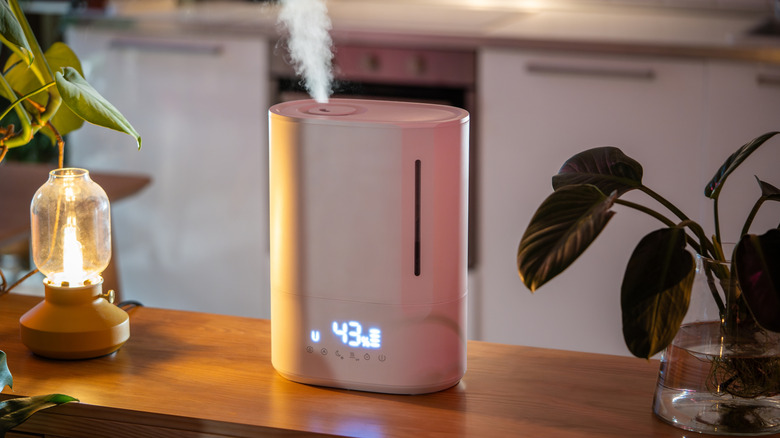
Remember, your console has intake vents that not only suck in the air near it but can also draw in moisture. The biggest culprit that can lead to the console taking in potentially damaging amounts of moisture is a humidifier. If left operating for a long time in a closed room, it can increase the relative humidity of the room to excessive levels.
Should the humidifier's vapor or mist enter the console, it can lead to condensation and corrosion. The condensation can cause water droplets to form on the circuit board and other components, creating a scenario where the console short-circuits. Corrosion, on the other hand, can develop around the console's metal components, including metal casings and connectors, gradually degrading them over time. This can increase their electrical resistance, reducing the amount of electricity they can carry.
If you're going to put the console in a room with a humidifier, ensure that the humidifier is far away from it and other electronics. Furthermore, be sure the room's relative humidity is kept between 30% and 50%, as recommended by the U.S. Environmental Protection Agency (EPA) for maintaining good indoor air quality. Also, moisture can be a problem when the console is placed next to a window and it rains, since droplets can get inside the console.
On the carpet
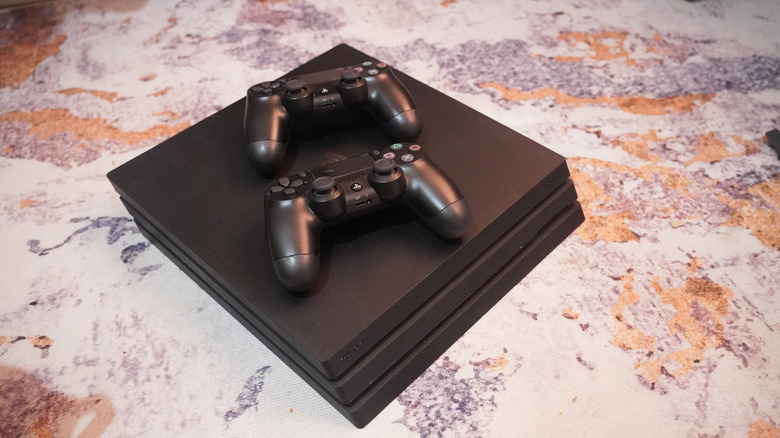
When there's no room for a console on a shelf, people have been known to place their consoles on the floor, particularly on the carpet. However, console manufacturers like Sony and Microsoft have long discouraged this, especially if the carpet has long fibers. For the Xbox Series X, doing so can restrict airflow to the intake vents at the bottom of the console. Furthermore, with the carpet being on the floor, it can collect a lot of things, including dust and pet dander. These can trap heat and disrupt the internal heat management of your console if they build up over time.
Furthermore, the floor just isn't a safe place to put a console. Accidents do happen. You might forget it's there, or you might have kids or pets running around. Suppose the console is kicked while standing vertically. If it gets knocked over while the disc drive is running, the disc might get scratched. At worst, the fall can cause internal damage, especially if it was a hard floor.
Other things can happen while it's on the floor. It can get stepped on, or you could accidentally spill liquid on it. If it's an Xbox Series X or a docked Nintendo Switch 2, that liquid could go straight into the exhaust vent and reach its internal components, causing a short circuit.