

What's The Difference Between A Modem And A Router?
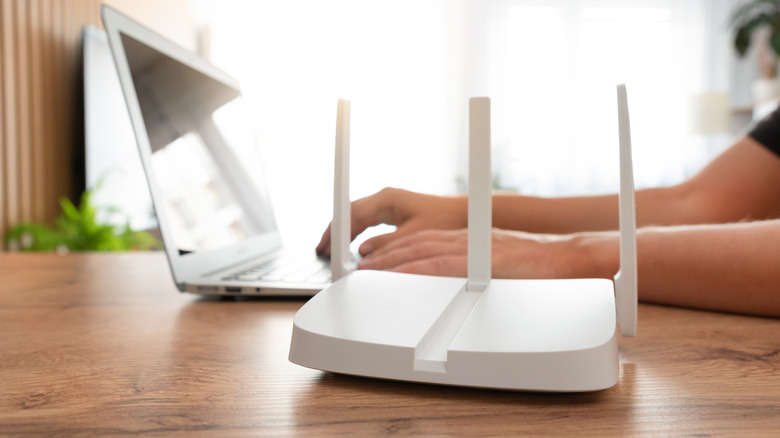
If you don't manage your network devices yourself, but rather allow your internet service provider to set up, maintain, and service everything, it's surprisingly easy to overlook how the systems actually work. For example, you might make the mistake of thinking that your router is the only device that matters, and is what you and your family use to connect to the internet. Things can get even more confusing if your ISP issued a combo device — a modem with a built-in router. The reality is that there are two very distinct, separate devices that help you connect to the internet and access it through your home network. One is a modem and the other is a router or wireless router. You need both to connect to the internet. Okay, so how are they actually different?
Think of your modem as the communicator or translator and the router as a wireless radio or broadcaster. The modem connects to your internet service provider's service and servers, and then translates the incoming and outgoing data. The router connects to the modem and then broadcasts the signal to the surrounding area, via Wi-Fi, allowing you to access the internet remotely in that area and with your wireless-enabled devices (or, in the case of wired routers, easily connect multiple wired devices to the internet). Without the router, you would need to plug in directly to the modem through Ethernet, and for many devices, that won't even work because there's no wired Ethernet port available — like with a smartphone — so you need a router to bridge the connection. They work in tandem to allow you to access the internet. A little known fact is that you can actually buy your own modem instead of renting from your ISP, like you can a Wi-Fi router.
What is a modem and router combo device?
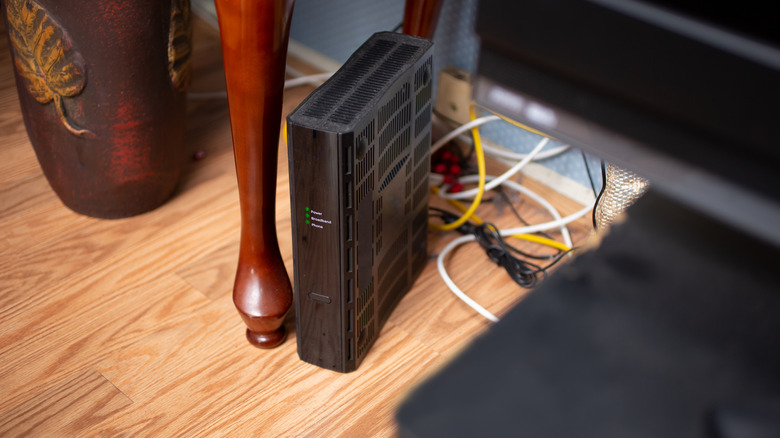
To make things simpler, and convenient, many internet service providers offer modem-router combo units that include both devices rolled into one. Technically, you're still getting both a router and a modem, but it's easier to set up and manage because you can simply connect the single unit and instantly access your network and related configurations. If your internet gateway or setup only has a single device, it's most likely a combo unit. Most routers you can buy off the shelf are solely a router and do not have a modem built-in (unless it specifically says otherwise).
Those who want full control over their network tend to install their own router, separately, and avoid using combo units. That's because a majority of rented or issued modem-router combos are managed by the internet service provider, which means they offer limited customization, and may even be locked down on the administrative side.
In addition, a separate router can be repurposed in various ways. There are actually a ton of things you can do with a router that you probably didn't know about like creating a separate guest network, reusing an old one as a Wi-Fi extender, or setting up DNS and ad blockers. Some of these options might be unavailable to you if you're using an ISP-issued modem-router combo. The good news is that most combo units allow you to disable or bypass the router portion and swap in your own. This is especially handy if you want to install a mesh router system to improve your network's performance and range.