

Do Most Modern Routers Have Built-In Modems, Or Do You Need To Buy One Separately?
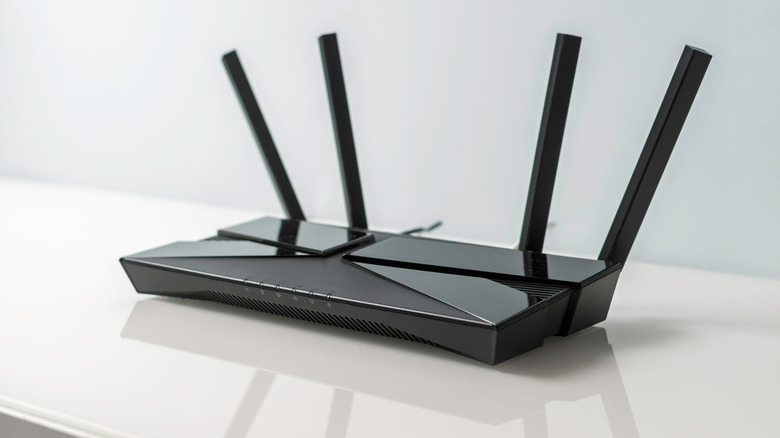
As Wi-Fi technology continues to evolve, you might be curious about your home setup and whether you should upgrade. For example, some modern Wi-Fi routers may have hidden features like an integrated modem. This eliminates the need for a standalone modem and can potentially free up some space in your setup. But not all routers have an integrated modem, which means that if your internet service requires a separate modem and your router doesn't have one built in, you'll need to buy one.
The reason for this is because each piece of tech serves a different purpose in a home internet configuration. An internet modem connects your home network to an Internet Service Provider (ISP)'s network, made possible because the device's tech works with the ISP. In contrast, a router manages network activity between connected devices in your home by distributing an internet connection over Wi-Fi or Ethernet. Without a compatible modem, there may be no internet connection for a conventional router to manage and thus, there could be no internet.
Modem-router combos are currently being offered by some major U.S. internet service providers, including Cox and Xfinity. However, the equipment available can depend on the provider and the internet service offered. Additionally, not every internet plan offered by these companies requires a combo unit in order to get monthly service. To find out if your ISP offers combo equipment in your location, you can reach out to them for more information.
What you should know before upgrading to a modem-router combo
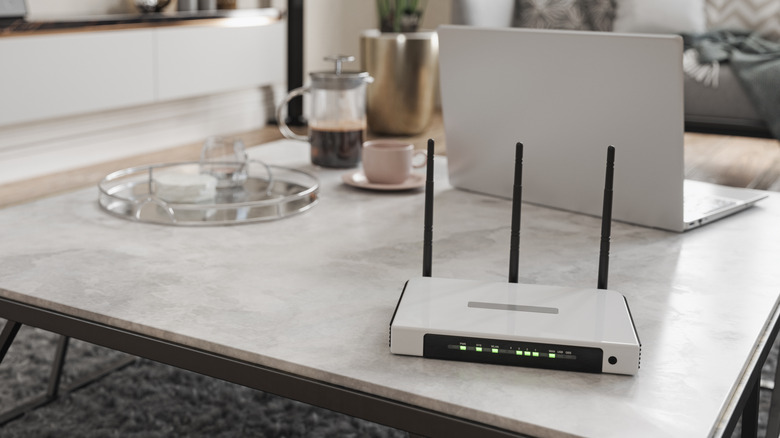
An internet modem-router combo is also known as a gateway. A gateway's modem component is responsible for connecting to your ISP, while the router component manages the internet connection throughout your home. As a result, Wi-Fi compatible devices like your smartphone, laptop, TV, printers, and more can connect to your home's network. Each device connected to the gateway receives its own local address via the device's router.
While a gateway can give you back some equipment space because it does the work of two devices, that doesn't mean you won't have any issues. A gateway is vulnerable to power failures, ISP outages, and other connection problems, just as individual modems and routers can be. Some gateway devices, like those offered by Xfinity, are designed with modern security measures and Wi-Fi management systems, but that doesn't necessarily mean they can always provide uninterrupted service.
Before you decide to upgrade your internet equipment, it's important to know what you already have in your home configuration. Depending on the devices supplied by your ISP, you may only need to replace one component instead of buying an entirely new setup. If you're building your own home internet setup, you should also know what equipment is recommended by your ISP. Then you can determine if a router and modem combo is the right choice.