

Does Bending An Ethernet Cable Reduce Internet Speed?
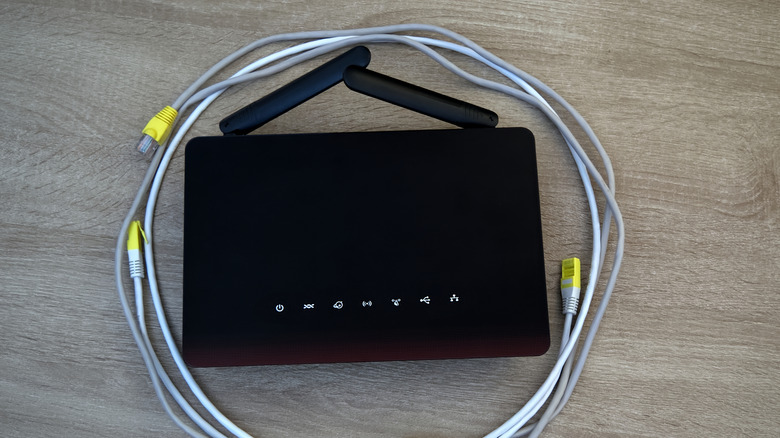
If you notice that your wired setup isn't delivering its full potential despite using a newer generation Ethernet cable, it's not necessarily the router, modem, switch, dock, or the device to blame. It could still be your cable at fault. As surprising as it may sound, bending a cable too much and forcing it into tight corners can slow down internet speeds and lead to occasional drops in connectivity. And that's something you will have to manually check and rectify to fix the problem.
Keep in mind that bending Ethernet cables isn't always a problem. What matters is how far you bend them. That's where the concept of bend radius comes into the picture. Bend radius basically tells you the safe bending limit of an Ethernet cable, i.e., how tightly you can bend it without affecting data transmission or risking damage. The bend radius is specified as a multiple of the cable's outer diameter, and it varies for different types of cables. For instance, an unshielded Ethernet cable usually has a lower bending radius than a shielded cable because of the absence of the shielding layer. Similarly, the bending radius for a stranded Ethernet cable is typically lower than that for a solid cable.
As for finding out the bending radius, you can refer to the manufacturer's specifications. Most list it for their products. Generally speaking, the bending radius can be anywhere between 4x and 8x the cable's outer diameter, depending on its generation and construction. For the unversed, fiber optic cables have a higher bending radius, typically 10x the outer cable diameter.
Bending within the manufacturer's specification is fine
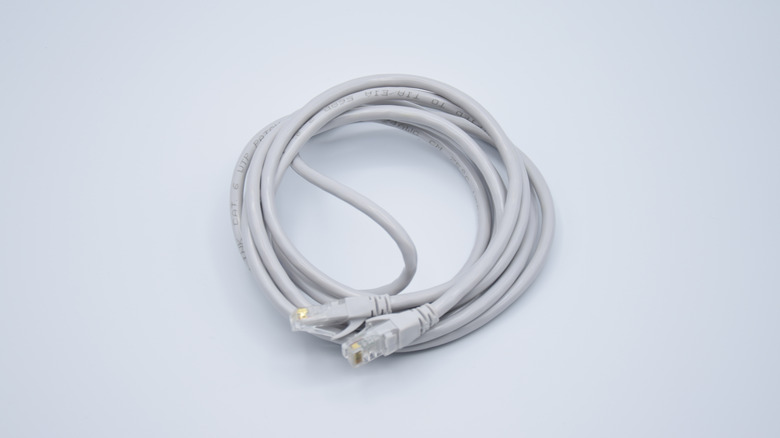
Now that you have a fair understanding of the bending radius, it's fairly easy to identify the safe bending limit for any Ethernet cable, irrespective of its type, generation, or construction. For instance, if the bending radius for a cable is 5x and its outer diameter is 6 mm, the safe bending limit comes out to be 30 mm. If we multiply it by two, we get the diameter of the circle it can be bent into, which, in this case, is 60 mm. So, you can bend this cable into a circle with a diameter of 60 mm without violating the specified bend radius. That's the general idea of how it works. And as long as you are conforming to it when routing Ethernet cables, both the cable's performance and durability remain largely unaffected.
Of course, in some cases, achieving this can be tricky, especially when you don't have a lot of space to work with in the first place. Or you could accidentally bend Ethernet cables beyond what the manufacturer recommends. If that happens, you may notice slower internet speeds and reduced connection stability and reliability. These bends also increase the possibility of crosstalk and interference. If the cable remains bent beyond the safe limit for an extended period, you run the risk of permanent damage. For the same reason, you shouldn't bend the Ethernet cable at 90 degrees in an "L" shape. Instead, try to achieve a smooth curve, taking the bend radius into account. Remember, proper cable management is essential when setting up Ethernet.