

How Hot Is Too Hot For A Wi-Fi Router? Here's What's Normal
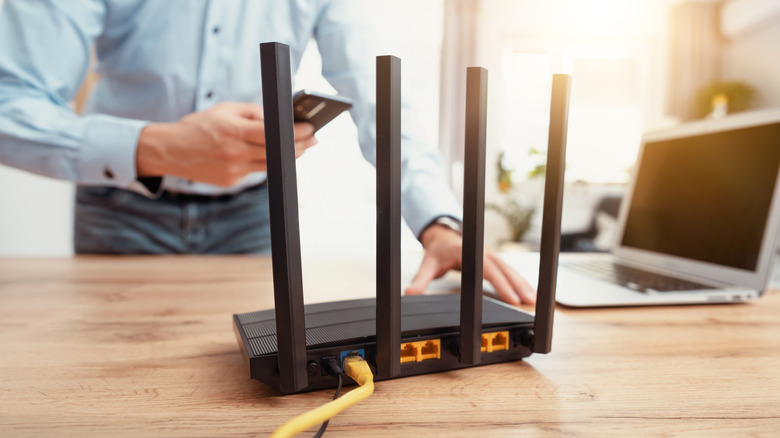
A router is an essential piece of any home network, and can even do a number of things you may not be aware of. Like any hardworking modern electronic device, they can also run hot, sometimes to a level where you begin to question whether the temperatures it's reaching are safe.
A warm Wi-Fi router isn't necessarily a sign that it's dangerously overheating. Even wireless models from the best router brands can get a little hot during normal operation, which doesn't necessarily indicate an issue, as long as temperatures remain within manufacturer guidelines.
Those limits can vary by device. Google says its Nest Wifi Pro, for instance, shouldn't be used when ambient air temperature is below freezing (32 degrees Fahrenheit) or above 95 degrees Fahrenheit. TP-Link's listed operating range for its Archer AX55 is between 32 and 104 degrees Fahrenheit. Note that these are measurements of air temp around the router, not the surface or interior of the router itself, and ranges can differ between models, so check your documentation for your specific device to verify a safe range.
What to do when your router gets too hot
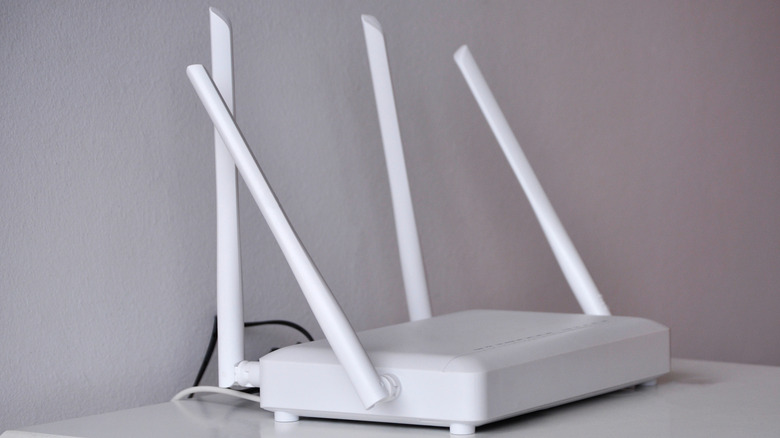
If your router is overheating on a consistent basis, it's one of several signs that it may be time to replace it. However, there may be other factors contributing to the excess heat. Routers left in areas that receive a lot of direct sunlight will have to cope with additional heat from the sun on top of its internal heat generation. The same is true for routers placed near heater vents or registers. You may have set up your networking devices in the spring or summer, and not considered how they'd react when the heat kicked on in colder months.
Ventilation is also crucial. You want to leave your router in an open, well-ventilated space, and never cover them with objects or other devices. Also be sure to keep any exhaust vents or external ports clear of dust, which can clog up the routes through which heat escapes from the hottest internal components.
If you router does get too hot, unplug it immediately, move it somewhere cooler, and don't power it back on until it's cooled off. Make sure the power adapter is in a well ventilated spot too, and always use the supplied adapter rather than subbing in a third party replacement.