

Does Using Ethernet Slow Down Wi-Fi For Others?
We may receive a commission on purchases made from links.
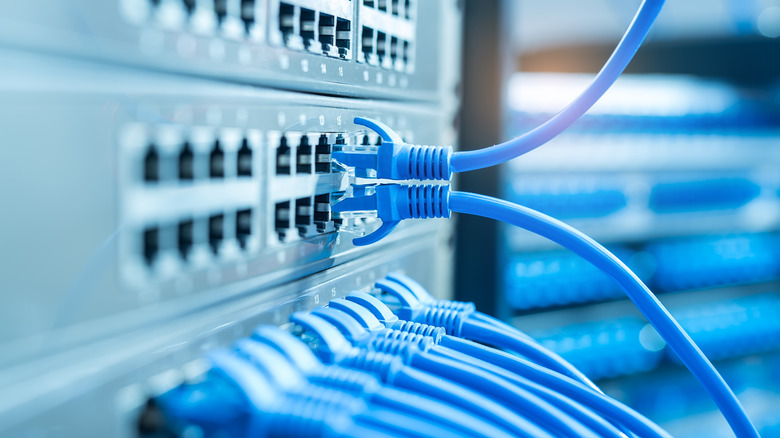
With a large chunk of our lives now being spent online, the speed of digital access is essential. Fortunately, it's relatively easy to get faster internet just by following what gamers do and switching to the old-school Ethernet connection. Generally speaking, this type of connection offers lower latency and is, in most instances, efficient. Sure, there are a few notable downsides of using Ethernet cables – not all devices have the port, and occasionally, Ethernet may even be slower than Wi-Fi, especially if you make the mistake of using outdated cables. That begs the question — will resorting to a wired connection slow down the Wi-Fi for others?
The bandwidth on networks is limited, and it's spread across all the devices connected to your Wi-Fi, so adding another one via cable seems like it will just make things much slower. In reality, Ethernet and Wi-Fi don't impact each other, as they use completely different network parts. The only exception is if your network is already heavily congested. In that case, especially with an old router, you may experience some bottlenecks, but for most users with routers created in the last decade, this isn't a big deal.
You could go as far as to say that switching one device to Ethernet could inadvertently give your network a major overhaul and a significant speed boost. Say you switch one laptop to run exclusively on the wire. It will reduce network congestion, since that particular device will no longer compete for the small chunk of Wi-Fi bandwidth. Yes, you'll lose out on portability, but it's a worthy sacrifice if it will give your other stuff more breathing room.
What actually slows down Wi-Fi?
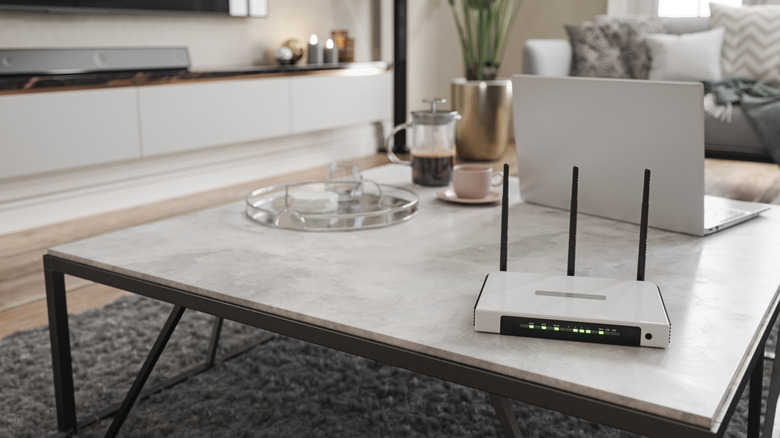
Going old school with Ethernet is a good start, but it won't help you that much if you've got the router stuck in some far corner of your home. Theoretically, a run-of-the-mill router can work for hundreds of feet, but those numbers are only for optimal conditions, and homes are far from optimal. Thick walls can hinder Wi-Fi, but so can reflective surfaces, and even water. There are plenty of obstacles you'll need to overcome, and for best results, try to place the router at an elevated position and, if possible, somewhere where the distance to individual rooms will be equal.
Before you start kicking devices off your network, which is hard, considering that everything from TVs to gaming consoles and fridges can connect to Wi-Fi, it might be worth trying a dedicated Wi-Fi extender. These systems are easy to set up and will drastically expand your router's coverage. Best of all, they're relatively cheap, since you can get them for around $20 on sites like Amazon. This is a much easier way to level up the Wi-Fi in your home without resorting to micromanagement of absolutely all the "open" device, or testing your own patience by trying to find the sweet spot for the router.