

Laser Vs Optical Mouse: The Pros And Cons Of Each Explained

For some people, working on a desktop computer is pretty straightforward in terms of the mouse. If it's wired, it's plugged in, and if it's wireless, it uses batteries. Gamers, however, may wonder whether a wired or wireless mouse is better for gaming. But there is more to it than that, specifically when it comes to knowing the differences between laser and optical mice. For example, a laser mouse uses a laser diode that can pick up tiny variations on certain materials like glass. This allows the cursor to move on surfaces where an optical mouse may not respond.
A laser mouse is typically more sensitive as well, which can make for faster cursor movement. This is another reason why some users may choose a laser mouse. But the problem is that a laser mouse's sensitive sensor may also not provide the smoothest performance. The cursor, or mouse pointer, may jump or skip, especially when the device is moved slowly. Adjusting the sensitivity setting can help, though it may not fully offset the problem.
In contrast, an optical mouse can perform well on regular surfaces without the added laser. Instead, an optical mouse uses an LED to light up the area underneath, and its sensor detects the mouse's movement. This can make an optical mouse a good choice for users who want steadier control over the cursor. But using an optical mouse on glass or reflective materials presents a problem, as the sensor may not be able to track movement as accurately as it should.
What to consider when choosing a computer mouse
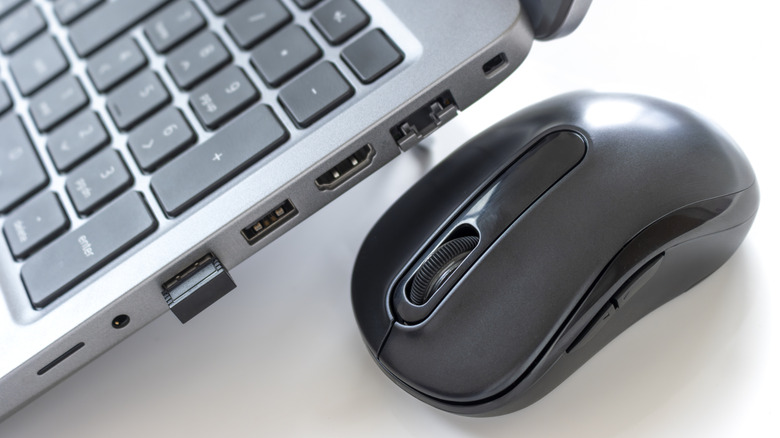
Choosing between a laser and optical mouse can be tricky, especially when it comes to gaming. One of the most important tips for choosing a gaming mouse is to look for one that consistently responds to small or fast movements. A laser model may not always move the cursor to match the distance the mouse is physically moved. For this reason, an optical mouse may be the right choice, since it tends to provide steadier tracking. However, a mouse's hardware also makes a difference, as models with adjustable sensitivity settings allow players to customize cursor movement.
When it comes to everyday computer use, the best choice depends on where and how you work. An optical mouse can be a good option for someone using a desktop computer for routine work. But a laser mouse may be the better choice for someone who typically works on the go. Neither type is automatically better for every situation, so the user's setup should be considered when making a decision.
Budget can also be an important factor when deciding between a laser and optical mouse. An optical mouse is generally more affordable than a laser model and can typically handle a variety of tasks. It usually doesn't use as much power and may even last longer, though that depends on how often the mouse is used and how it's handled. In the end, the best move is to understand the mouse's tech and make the decision based on individual needs.