

How Android Auto Users Can Get Google Maps' Speedometer Feature Back After It Disappeared
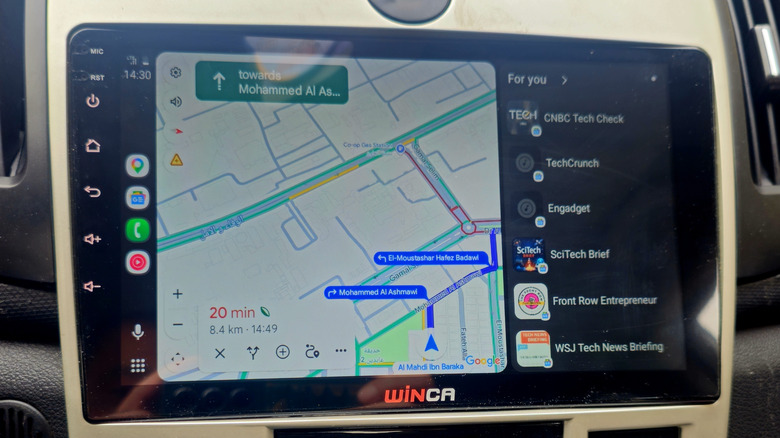
Android Auto users were recently blessed with an at-a-glance speedometer on the live interface. With it, drivers could track the speed zone they were in if they hadn't seen a speed limit sign in a minute. While the speedometer's accuracy can vary, it was nonetheless a handy feature for avoiding tickets. Recently, however, some users on Reddit reported the on-screen speedometer vanishing without warning (and without changing settings on either Android Auto or in Maps itself). According to reporting over at Android Authority, however, the case of the disappearing speedometer seems to have merely been a bug, and there's a simple fix to get it back.
According to an update on Android Authority's story, just setting a destination in Google Maps, either through the Android Auto interface or in the Google Maps app, then tapping start should bring back the speedometer. It looks like the culprit is a glitch and not an intentional rollback from Google, so the speedometer should show up after you kickstart active navigation.
What to do if it doesn't reappear
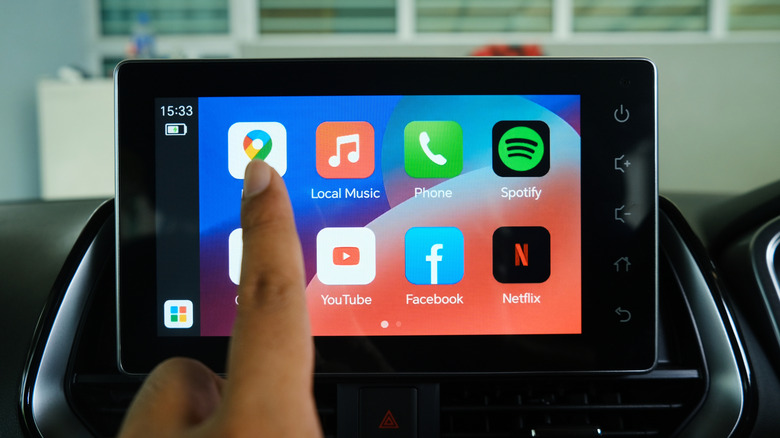
While not exactly one of Google Maps' best secret features, the speedometer is really helpful for everyday commuters, and especially for anyone vacationing in an area they're unfamiliar with. If setting a destination doesn't cause the speedometer to reappear, however, you'll first want to check that the feature is still enabled. Simply head into Settings in Google Maps (available under your profile picture or initial) then tap Navigation and look for the Speedometer toggle under Driving options.
Also be aware that, like some of the other powerful features available in Maps, the speedometer won't necessarily show up universally in every area. However, if it's consistently not showing up, particularly in areas where you've seen it before, it's also worth trying a full reset cycle on your Android Auto setup. To do so, completely disconnect your device from your car, remove your car from the Android Auto app and from your Bluetooth list on your device, then go through and re-add and reconnect. Then, set a destination and the speedometer should show up in areas where available.
As of September 2026, Google has acknowledged that the speedometer has been vanishing for some users and that its investigation is ongoing. The company also noted that some features, like displaying current speed and speed limits (as well as other information) was still being actively rolled out, so availability for any/all of those features may be inconsistent.