

What Does The Circled '1' Icon Mean On Google Maps?
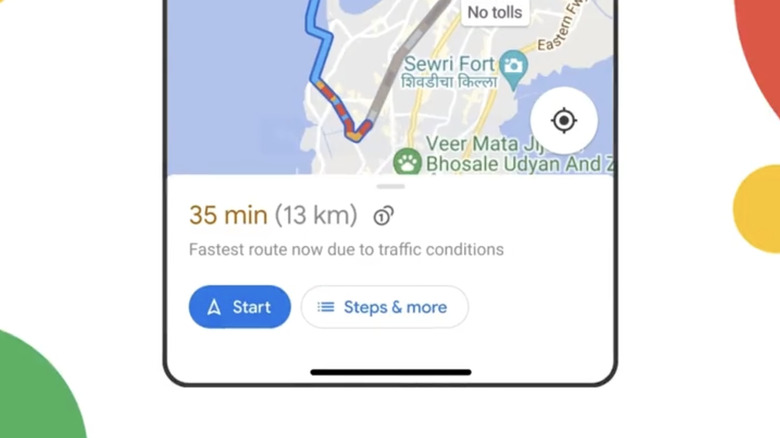
In general, drivers have to learn a lot of signs to be functional members of society on the road. In the past, this meant knowing things like the difference between yellow and white speed limit signs or what the shapes mean. However, modern drivers need to know even more symbols, including the ones we can find in modern navigation apps. These days, many drivers depend on apps like Google Maps to guide them through new destinations. Apart from no longer needing to use physical maps or print one off the internet before we head off, it also adds information that can save us time, money, and effort, such as knowing if and how much the expected toll fee for a route is.
In 2022, Google Maps announced a new feature on its official X account that lets you see estimated toll prices for your planned route. It's the circled '1' icon you see next to the time and distance calculation. When there's an option to take a toll-free road, Google Maps will display routes with "Toll," as well as the estimated time it will take. Should there only be a marginal difference in travel time, you can simply opt to tap the route that says "No Tolls". But if you think it is almost never worth the money, doesn't cut a significant amount of time, or you prefer to check the information in other ways, you can simply change your app recommendation settings. Here's how.
How to avoid tolls on Google Maps
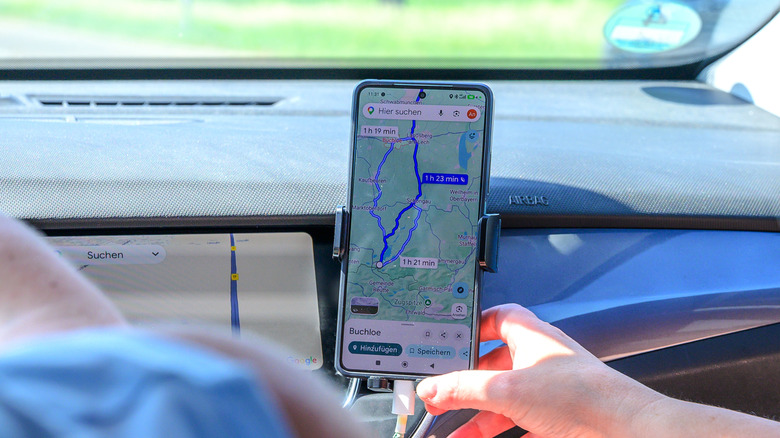
Depending on how you plan your route, you can set Google Maps to avoid tolls on your mobile phone and in a browser. On your phone, open your Google Maps app and tap on your profile picture. In the pop-up menu, select Settings > Navigation and scroll down until you reach the Route options. Next to Avoid tolls, toggle the button on. For the web version of Google Maps, the steps are a little bit different. You'll need to input your starting point and end destination. Next, click the car icon, which will show you the potential routes, and click Options. Under Route options, select the box next to Tolls. This will automatically update the route recommendations.
Apart from saying no to tolls, you can also set your Google Maps to avoid highways and ferries in the same Route options section. If you're conscious about mileage, you can also enable the preference for fuel-efficient routes. But note: if you set your app to avoid tolls, you won't see toll prices in the future. Also, it might not be possible to avoid routes with toll gates. So if Google Maps still shows you directions with tolls, you might have to accept and pay for them. Alternatively, if you like having a second opinion, you can compare its recommendations with Apple Maps, where you can also set it to avoid toll roads.
How to know how much to pay on Google Maps
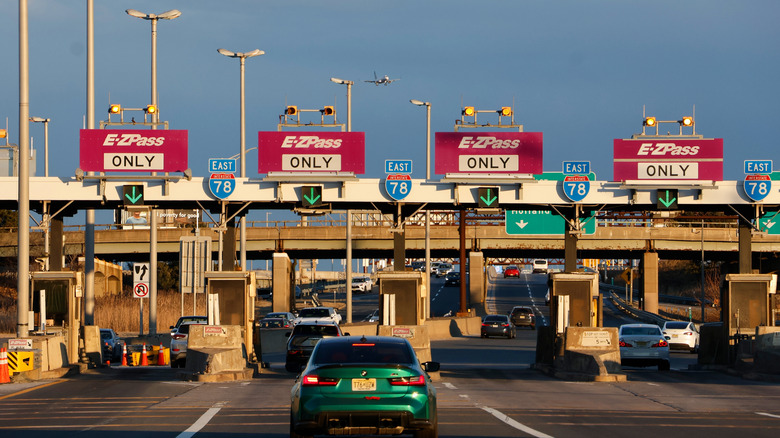
To see toll pass prices when using your Google Maps app, you'll want to go back to your Settings > Navigation > Route options. Next to See toll pass prices, toggle the button on. Once you do this, the estimated price will appear next to your route summary. If the option to see toll pass prices isn't showing up in your Google Maps, there are several possible reasons. First, you may have to update your app to the latest software. Second, you may live in a region where this feature isn't rolled out yet. With millions of roads worldwide, there's a chance the one you need to pass will not be included. When that happens, you'll only see the icon with text that says "This route has tolls."
For serious planners, there are online calculators like TollGuru that you can use instead. You'll be able to fill out additional details that can help you make a more accurate estimate, such as the vehicle type, fuel information, and vehicle details like weight, height, length, axles, and emission class. It also shows useful information, such as payment options and cost breakdowns. If you're driving a rental car, it's important to note that you may need to shell out more toll charges, as well as any camera tickets. Unless you've selected a pre-paid service, some companies may charge administrative fees on top of the toll fees.