

How To Control Your Daikin Air Conditioner With Your Smartphone
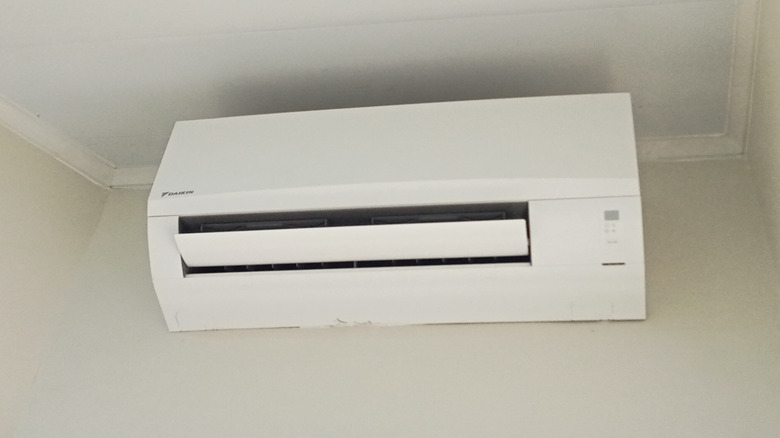
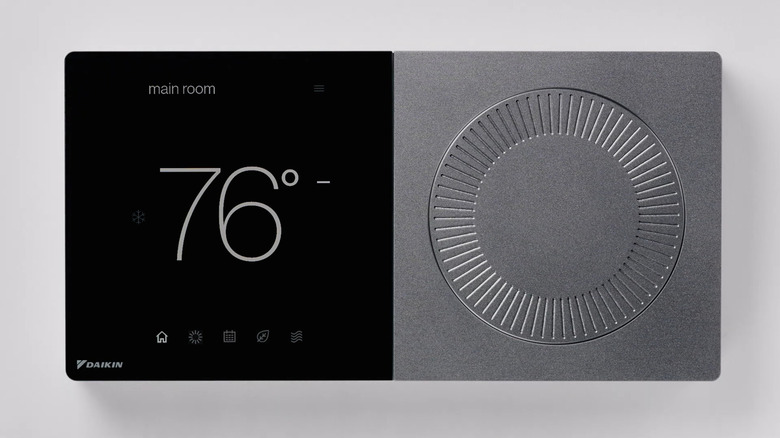
Daikin may be known for its expensive air conditioners, but it's also recognized as the worldwide leader in HVAC manufacturing. Considering the company's market positioning, it's no surprise that Daikin offers the latest in device technology, including the ability to control compatible air conditioners with a smartphone. This is possible by connecting the unit to Daikin's SkyportHome app via the brand's smart thermostat.
The app allows you to adjust your system from an iPhone, iPad, or Android device. Depending on the thermostat and system you have, SkyportHome can let you change operating modes and temperature settings, manage schedules, control multiple zones, and receive system alerts. Another smartphone control feature the app gives you is SkyportHome's geofencing capability.
A geofence is a virtual boundary around a physical location that can detect when a device is in range. When this feature is configured in the mobile app, geofencing can automatically switch the system to Away mode when your phone moves outside the designated radius. The thermostat can then use the cooling setpoint assigned to Away mode until you return.
To get started, you'll need a compatible Daikin smart thermostat connected to your home's Wi-Fi network. Then you can download the SkyportHome app, create an account, and add your home location. From there, you use the code displayed by the smart thermostat and link it to the app. After that, you'll be able to control the system from your phone.
More ways to control your Daikin air conditioner
Depending on if you have a Daikin Standard or Premium inverter system, the company's SkyportHome mobile app can also provide more operating modes than just cooling. The SkyportHome guide lists a few different features, including Dry mode for dehumidification, Econo mode for limiting the system's maximum power consumption, and Powerful mode for getting the most out of the cooling effect. However, these available options will depend on the specific Daikin equipment you have installed.
However, if your Daikin air conditioner isn't compatible with the SkyportHome app, you do have another way to wirelessly connect. The DKN Cloud Wi-Fi adapter adds smartphone control to certain indoor units through the DKN Cloud NA app, allowing you to turn the system on or off, change its operating mode and temperature setpoint, or adjust the fan speed. You can also monitor the room temperature and see important error alerts as they happen.
The DKN Cloud app also has seven-day scheduling, a feature that lets you set the system to follow a regular schedule instead of having to manually adjust it every time. Additionally, Daikin allows multiple indoor units to be added to a single cloud account. This allows you to control your devices together as a group, which can be useful for Daikin systems that have several connected units.