

PS5 Update Automatically Gives Pro Owners A Powerful Graphics Boost
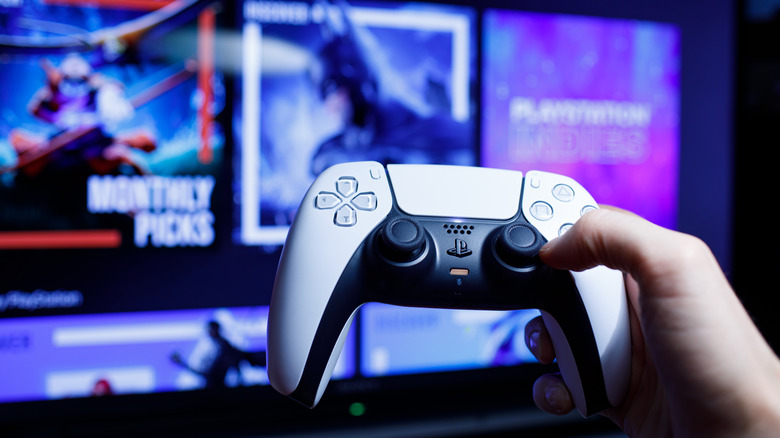
September 2026 brought a PlayStation 5 system update that goes beyond basic bug fixes and performance optimizations. Inside, Sony also dropped a full-fledged graphics update for PS5 Pro owners. There's nothing you even need to do to enjoy it, either... beyond actually downloading and installing the update. If it doesn't download and install automatically, PS5 Pro owners will have to update the PlayStation system software manually.
After updating, the PlayStation automatically switches on the enhanced graphics setting. This effectively turns a previously optional setting into the console's default video output. The setting applies specifically to Sony's newer version of PlayStation Spectral Super Resolution, or PSSR, one of the main distinctions between the PS5 Pro and the Slim consoles. Sony says it'll deliver a sharper, clearer image than before.
This new "Enhance PSSR Image Quality" setting will be enabled by default, so PS5 Pro users won't need to dig through the console's settings to turn it on. Anyone who would rather leave the feature disabled can find it under Settings > Screen and Video > Video Output > Enhance PSSR Image Quality.
What else is included in the update

The PSSR change is exclusive to the PlayStation 5 Pro, but standard PS5 owners also get some benefits from this update. For one, voice chat now includes an option to identify the person speaking. That can make group conversations much easier to follow, especially when several players are all talking at once. To activate it after updating, just open the voice chat card in the Control Center, select "More," choose "Display Who's Speaking," and enable Display Names. (Players can also select where the speaker indicator appears on the screen with this update.)
Sony has also added a Community Activity widget to the Welcome Hub, complete with two different views. "Trending Now" shines a light on ten multiplayer games or multiplayer modes currently gaining traction on the charts, while "Top 10" lists the ten most popular games from the previous week within a player's country or region.
Certain countries and regions also get an updated "Turn Off Bluetooth" option, meant to help manage controller connectivity at esports venues and the like. With this, when you disable Bluetooth through Settings > Accessories > General > Advanced Settings, HDMI Device Link will automatically stop working, and the console won't enter rest mode.