

Google Pixel Watch 5 Review: Long Live The King
We may receive a commission on purchases made from links.
The Pixel Watch 5, like its predecessors, remains one of my favorite watch designs. It came as a highly anticipated product when it launched with people hoping that it would deliver a combination of a sleek, uninterrupted dome, and Google's heightened attention with software updates and features. Indeed, it did. Google also owns the fitness wearables brand Fitbit (acquired in 2021) and it's utilizing those resources effectively by continuing to focus on health — as are all smartwatches, let's be honest.
Google's ladder of wearables ranges from Fitbit Air and Fitbit Inspire at right around $100, Fitbit Charge 6 at $160, Fitbit Ace LTE for $180, Fitbit Versa 4 at $200, and the Fitbit Sense 2 for $250 — that leaves the top spot for Pixel Watch 5 at approximately $400.
At that price, it's not for the faint of heart or wallet, but in some ways, it earns that price tag. In others, it toes the line of advanced functionality while holding itself back from what some of its competitors can do, which is a shame.
All the same, it's a lovely watch that I've been testing since Google sent it to me about two weeks ago. It's stayed home with me, and gone overseas, and there's one part that has been a game-saver for me. Here's my review.
Design and screen
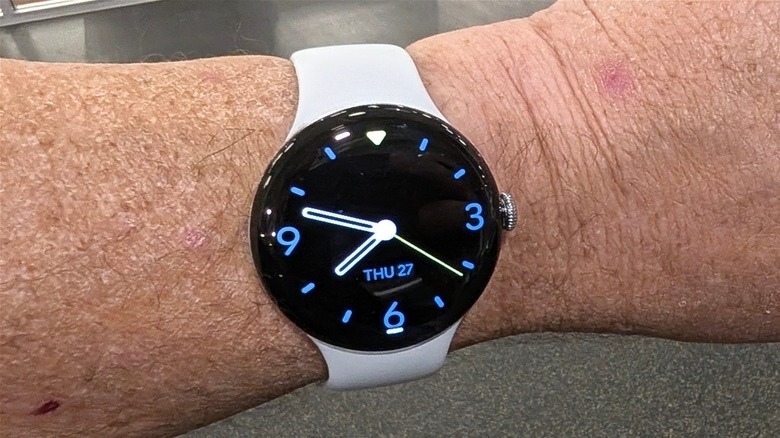
The hardware and its display of the time is arguably the best part about the watch. That hardware hasn't changed much over the years — you still have the same round watch face with domed glass that wraps seamlessly around the edge of the watch. There's very little bezel at all. I hesitate to use the word "immersive" because this is a watch with a 1.2-inch display, but it's much more attractive than other watches that have a bezel. In this way, it's like everything on the watch face belongs there. No numbers or other design elements mar the clean look of the Pixel Watch 4.
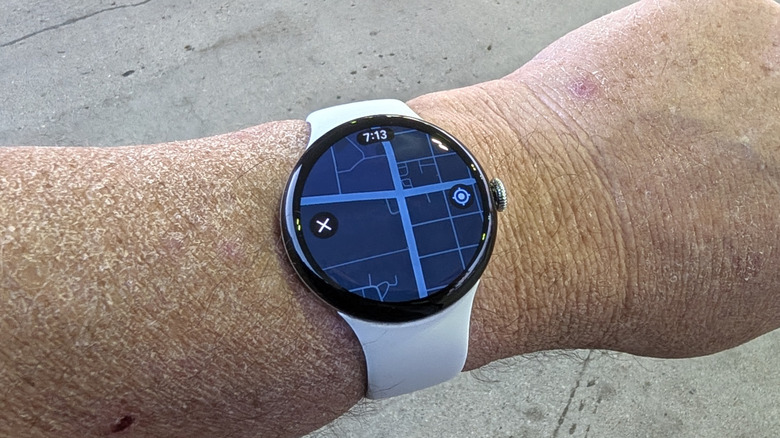
The 1.2-inch display (as reviewed on the 41mm version of the watch — 1.4-inch on the 45mm version) is a "Super Actua" display which Google has built for excellent color accuracy and color accuracy — it's in the name after all. The display gets up to 3,000 nits of brightness making it very readable in direct sunlight. The watch is also IP68 water and dust resistant, like its phone siblings, so feel free to enjoy it at the beach.
Inside hardware
Underneath that glass dome and bright display is a Snapdragon W5 Gen 2 processor, 2GB of RAM and 64GB of storage. You can use that storage for apps and music/podcast storage if you're planning on going out without your phone. Speaking of which, the watch comes in Bluetooth and LTE variants, if that's your thing. As of this writing, Google will also throw in watch data with Google Fi if you have a Fi phone plan as well, so that's a nice bonus.
The watch still uses the same connections as previous generations for attaching the straps. I had the 45mm variant last year, so unfortunately none of the bands I bought for it will work here, which is a shame, but understandable.
All told, the watch weighs a miniscule 31 grams (36.7 grams for the 45mm version), which is to say it weighs basically nothing. Personally, I don't mind bulk on my wrist — it never stops me from wearing a smartwatch overnight, but it's a refreshing change of pace from most of the smartwatches I've reviewed.
Incredibly fast battery charging
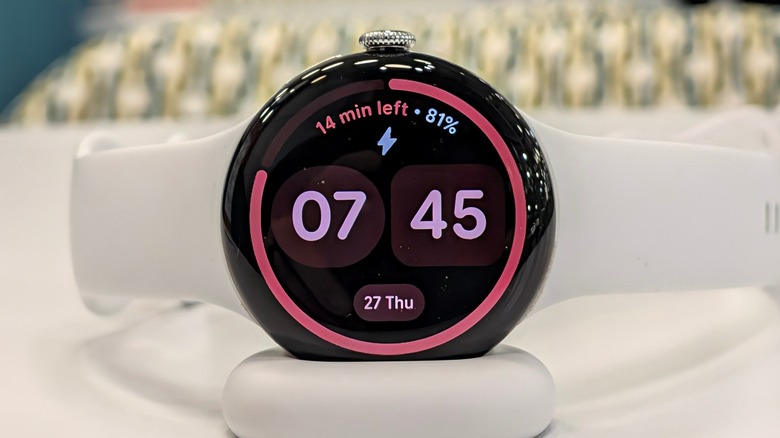
One feature that has not changed from last year is the charging mechanism for the watch — it uses the same charging cradle, which I'm on board with. I actually picked up a little USB dongle you can plug a USB cable into to make a charging stand for it on the go from Amazon. It's adorable.
The batteries in the watches are a bit bigger than they were with the Pixel Watch 4. In the Pixel Watch 5, the 41mm version has a 332mAh battery while the 45mm sits at 465 mAh. The 41mm watch charges very fast. It has yet to take more than an hour to charge from dead to full, with the average being closer to 45 minutes.
I have only had the watch for about 10 days, 4 of which were on an international trip, which skewed my charging stats. But, while I was on that trip, I was able to plug it in on the fly with the dongle as needed to keep it topped up.
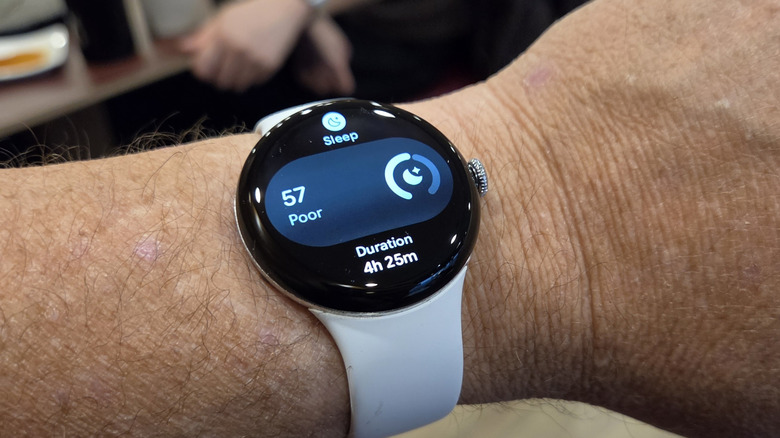
I averaged between 32 and 36 hours on a charge. That's with at least four complications, brightness set to auto, and bedtime mode synced with the phone. Speaking of phones, I had the watch paired to a Samsung Galaxy Fold 8 for half the time and a Pixel 11 Pro Fold for the other half. So, it's great having a watch that will last a day and a half and can recharge while you shower or eat breakfast.
Pushing the software further
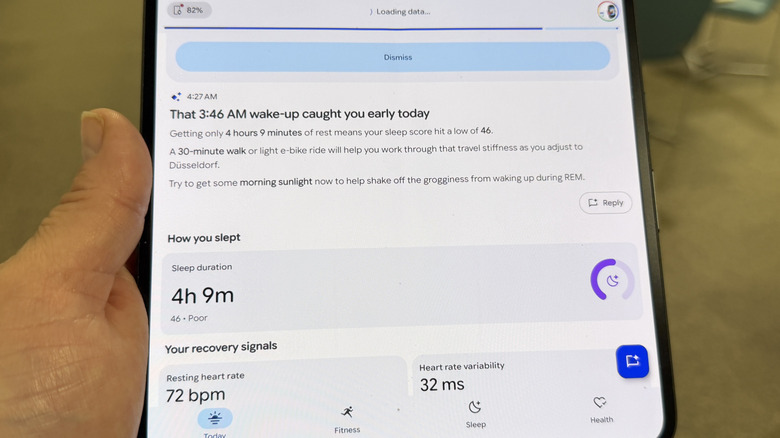
This device's use of Google Health is very similar to implementation with the Fitbit Air, features and widgets included, but there are some new tricks here, including "Trends." Unfortunately "Trends" is not active yet, but what Google says it will do is track your blood pressure and insulin resistance trends from month to month, notifying you of trends via Google Health.
This is not blood pressure nor insulin monitoring, mind — you'll still need your CGM for that. But the sensors on board the watch can give you an idea of how your body is reacting in those areas. If the watch sees a rising blood pressure trend, it'll let you know, so you can go buy that cuff you've been putting off and start working with it with your doctor.
Both of these are pretty huge, especially for reviewers of a certain age like me. My doctor really wants to know what my blood pressure is every time I go see him, so if I could have a watch read it for me, that'd be great. On that note — since this is a "trend" feature, it cannot read your actual BP like the Samsung Galaxy Watch 9 and Watch Ultra 2 can. That is, to be frank, a little surprising to me — if Samsung can do it, why can't Google?
The rest of Google Health is still great, even if the AI is a bit non-confrontational. It'll tell me, "Hey you're really well rested. Maybe today is a great day to get out there and get some work in." Then, after I put in 12 hours at my keyboard and veg on the couch before going to bed, it'll say, "Hey, great job resting today; that was pretty smart." Like, be a coach, Google.
Gemini on board
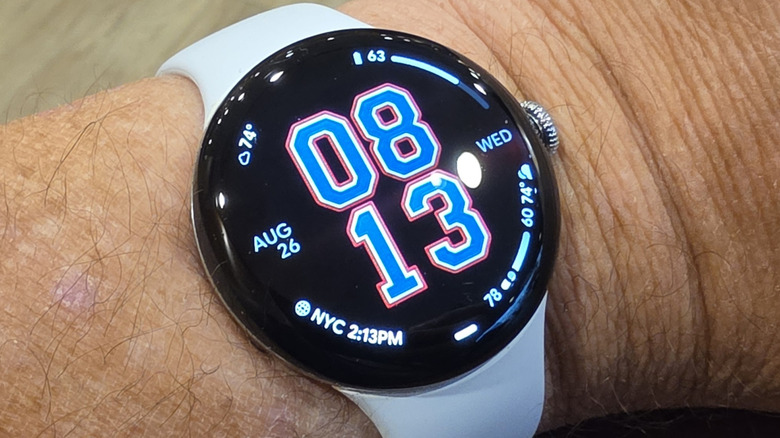
Like when I reviewed the Pixel 11 Pro Fold, I found the Gemini features on board the Pixel Watch 5 to need a little more cooking, though there were some neat surprises. One example is Nano Banana (AI)-generated watch faces. You can describe by typing or your voice what you want your watch face to look like, and it will generate it for you.
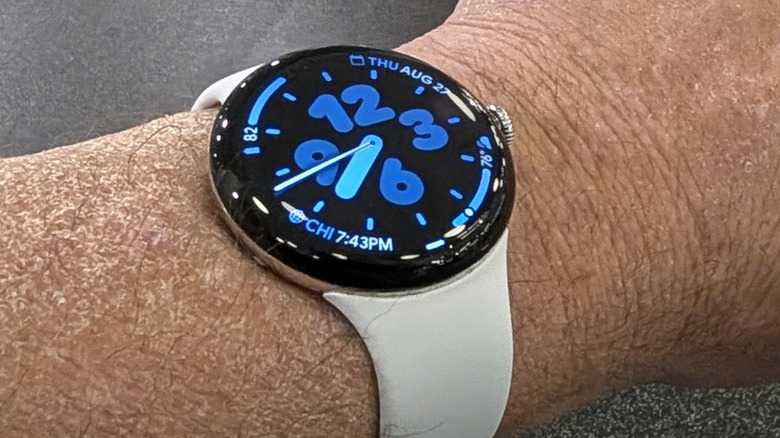
One thing I noticed was that the watch face it generates can only generate numbers. I tried several variations, even going so far as to describe in excruciating detail what I wanted a watch face to look like, and try as I might, it would only generate number styles. For example, I wanted a watch face with Wrigley Field ivy with a yellow 368 sign, and it only gave me numbers made of ivy. I asked for an analog watch face place on top of a Cubs logo, and it generated a digital face with numbers in the Cubs colors — I kept that one.
When you generate a watch face, you can have it with just the watch face, with 4 complications, or with a Gemini button, because of course you can.
It's possible and even likely that this is just a brand-new feature in need of further refining. It's potentially fun though, so I'm here for it. I would definitely like to see more functionality in the future though, like being able to generate a beach scene with numbers on it, rather than numbers made out of sand.
Pixel Watch 5 Price, Availability, and verdict
The Pixel Watch 5 starts at $399 and goes up from there. You can buy it from the Google Play store, and other retailers like Amazon. That price is high, but it's on par with other watches in this category — smart watches that run a smart operating system are expensive, so if I criticize the Pixel watch, I have to criticize them all — and I do.
But of the smartwatches out there at this price point, the Pixel Watch 5 is arguably my favorite. The design is on point, and the watch is fast and responsive — two things you look for in a smart watch.
As I noted in my Fitbit Air review, I also really love Google Health, more than its competitors. It's laid out better and the Gemini powered summaries are easy to understand and act on, even if they're a bit on the passive side. Google also stops just short of being really helpful in the health department by emphasizing trends, while the Samsung Galaxy Watch 9 can (already, currently) give you blood pressure measurements.
Despite those shortcomings, the Pixel Watch will likely be my watch of choice going forward. Google puts together a very compelling package. So, if you're going to spend that much money, this is the watch to buy.