

Can You Run Multiple Monitors From One DisplayPort? Here's What To Know
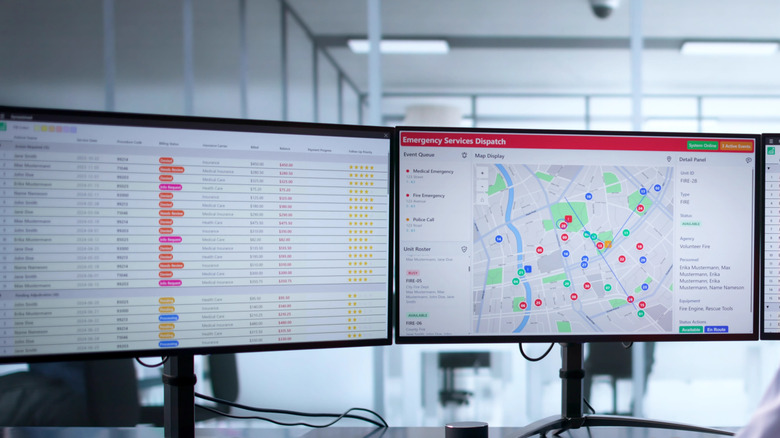
Technology has come a long way since the days of CRT monitors and small screens. Nowadays, people can (and often do) set up multi-monitor workstations to improve their productivity or to have fun. That said, if you're wondering whether you can run multiple monitors from one DisplayPort, the short answer is yes. In fact, a single DisplayPort connection can do more than that, which is why you may want to stop using HDMI cables and switch over.
Using DisplayPort Multi-Stream Transport (MST), you can send multiple video streams simultaneously, allowing you to run two or more screens off a single port. However, this isn't as simple as it sounds, mainly because you need the right hardware. The monitors and connection method need to support the necessary technology and bandwidth (which is something you should know before buying a new monitor). MST was introduced with DisplayPort 1.2, so your monitors need to support MST for this to work. It's important to check this beforehand; otherwise, you'll have issues with your DisplayPort signal.
How to connect two monitors with one DisplayPort?
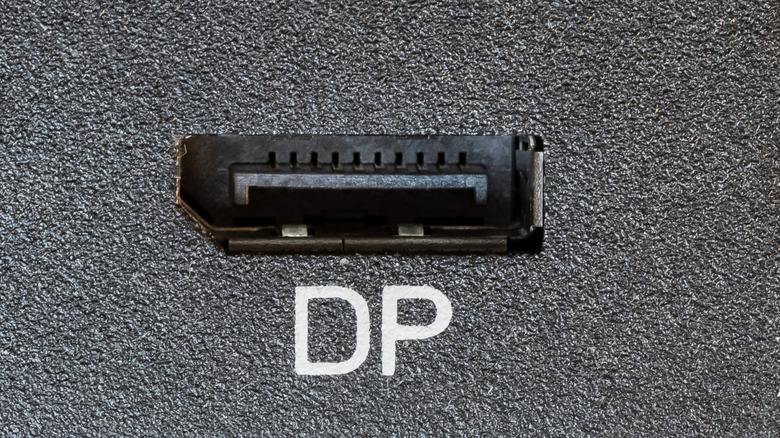
The way this works is that you'll daisy-chain multiple monitors by connecting your computer to the first monitor with a DisplayPort cable, then connecting another cable from that monitor's DisplayPort output to the second monitor's DisplayPort input, and so on. Just remember that not all monitors can daisy-chain, and there are three kinds of ports that let you daisy-chain monitors: DisplayPort with MST, USB-C with DisplayPort Alt Mode, and Thunderbolt with MST.
If your monitors don't support daisy-chaining, there's another option in the form of an MST hub. It functions as a splitter, taking a single DisplayPort cable and distributing its signal across multiple outputs, either as a DisplayPort or another connection type. Technically speaking, you can also use a simple SST (Single Stream Transport) DisplayPort splitter, but unlike with MST technology, you'll just be sending the same image to two monitors.
Do note that daisy-chaining may reduce the refresh rate and resolution of monitors. When you connect multiple monitors through one DisplayPort, they all have to split the available bandwidth. It doesn't automatically mean you'll get reduced performance, but for instance, using two high-res monitors with fast refresh rates will require notably more bandwidth than two standard 1080p screens at 60Hz. This depends on the connection type, as newer versions like DisplayPort 1.4, DisplayPort 2.0, DisplayPort 2.1, or Thunderbolt 4 provide a lot more bandwidth.