

What Is An HDMI Balun & What's It Used For?
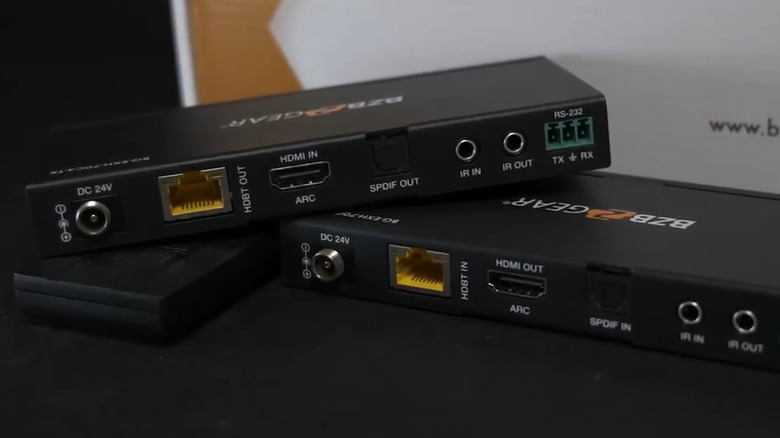
HDMI has long been the standard way to connect a source device like a laptop or a streaming stick to a display like a TV. But there's a major drawback to this; HDMI cables are not as reliable when the cable runs are longer, which ultimately leads to signal degradation. That's where an HDMI balun, which is a type of HDMI extender, comes into the picture. It allows you to transmit HDMI signals over much longer distances, with a key difference that the signals are transmitted over standard Ethernet cables instead of HDMI cables.
An HDMI balun has two main parts, the transmitter and receiver, with the cable typically sold separately. The transmitter, connected to the source, receives the HDMI signals and converts them into signals suitable for transmission over the Ethernet cable. The receiver, connected to the display, then converts these signals back into HDMI signals, which are then fed to the display. Keep in mind that both the transmitter and receiver are connected using HDMI cables to the source and display respectively, while the Ethernet cable runs between the two components. As for the Ethernet cable type, you can use CAT5e, CAT6, CAT6a cables.
Many HDMI baluns support UHD 4K@60Hz video, with some also supporting HDR, ARC and eARC, delivering a surprisingly good experience even when the source device is far from the display.
Benefits of an HDMI balun
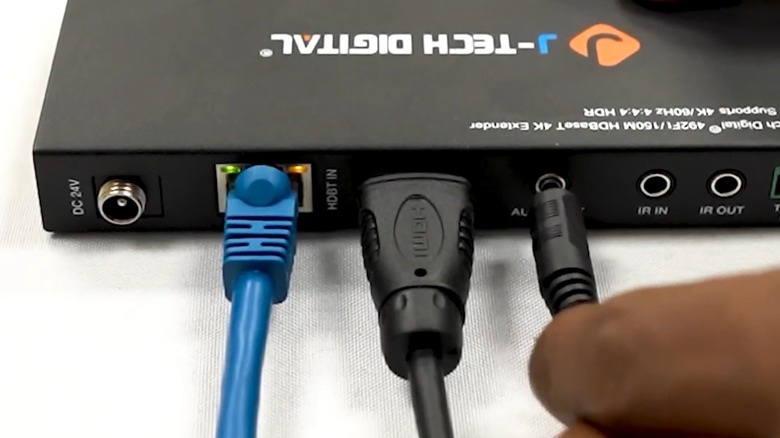
One of the biggest benefits of HDMI baluns is that it allows transmission of HDMI signals over longer distances compared to standard HDMI cables, which are only suitable for distances of up to 25-30 feet. Besides, the quality being streamed and the refresh rate are just as important, since 4K or 8K signals may not do well even within 25 feet over standard HDMI cables. That's why HDMI baluns have become increasingly popular, since they generally allow you to transmit signals up to 130 feet without any loss of quality. So, if you have a TV placed in one part of the house, while the source is mounted at a distance, an HDMI balun can serve you well.
Another major benefit of HDMI baluns pertains to the fact that they use Ethernet cables, which are both more cost-effective and easier to handle and run for longer distances. Additionally, the entire setup itself is more affordable and easier to set up than other solutions using different technologies, requiring little expertise. You just need to place the transmitter and receiver at their respective ends, connect them using an Ethernet cable, and then plug them into the source and display, respectively. Many newer models also feature IR sensors for better control and Power over Cable (PoC), which means you only need one power adapter for both devices. The adapter is connected either to the transmitter or the receiver and relays power to the other component through the cable, which is something Ethernet ports are capable of to make setup more convenient.
Do you need HDMI baluns?
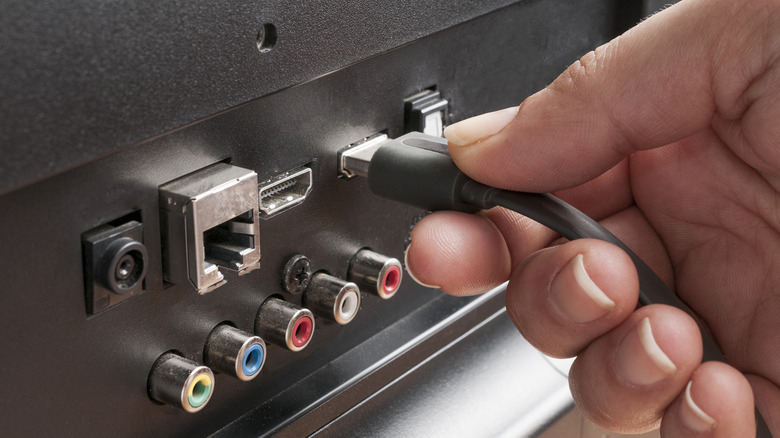
Whether you need an HDMI extender or balun comes down to the existing setup and your requirements. As stated earlier, an HDMI balun helps when the source and display are at a distance greater than what standard HDMI cables are capable of, which is 25-30 feet. But there are other types of HDMI cables that can transmit signals over longer distances. Active HDMI cables, which feature built-in signal boosters to make up for the losses over longer runs, can transmit signals up to 100 feet. There are also the fiber optic HDMI cables, which allow even longer runs without any noticeable signal loss. Although these would be a little expensive, despite their prices coming down in recent years.
Even if you settle on using HDMI extenders, you still need the right one; there are a few different options. For instance, if the distance between the source and the display is under 100 feet, a regular HDMI extender will do the trick, but if there are multiple displays, you will need an HDMI extender splitter. Similarly, for longer distances of up to 150-200 feet, long range HDMI extenders will be a better choice.
All that said, if you are in the market for an HDMI balun, make sure to check the supported resolution, refresh rate, maximum supported distance, and the availability of additional features. That's all you basically need for seamless and convenient streaming over longer distances.