

Can You Use Headphones With A Roku? Here's What You Need To Know
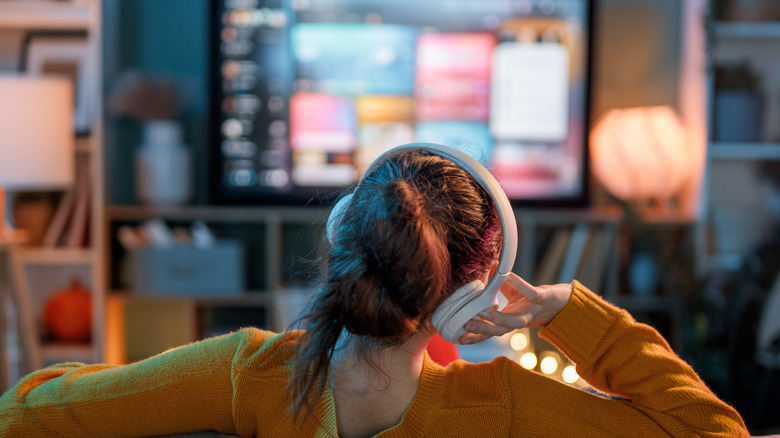
When entertainment made the transition into streaming format, Roku was among the brands to quickly rise in popularity. With a variety of devices like the Ultra external streaming player, streaming sticks, soundbars, and even some Roku TVs to consider, there are more ways than ever to enjoy platforms like Netflix, Hulu, and Paramount Plus, among others. However, while there is an enormous amount of content available to watch, there are situations when playing it out loud isn't ideal and could disturb others.
Take for instance watching late at night when family members are sleeping, or shared spaces such as dorms where a roommate might be trying to study. Those in apartments could also draw the ire of their neighbors who aren't interested in listening to whatever is playing through the wall. There are also those who enjoy the immersive effect of quality headphones when watching a movie, which can enhance dialog clarity and low-end production without the need for a robust home audio theatre setup.
Fortunately, watching a Roku with headphones isn't difficult. On older Roku Ultra devices, you could get a remote with a headphone jack, which was pretty straightforward. However, the company has steadily moved away from wired options, and into Bluetooth territory. Some devices like the Roku Streambar SE, Roku Streaming Stick Plus, and Roku Ultra will allow you to connect via Bluetooth directly. You can also utilize Headphone Mode on Roku's app, which will use your smartphone to connect to the audio.
Connecting to Roku directly via Bluetooth headphones
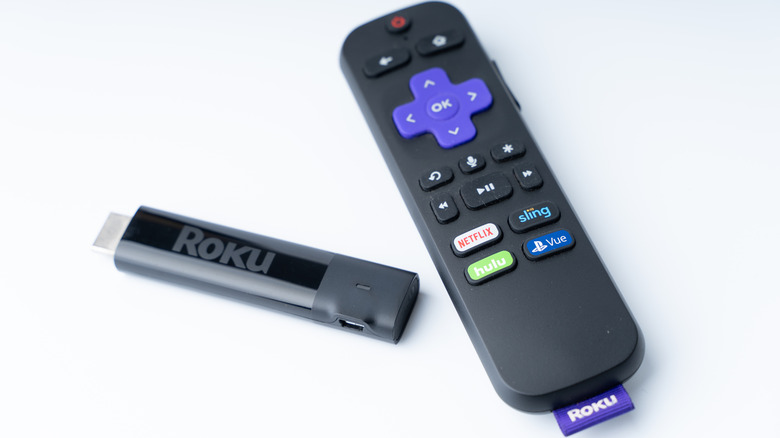
First, you'll need headphones which support Bluetooth 4.2 or newer, and we've rounded up some of the best Bluetooth headphones for audiophiles ranked by user reviews if you're shopping for some. Ensure you have one of the Roku Bluetooth compatible devices listed here.
With your set of wireless headphones and Roku remote in hand:
- Navigate to the Settings menu on the Roku and choose Remotes & Devices.
- Among the options listed, find one called Wireless headphones, and select it.
- This will lead to a screen allowing you to add your Bluetooth headphones to the device.
- You'll need to ensure your headphones are on and ready to pair.
- The Roku should register them in less than a minute and display your headphones on a list of devices it can connect to.
- Simply choose your headphones from the list and you'll be enjoying content with anyone near by none the wiser.
How to use Roku's Headphone Mode on their app
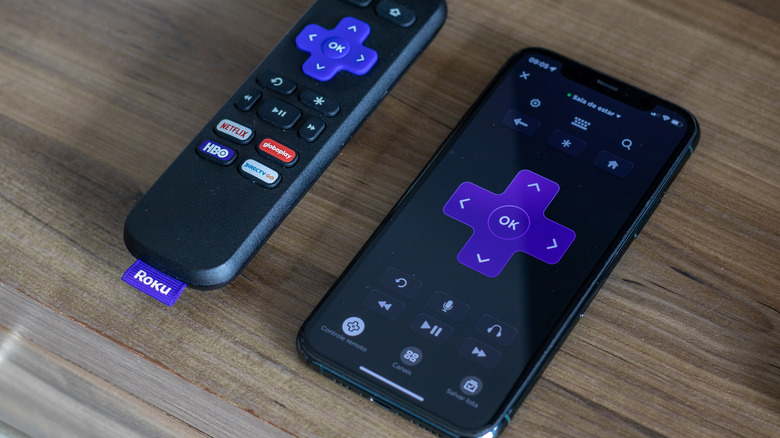
Among Roku's list of available streaming players, most of them offer the Bluetooth Headphone Mode with the exception of the Streaming Stick 4K, where the feature is absent. This method requires that you first download and install Roku's mobile app to your smartphone. In addition to providing another way to browse content and use voice control, this app also turns your phone into a Roku remote.
Before you begin, you'll need to ensure your headphones are connected to the smartphone, either plugged into the jack or Bluetooth. There are still phones you can buy today with headphone jacks, though it's becoming more difficult to find them. Crucially, in order for the audio to come through the phone, both it and the Roku player must be on the same network.
Once ready, open the app and select the option for Remote, which will then display the familiar black and purple Roku controls. Looking closely near the bottom of the screen, you should see a headphone icon, which when selected will activate the Headphone Mode.