

What Does The 'QR' In 'QR Code' Stand For?
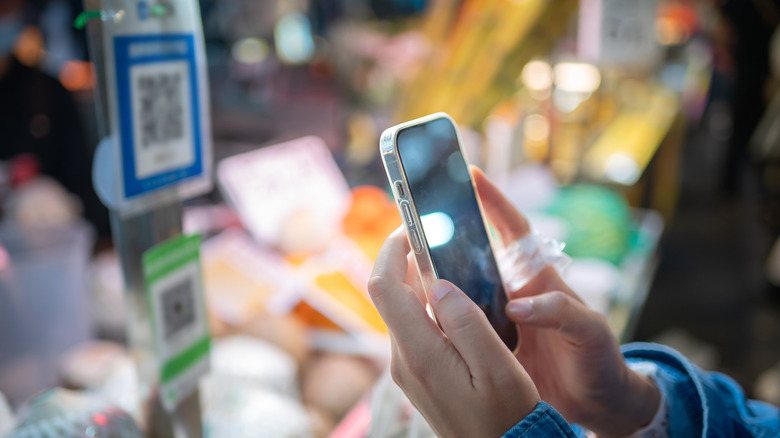
Most of us have probably seen QR codes, and that's because they offer many benefits, one of which is accessibility. QR code readers are now a standard feature on many modern smartphones, for one, and they're also cost-effective to generate. They also work in the physical and digital realms.
Thus, whether you want to access a restaurant menu, view product information, or share contact details, you're probably scanning a QR code these days. They're even useful for organizing your garage, managing events, and making digital payments. Some governments, including the Spanish government, also use QR codes as secure verification for online government procedures.
Given how common they are, it's easy to accept the name at face value. But have you ever thought of what the "QR" actually stands for? Well, "QR" stands for "quick response," which is a fitting name considering how much time they save over typing URLs or other text. And, despite being almost universal, the code has its roots in a very specific industry.
Where did the QR come from?
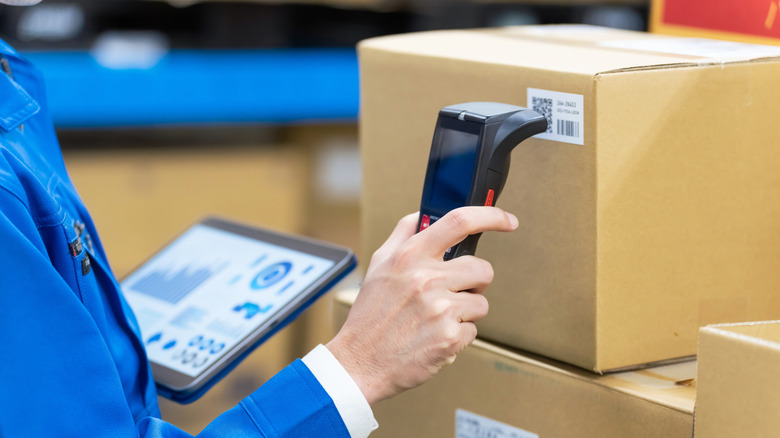
The QR code's history is intertwined with Japanese carmaker Toyota. While Toyota didn't invent the QR code, one of its subsidiaries did: the Denso Corporation. Masahiro Hara and his team at Denso Wave initially designed QR codes to track auto parts in factories.
Before QR codes, these facilities used bar codes, which had several limitations that became more apparent as manufacturing practices developed. Since barcodes were limited to 20 characters, staff had to scan thousands of codes a day, slowing down production. Barcodes also had a minimum size, which meant they could not be printed small enough for the more compact parts that were becoming increasingly common. QR codes solved both those issues, cramming more information into a smaller space and being faster to read.
QR codes are also considered more practical for worksites because they can be read even with some portions missing or obscured by grease or oil. Hara and his team's development, of course, didn't just improve the manufacturing process; it also made all of our lives a little bit easier. However, while the QR code solved many problems, it also created new ones, especially in terms of personal safety.
Safety tips for using QR codes
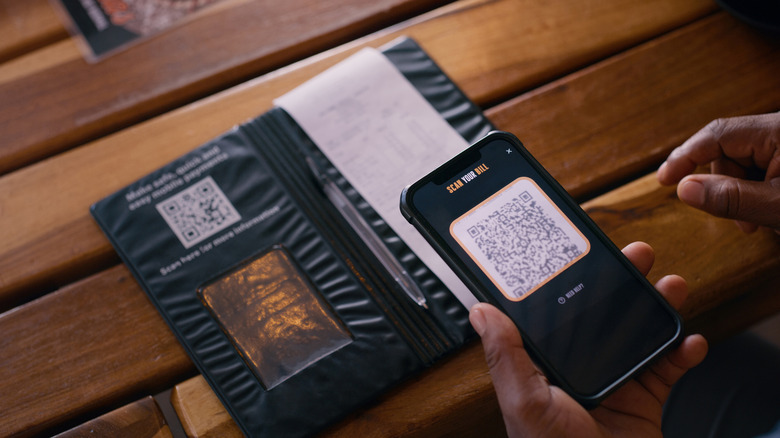
One of the key caveats of QR codes is that you can't always validate a link before clicking when using your mobile phone camera. Scammers have been known to use them to get users to download fake apps or sign up to fraudulent websites that will typically ask for personal information and credit card details.
There are plenty of risks to scanning unknown QR codes; thus, it's best to avoid scanning QR codes that you don't trust, such as those posted in public or on packages from unknown senders. Unless you know the developer, you might want to skip downloading unknown apps you've been redirected to via QR, especially if they aren't on official app stores. And if you're using QR codes for payment, it's best to verify the receiver's details before sending anything. Alternatively, if you don't have your phone on hand or want to play it safe, there are ways to scan QR codes on your laptop using dedicated apps, Chrome extensions, and online scanners. In some cases, you may be able to check links before clicking on them.
While QR codes aren't without risk, there are still many harmless ways to use them in the comfort of your own home. One handy use is turning your Wi-Fi password into a QR code, saving you the hassle of typing or reading out a complicated Wi-Fi password to guests.