

5 Things That Can Seriously Affect The Lifespan Of Your Mini-LED TV
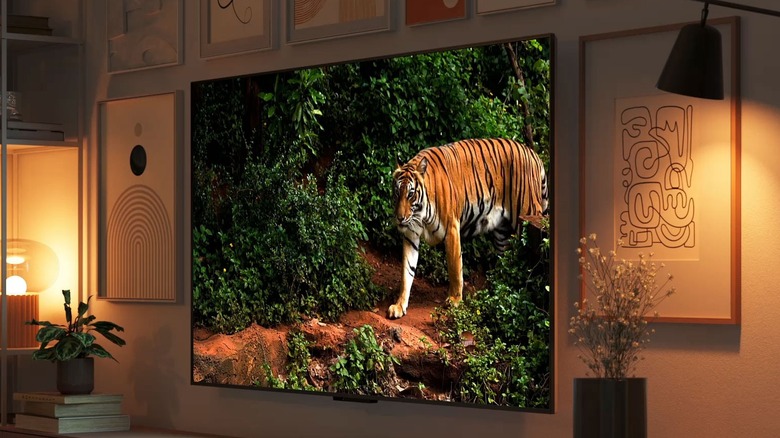
There are a lot of pros and cons to weigh when choosing between different kinds of smart TV. You need to look at resolution, refresh rate, brightness, color accuracy, and a variety of other features, but one aspect that is often overlooked is longevity. There have been several reports over the years that argue that Mini-LED televisions are among the most reliable options out there. BGR argued that they last longer than OLEDs, stating that the sheer number of diodes makes it so that the TV can achieve high levels of brightness while still evenly distributing relatively low levels of heat. Pocket-Lint called out LCD and standard LEDs for their limited lifespans, and agreed that, while OLEDs are a step up, mini-LEDs and QLEDs take the crown for longevity. Tom's Hardware performed extensive stress testing on 102 different TVs and stated that, "Overall, almost 60% of TVs without local dimming experienced either total or partial failure. TVs with full-array local dimming, like Mini-LED models, tested a lot better."
The average mini-LED TV should be able to provide about 50,000 hours of use before it goes kaput, which could end up being over a decade, depending on how much you use it. That said, there are some things that can dramatically shorten that lifespan. It's good to be aware of the things that can make your TV burn out faster. That way, you can take the needed steps to prolong the life of your device and keep your screen running for years to come.
Keeping the backlight turned all the way up
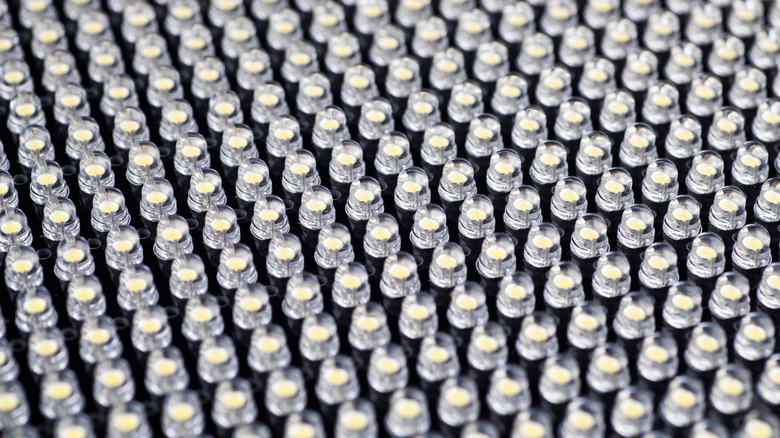
Mini-LED TVs are different from standard LED models because they have significantly more individual lights that make up the TV's backlight. These thousands of tiny light-emitting diodes are broken down into different zones that can be independently brightened or dimmed, improving high-contrast, bright, and dark imagery. This is also what typically makes mini-LED screens last longer, but the overall brightness of this backpanel will still have an effect on longevity.
Like with most modern TVs, pretty much all mini-LEDs give users the ability to adjust the overall brightness. Unfortunately, keeping this setting maxed out causes two major issues: excess power consumption and excess heat. You might be willing to accept a few extra bucks on your power bill, but the additional heat will speed up the degradation process of the screen and lead to a significantly faster rate of failure. This is why lowering the brightness setting is considered one of the most basic methods for making your TV last longer than you thought possible.
If the TV is kept in a brightly sunlit room, and it's difficult to see with brightness maxed out, then this might be a sacrifice that you're willing to make. That said, many TVs have a max brightness that's explicitly designed for showroom floors, and isn't really made for casual viewing. Having the brightness dialed all the way up like this can be fatiguing on the eyes most of the time anyway, so you might want to pull it back a bit if you can.
Keeping it near a heat source
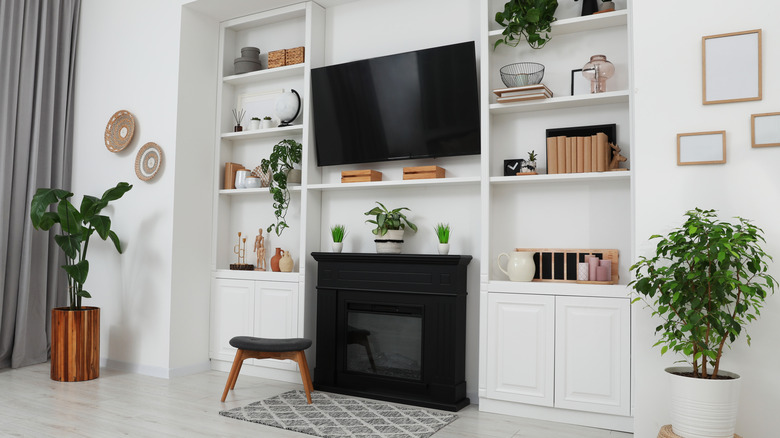
Heat is the enemy of longevity in electronics, especially when it comes to displays. High internal temperatures can cause the components inside the TV to break down, leading to a reduction in picture quality and the eventual death of the screen. A certain amount of heat from the TV itself is unavoidable (even if you turn down the brightness), but not all of the heat that your TV is exposed to comes from the TV itself. You can also run into issues if the intake vents that the TV uses to cool itself are pulling in hot air from other sources. So it definitely pays to be aware of the areas in your house that generate heat and make sure you're keeping a good amount of distance between them and your TV.
There are a lot of places in homes that can produce heat. There are the more obvious problem areas, like above a fireplace or stove, but you might also want to consider its proximity to heating vents and sun-facing windows as well. One of the more insidious culprits that you might not have considered is other electronics. TVs that are mounted on a wall or sitting on an entertainment stand usually have a bit of room to breathe, but those trapped in TV cabinets or other media enclosures might not get as much circulation — especially if you also have other devices like gaming consoles, media players, and streaming boxes that are also producing heat in the same enclosure. Likewise, tucking all these devices behind the TV can create a heat pocket between the TV panel and the wall.
Dust insulation
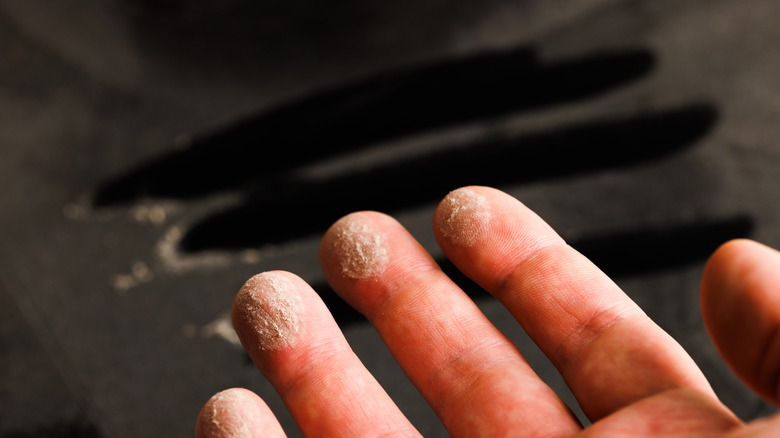
Even if you're good about keeping your TV's brightness within a reasonable limit and positioning the screen in a place that's far away from other heat sources, there is still actually a third way that it can overheat: insulation. You probably weren't planning to wrap your TV up in a comforter or cover it in insulation foam, but the ambient dust floating around in the air can actually make a powerful insulator when it's allowed to accumulate. The dust that builds up inside your TV and even on the outer casing can actually insulate the delicate electronics inside, preventing the heat generated by the TV from being able to adequately dissipate. This is usually a slow process that builds up over the years, and it might not be a big deal right away, but any amount of dust buildup is still subjecting the components inside the television to undue heat, which can shorten their lifespan. In addition to the overheating issues caused by dust, it can also disrupt the contact points between switches, relays, and connectors inside the TV.
Fortunately, cleaning is easy. You can dust the outside of the TV with a microfiber cloth, just like you would any other electronic, and you can clean out the inside by applying compressed air to the vents. You'll want to be particularly careful to clean regularly if your TV is low to the ground, if you live in an arid area, if you have pets, or if there are any other factors that might contribute to rapid dust buildup. As an aside, it's always wise to remember that you should replace your home's HVAC filter once every 1-3 months to keep energy costs down and lower dust accumulation.
Moisture
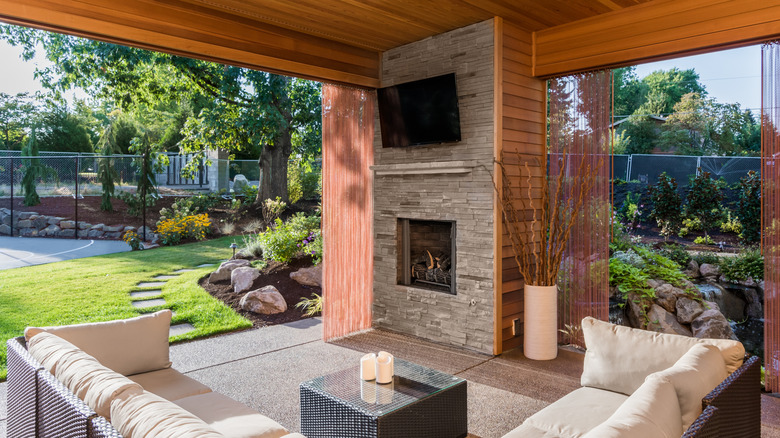
Another thing that can easily shorten the life of your mini-LED TV is exposure to high levels of moisture. You probably don't need anyone to tell you that getting a TV wet is usually a bad idea, but you might not have considered the ambient moisture that's in the air. If you live in a humid area or use a humidifier in the room, then that moisture might be shortening the life of your TV. This isn't too bad for a bedroom or living area most of the time, but TVs that are located in kitchens or bathrooms will likely be exposed to steam, and those that are set up outside can generate condensation from the fluctuations in temperature in addition to the moisture that's in the air. In extreme cases, this can build up inside the TV's casing and drip on its internal components, causing a short.
But the more common issue is usually a dust-and-moisture tag team. Small amounts of ambient moisture can cause dust particles to stick to the TV's internal components, acting like an adhesive and causing the aforementioned insulation issues. To make matters worse though, once the dust is caked on, it can bond with more moisture. Even if this isn't enough to short circuit the board outright, it can lead to erosion in the metal components which can eventually lead them to fail.
Power fluctuations
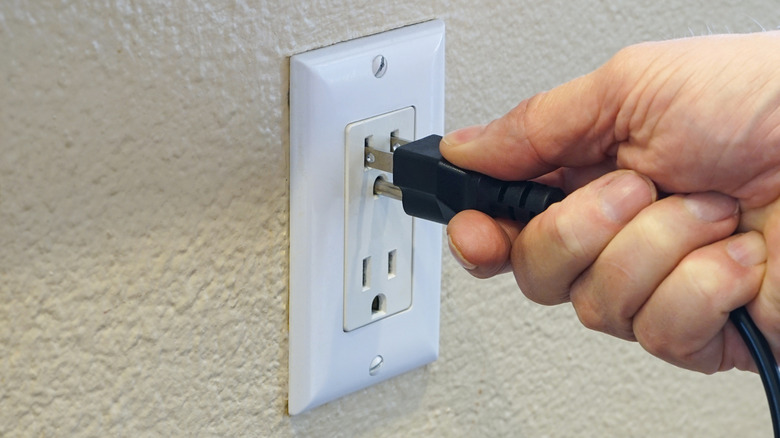
Another factor that could potentially shorten the life of your TV is the very electricity that powers it. The standard 120V AC outlets used in North America don't offer an abundance of protection for the appliances that are connected to them. Major power surges can come from the grid when there's an interruption in the flow of electricity which results in a short. This often happens during storms when a power line breaks. There is a massive surge of electricity in the instant just before the power goes out and another one when it's turned back on. But smaller surges happen all the time too. Big appliances like your refrigerator or air conditioner clicking on and off, faulty wiring, and older or malfunctioning devices can all cause little surges that happen all day long.
Anything containing a microprocessor is vulnerable to the effects of power surges, and that includes your mini-LED TV. These can be damaged by a power fluctuation as small as 10V. Large power surges can fry them instantly and brick your TV, but even smaller surges can shorten their lifespan. They slowly degrade internal circuitry over time until the TV finally fails.
Fortunately, the solution to this is simple. All you need to do is plug your TV into a surge protector instead of directly into the wall. These handy devices don't just turn one outlet into 10, they also add a buffer of voltage regulation that keeps the flow of electricity to your TV constant and protects it from these surges, big and small.
Our methodology
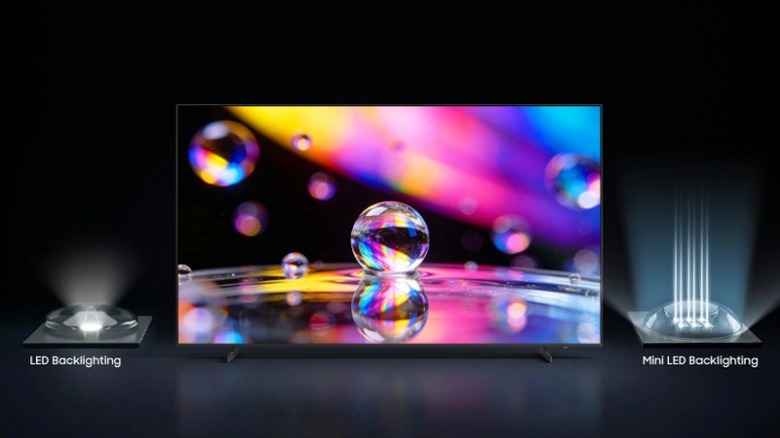
There are a lot of different mini-LED TVs out there from a wide range of different brands. Some of these will have unique features and design quirks that might lead to longer or shorter life spans. That said, when taking a look at the standard design shared by most of these television models, it's clear that there are a few things that can lead them to burn out faster.
In making this list, we started by examining longevity expectations for mini-LED TVs. We then examined dozens of forums, professional care guides, and repair sites looking for the kinds of common issues that they might encounter which could lead to premature failure. Heat appeared to be the biggest issue, so we outlined the three most common sources: brightness-based heat generation, external heat sources, and insulation. We then noted moisture and power fluctuation as alternative failure points. With each of these, we sought to explain the precise reasons why they could negatively affect the lifespan of a mini-LED TV, provide context for the situations that could lead to these failures, and, where possible, outline steps that users could take to avoid them.