

The Cool Security Camera Feature You Probably Didn't Realize Your Smart TV Has
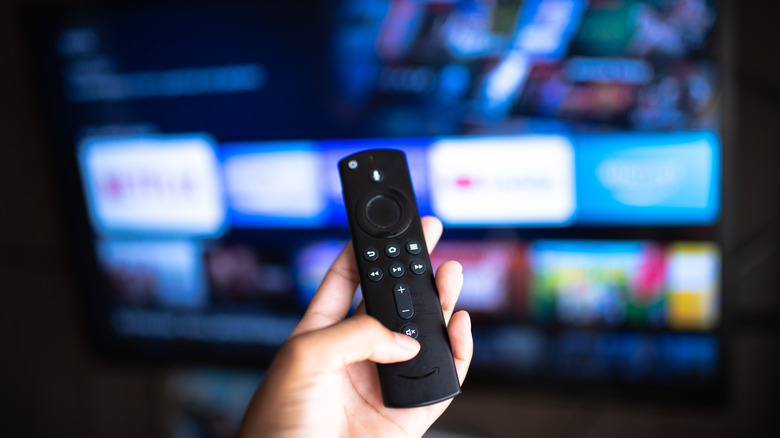
Smart TVs are the new normal, favored for all of their built-in apps and streaming services. However, the smart TV in your living room has a lot more features than you were probably aware of, like streaming music and making video calls. Another little-known feature? You can control your smart home gadgets, including viewing your Ring camera feed.
However, you can't connect your Ring camera with every smart TV. The television will need to be Ring-compatible. This usually means an Amazon Fire TV or a Samsung TV with the SmartThings app. If you don't have a compatible smart TV, you can plug a Fire TV Stick into your television — you will need an HDMI port. Luckily, the Fire TV Stick isn't too expensive. From here, you can use the same guide below to connect and view your Ring device on your TV (and you can generally do anything else an Amazon Fire TV can do).
How to connect your Ring camera to your smart TV
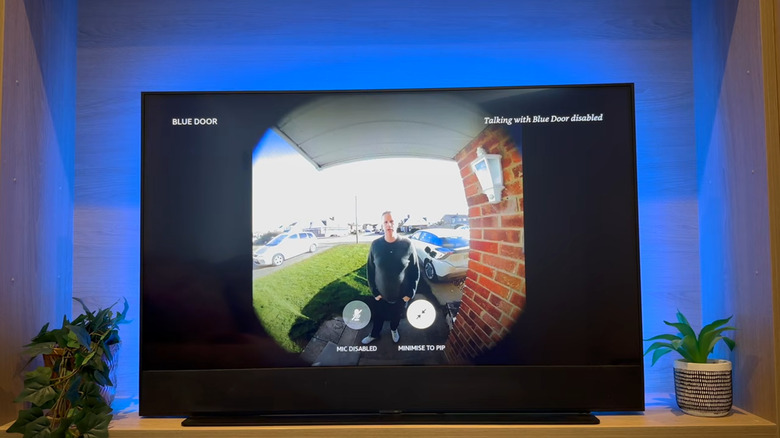
If you want to connect your Ring camera to your smart TV, first make sure your Ring is set up outside and your app is set up as well. We have a step-by-step Ring setup guide if you need help with this step. After your Ring is ready, open the Amazon Alexa app on your phone. At the bottom, tap "More" to open a menu where you can then click "Skills & Games." Search for "Ring" and enable the skill. Once you enter your Ring information, the accounts will be linked. At this point, you can let Alexa take over. Go to your smart TV and say, "Alexa," then ask to see the camera you want to view. Now, your television will show you the view from that camera.
If you have a Samsung TV specifically, you will need the SmartThings app. Once it's opened and set up, select "Add Device." Add it manually by choosing "Doorbells" from the options and then "Ring." At this point, you will be asked to add your Ring account information, so make sure this was already set up. Now, the two will be connected. Back in the Ring app, make sure you authorized the Samsung TV to connect.