

DisplayPort 2.1 Vs. 1.4: What's The Difference?
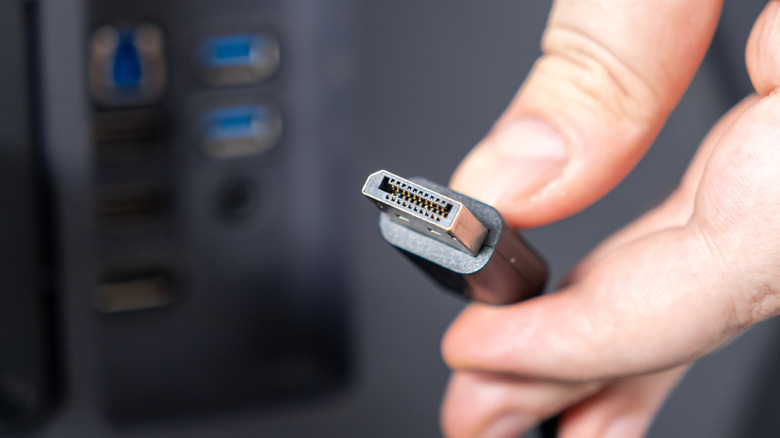
The PC market is a fast moving space, so any accompanying technologies have to keep up. Take DisplayPort, the HDMI-like video connector developed by VESA (the standards group behind most PC display tech), for one. As soon as monitors and graphics cards start pushing past what the older version carried, you get a new release. DisplayPort 1.4 was released back in 2016 and while it has served as the default for almost a decade, it's now superseded by version 2.1, which landed in 2022. It's actually the biggest upgrade the standard has gotten in a while, the most notable change being that it's able to shove way more data than the earlier version.
For context, DP 1.4 tops out at 32.4 Gbps, though after overhead you're left with roughly 25.92 Gbps to work with. Meanwhile, DP 2.1's raw bandwidth climbs all the way up to 80 Gbps, with about 77.37 of that staying usable. It's close to triple what the older version managed.
This matters because it singlehandedly decides almost everything your screen can pull off. Version 1.4's ceiling was high, but while it could run 4K at 120Hz, going higher meant turning on compression to fit the signal through. Version 2.1 is a step up, allowing you to push 4K to 240Hz or 8K without compression.
How 2.1 moves so much more data
DP 2.1 features a significantly higher link rate per lane, allowing for those eye-watering bandwidths. At the same time, it also cuts down on the overhead by using a much more efficient encoding. Where the older 1.4 leans on a scheme called 8b/10b, which loses 20% of everything to overhead, the newer 2.1 switches over to 128b/132b instead, which sheds just 3%. Just keep in mind that the above numbers reflect the theoretical limits for DisplayPort standards, not the limits on real-world DisplayPort cables, which sit lower.
That said, despite their differences, the two do play nice together. So if you drop, say, a DP 2.1 graphics card into an older 1.4 monitor, it would work just fine, since both use the exact same connector shape. The only difference would be that the link would quietly fall back to the slower speed. As for whether you actually need 2.1, the thing is that 1.4 is far more capable than it may appear.
Do you actually need 2.1?
DisplayPort 1.4 is highly capable even today and already supports 4K at 120 Hz or 8K at 30 Hz without compression. With compression (DSC 1.2a), it can push 4K at 240Hz or even 8K at 60Hz. That said, VESA classifies DSC as visually lossless, and viewers reportedly can't reliably tell the difference.
But 2.1 does come in handy for certain tasks. The thing is that while 1.4 can reach those higher resolutions, it's spending nearly all of its bandwidth to get there. Meanwhile, 2.1 does so without breaking a sweat, so it can stack extras like 10-bit color, HDR, and very high refresh rates at the same time. It manages this without the link running out of road, so no compression is needed. Moreover, 2.1 is far more multi-monitor friendly. On 1.4, if you daisy-chain two or more displays on the same port, they quickly hit the wall at maxed out settings.
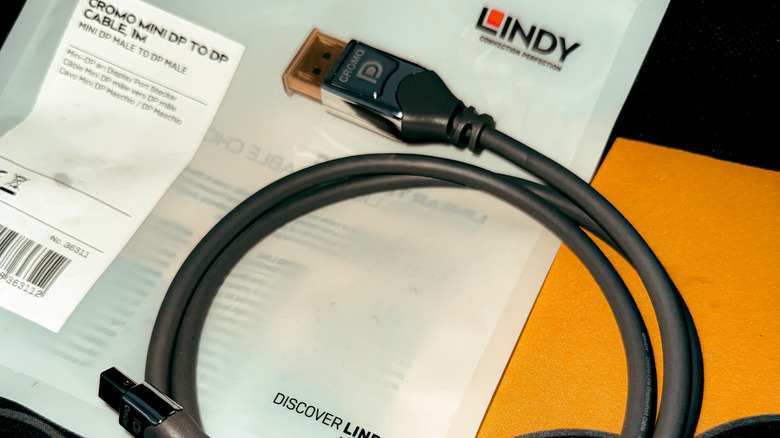
Today, 2.1 is also far more available than it used to be. NVIDIA's RTX 50-series, which has its own set of pros and cons, now ships with it, and so does AMD's RX 9000 line. Plenty of 4K 240Hz OLED panels also ship with it as standard. As for the cables, 2.1 does cost more. Where a basic 1.4 cable runs a few dollars, a VESA-certified DP80 cable that carries the full 80 Gbps sits closer to $20. However, the advantages may be worth the few extra bucks.