

How Long Do Instants Last On Instagram?
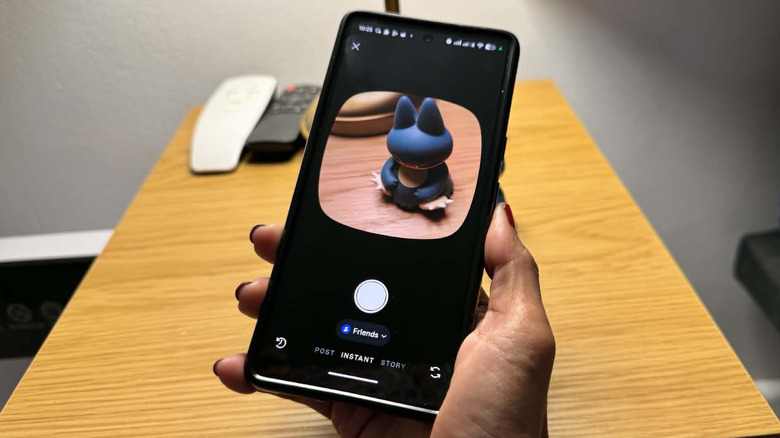
Instagram is one of the most widely used social media platforms to date, and for good reason. The direct messaging function not only cemented the phrase "slide into your DMs" in modern-day vernacular but also paved the way for further improvements to the Instagram inbox. Apart from being able to view posts and stories you've been tagged or mentioned in, you can now also play a secret Instagram game, share Instagram notes — which may contain a brief status message, a song, a GIF, or their map location — approve message requests, and, quite recently, send "Instants."
Designed to let users share view-once photos with their contacts, Instagram Instants appear as a stack of mini pictures in the bottom-right corner of your Instagram inbox. You should only see a stack appear when one of your close friends or followers that you follow back posted an Instant; otherwise, there won't be anything in that spot. How long do Instants stay on the app, though? As with view-once media, Instants should disappear immediately when you tap in and out of them. Depending on when you access the content and how they're shared, however, the answer may be a bit different.
How long Instants last for senders vs. recipients
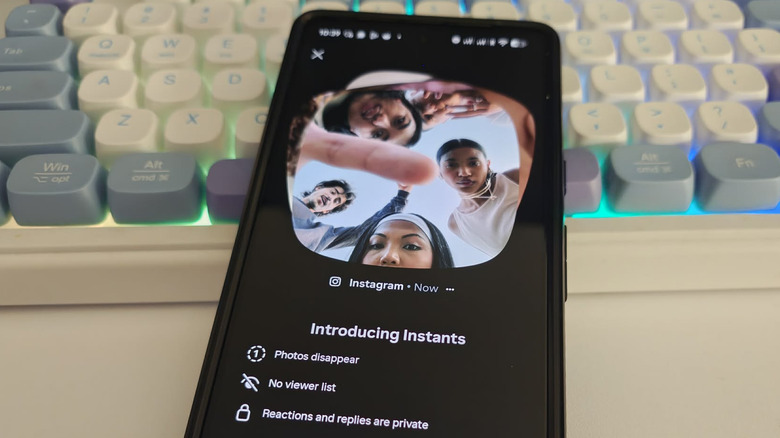
First, let's assume you are the recipient of an Instant. According to Instagram, you have up to 24 hours to check out an Instant sent to you. Once you tap on, view, and exit a shared Instant, it will immediately disappear. As a recipient, there's no way to recover an Instant once it elapses or is viewed, unless the sharer decides to repost it.
On the other hand, if you're the one sharing, you have more control over how long you have access to your Instants. Much like any other Instagram post type, you can delete Instants at any time. Any Instants you send to people will be compiled into an archive folder — you can access it by tapping the "+" icon to launch the Instant camera, then tapping the four-square icon in the top-right corner of the "New instant" screen. You can view any of your shared Instants in the archive at any time, as long as you don't delete them. You also have the option to save them to your mobile device or compile archived Instants into a recap.
What is an Instagram Instants recap, and how do I post one?
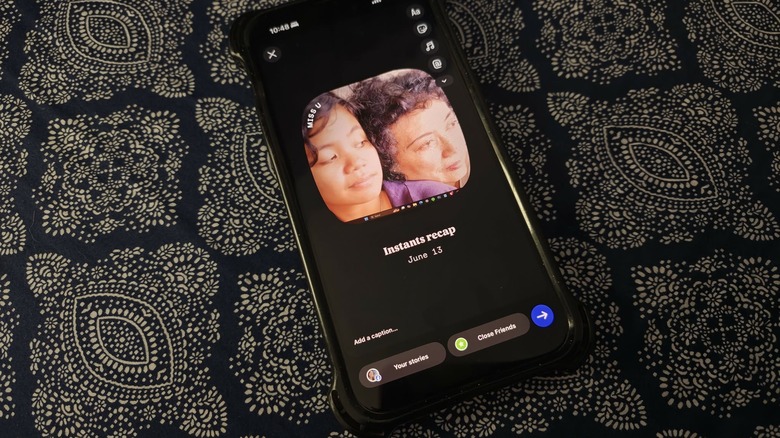
As the name implies, it's a way to create a video collage of sorts using photos you've shared as Instants to summarize your day. Here's how to make one:
- Launch the Instagram app. Log in if you haven't yet.
- Tap the airplane logo in the bottom navigation bar to open your Instagram inbox.
- Hit the "+" icon in the bottom-right corner of the screen.
- Tap the four-square icon in the top-right corner of the screen.
- Press the square icon in the top-right corner of the "Your Instants" page, and then select the photos you want to include in your Instants recap.
- Select "Create recap".
This should launch a new Instagram Story containing a slideshow of the Instants you've selected. Below it are auto-generated text fields containing "Instants recap" and the date (without the year), both of which you can edit. You can also add stickers and other things you would to a normal Instagram Story. To share it, simply hit the arrow button.
Based on testing, there are both limitations and workarounds to be had from creating an Instants recap using Instants you've posted. First, it doesn't seem possible to create an Instants recap on an Android mobile device — for now, this feature appears to be reserved for iOS users. Second, while by design Instants are supposed to be one-time-view-only, the fact that you can share it as a story means there is a way to prolong its accessibility for your followers. Any Instants recap you share as an Instagram Story can then be saved as a highlight and viewed not just by close friends and people you follow who follow back (which is a limitation of Instants shared via inbox), but by anyone who can view your Instagram profile page.