

Google Quietly Pushed Out A Fix For Android Auto's Disconnect Issues
Right around the time the Samsung Galaxy S26 first landed in stores last March, an update knocked out Android Auto for many users, mostly Galaxy and Pixel owners. They reported that their phones would connect to Android Auto for a moment, then drop, then reconnect. While most of the complaints were from folks using a cable for it, a few wireless users reportedly hit the wall as well.
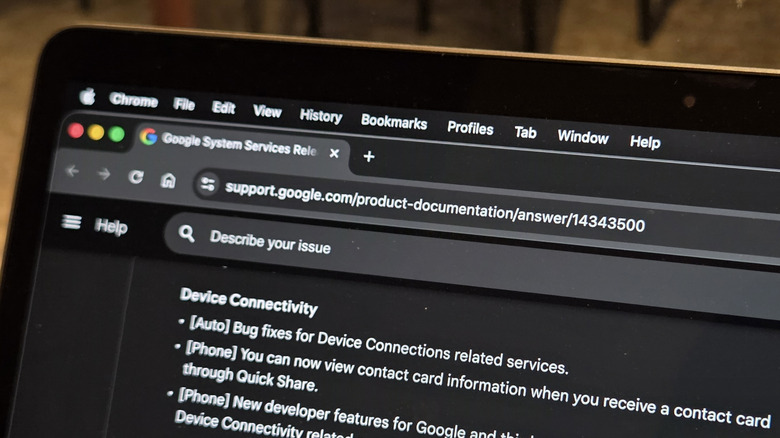
Thankfully, Google has slipped out a rather low-key fix for the problem, as part of a Google Play Services update. This is the software bundle that quietly keeps a bunch of behind-the-scenes Android features running. It went live on Monday, June 8. The release note attached to this one is pretty short, simply noting "Bug fixes for Device Connections related services."
That kind of vagueness is pretty standard for these updates; however, it actually seems to work. A few outlets, including Android Authority and Tom's Guide, have each said it cleared up at least some of those dropped connections. Tom's Guide reported that their Galaxy S26 Ultra hooked into Android Auto right away after the update was installed. On top of that, the link held far more steadily than it used to.
That said, it's a good idea to keep expectations in check seeing as this isn't Google's first crack at the issue. In April, it had a similar note tucked into the changelog for the month, and that update clearly didn't make the drops go away.
An old problem with a new wrinkle?
Sadly, dropped Android Auto connections are nothing new for the platform. Even so, this recent run is a separate matter since it arrived through an update as opposed to the everyday glitches people usually chase down.
While the issue may now be fixed, the cause behind it remains unknown. The popular theory points to Advanced Protection, Android's stack of security features that includes things like Theft Detection and Offline Device Lock. All the same, it remains a theory for now since neither Google nor Samsung have commented on the situation.
Normally, the phone auto updates Google Play Services if it's rolled out in your region. But just to be sure, you can head to your phone's Settings app, tap Apps (or Apps & notifications), and scroll down to find Google Play Services. Open it and scroll to the bottom once again to App details. Tap it to launch the Google Play Store and hit the Update button if it's there.
However, if you're already on the latest update and haven't noticed a difference, it's worth examining your USB cable, since a worn or cheap one can ruin the Android Auto connection. While you're at it, keep an eye on the new features coming to Android Auto as well. It contains an overhaul built around the all-new Material 3 Expressive design.