

How Often Should You Fully Restart Your Modem & Router?
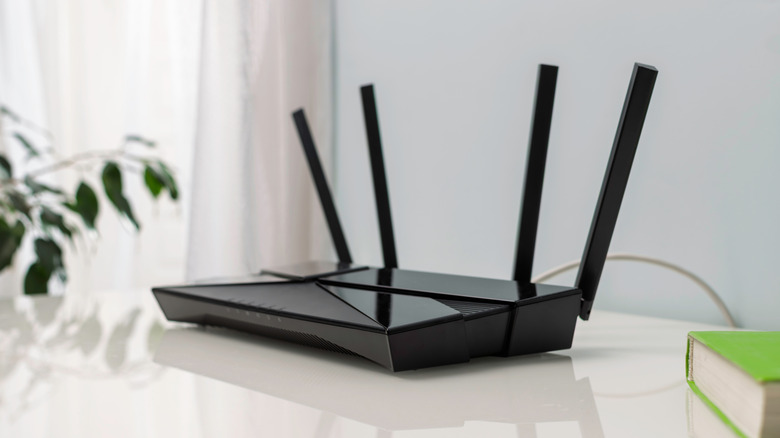
Wi-Fi routers are an interesting category of products — you either don't really care about how they work, or you become the kind of person who spends hours trying to fine-tune their settings and placements to yield the best performance and coverage out of them. For the most part, modern routers and modems don't require complicated setups. You simply plug them into a wall outlet, connect them to the modem or fiber terminal provided by your ISP, and let the router handle the rest.
Chances are, the only time you ever think about it again is if you're having trouble accessing the internet on your phone or computer, in which case, a quick restart of your router often fixes the issue. While it's great that the classic "have you tried turning it on and off again" approach has a high success rate, especially with Wi-Fi routers, it does raise the question — how often should you reboot your router?
There doesn't seem to be a definitive answer to this query — Wi-Fi routers, like many other pieces of equipment, could use a full restart once every month to ensure everything's working optimally. A restart forces the router to clear its temporary memory, also known as cache. It also reboots the entire operating system, which involves killing all processes and starting them again. Any connectivity or speed issues are likely to be addressed with a fresh start of all the processes, unless the problem is external to the router.
The correct way to restart a router
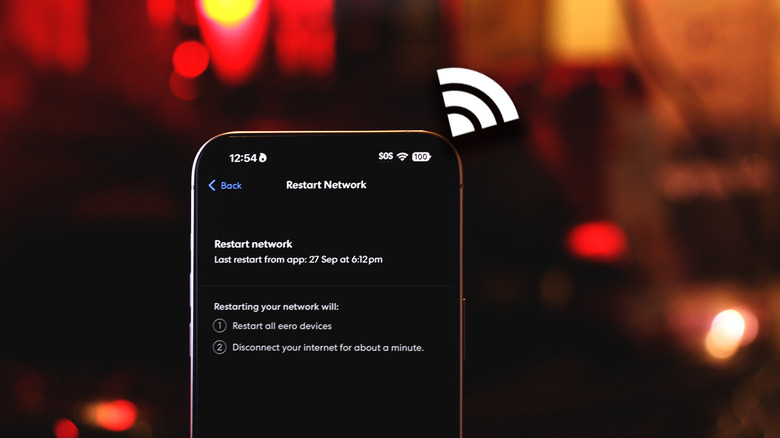
Some Wi-Fi routers come with a power switch, while others don't. Regardless, the easiest way to fully restart a router is by unplugging it from the wall outlet, waiting at least 30 seconds, and then plugging it back in. This triggers a complete power cycle, flushing out any temporary data and force starting every process and network service on your router. Typically, you shouldn't need to restart your router religiously every few days — this is more of a preventative maintenance step. You can run an internet speed test to check if your router is pushing the speeds you're paying for.
If more than a few power cycles don't seem to fix your connectivity issues, it's time to troubleshoot your internet connection to check for other bottlenecks. If it's too much trouble physically restarting your router, you could also use its companion app on your phone to perform a restart remotely. A few routers also let you set an automated device reboot schedule. You could pick a time when nobody's home or actively using the internet. This way, your router gets to start afresh without causing noticeable downtime.
It's also worth noting that a restart or power cycle is very different from a full reset, which returns the router to its factory settings. Using the reset button on your router is only recommended as a last resort during advanced troubleshooting.