

4 Common Problems With Samsung Washing Machines
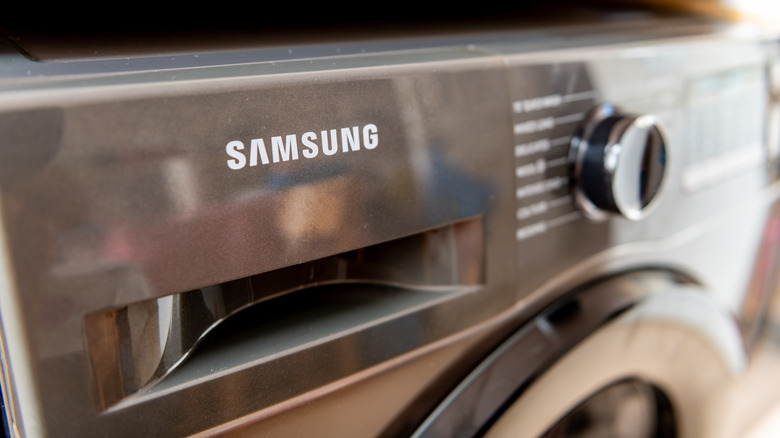
Home appliances are a necessary part of life. Whether you rent or own your home, you've likely dealt with a defrosting refrigerator, a leaking dishwasher, or a washing machine that's refusing to drain. When we purchase a new appliance, we hope to get years of service without costly repairs. Samsung, which sells all major types of home appliances, from basic, entry-level models to bespoke options with artificial intelligence, has been recognized by JD Power with high rankings for customer satisfaction. Yet many Samsung appliances tend to generate mixed reviews, with praise for design offset by concerns about reliability, performance, and customer service; in fact, the company recalled 2.8 million of its washing machines in the United States in 2016 due to issues that caused the top to detach while in use.
Of course, any appliance can break, and washing machines are typically heavily used and have complex components, facts that often tend to contribute to these home appliances having a slightly shorter lifespan than others. Overloading your machine or failing to clean it and perform regular maintenance may lead to your washer needing expensive repairs, or it could shorten that lifespan even further. If you already own a Samsung washing machine or you're in the market for a new washer, here are four common problems endemic to the brand to watch for.
The controls stop working
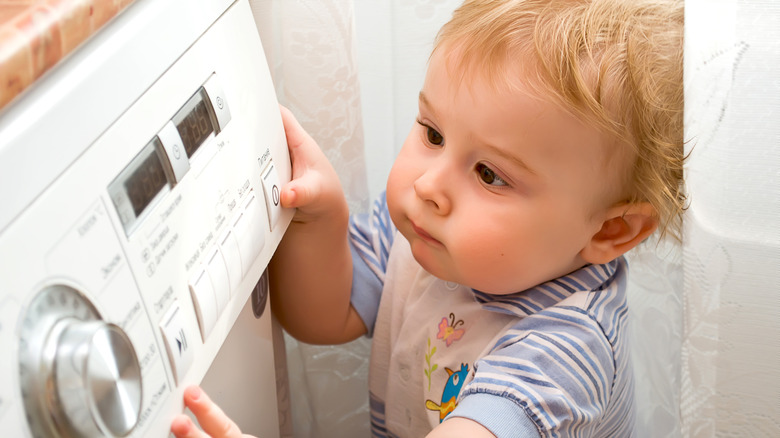
We'll start the conversation with a common problem and a simple fix. If your washer won't start, the buttons aren't working, or the control knobs won't allow you to select a cycle, you may have accidentally turned on the child lock. That's right, you can lock your child out of YouTube, into your car and, it turns out, also out of your washing machine.
The child safety locks disable the machine's controls and often lock the door. They help keep your child from playing with the buttons, accidentally starting the machine, or even from crawling inside, where they could be hurt or worse. If you don't have children or your children are old enough to leave your washer alone, you probably don't bother with the lock. On most Samsung machines, it's not easy to accidentally turn on, but it is possible. The lock is activated with a two-button combination that's labeled on the control panel. It's typically labeled with the words "Child Lock" or a lock icon. Check your user manual if you're unsure how the lock on your machine works. When the lock is activated, you should hear a chime and an icon should light or flash. To deactivate the lock, press and hold both buttons once to see the icon flash, then again to make the icon turn off.
If you try these steps and your washer still won't start, it's likely a different problem. Samsung recommends you unplug the machine, let it sit for at least a minute to reset, then plug it back in again.
The washer isn't filling properly

You load up the washing machine, add detergent and press start, only to be met with silence. You lift the lid and take a look, and your clothes are still dry and dirty. The machine isn't filling, or perhaps it's only filing part way and not finishing the job. Even high-efficiency washing machines need water, so what is going on?
A filling error may be indicated on a Samsung machine with an error code or by a blinking light on the indicator for the fill level (Extra Large, or Extra High, for example). The manufacturer has several recommendations if you encounter this frustrating problem. First, be sure your supply hoses, both hot and cold, are properly connected to the washer and aren't kinked or pinched anywhere. Also verify that the water valves are open. You should also check the drain hose connections. Samsung recommends that you don't remove the screw on the back of the washer that holds that drain hose against the machine. If the screw is missing, use any screw that fits to replace the holder.
If all the hoses appear functional, try unplugging the washer or flipping the circuit breaker for at least a minute to reset the machine. If it still isn't filling properly, call a professional.
The washing machine isn't draining
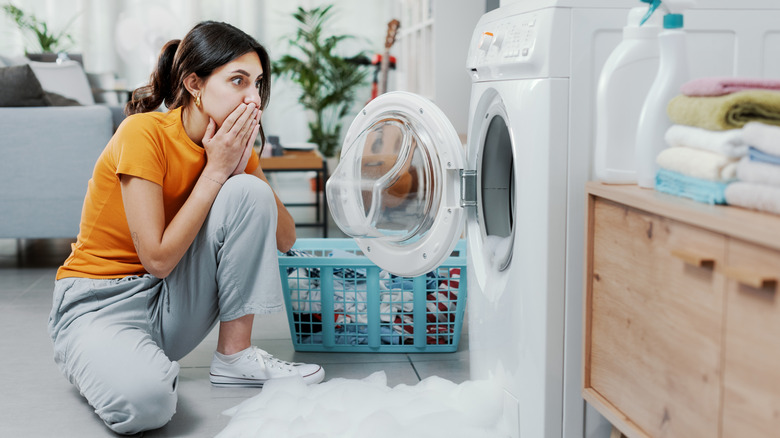
If your problem is too much water rather than not enough, your Samsung washer may not be draining properly. If you're lucky, you may simply receive a "no drain" or "overflow water" error code. If you're unlucky, your washer will leak, possibly overflow, and likely create a big, expensive mess. Water damage is no joke, so this is a problem you'll want to address before that happens.
If you didn't have your washer professionally installed, be sure the machine is level before you use it, otherwise it may not drain properly. If you know the machine is level, inspect the drain hose. Samsung advises that the hose should not be inserted less than 6 inches and more than 8 inches into the standpipe. Be sure it is secured to the machine and is not bent or damaged, and has not formed an airtight connection. It needs to be placed at least 18 to 24 inches high, depending on the type of washer, and no higher than 96 inches. Samsung also notes that users should not install a drain hose extension kit.
Finally, if you have a front load washing machine, you may need to clean the pump filter. If the filter is clogged, the draining system may not work effectively. Once you run through all these steps, try to run the washer again; if it's still not draining, it's time to call in a professional.
The washer's door is broken or its buttons are jammed
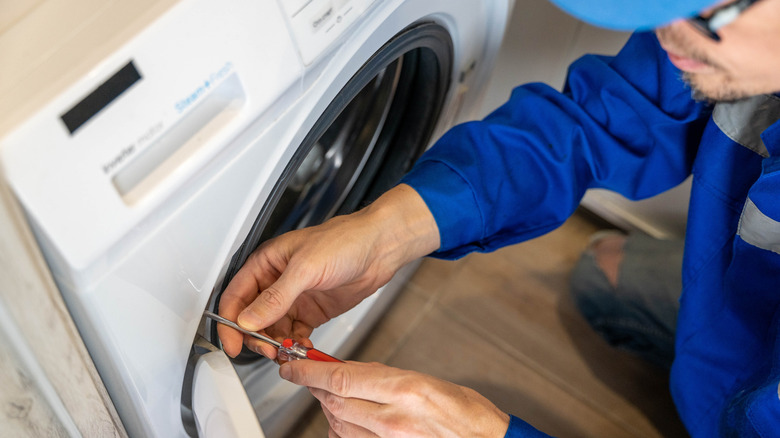
Problems with washing machines don't always involve water. If your Samsung machine isn't working and the "Hot" and "Large" (or similarly labeled) buttons are flashing, or you receive an error code that indicates a door error, your washer is telling you that it's detecting that its door is either damaged or not closed properly. Check your manual to confirm the error code, then take a look at the door latch. It could be as simple as a sock or a drawstring stuck in the door. The door lock may also be malfunctioning, or the problem could be with the door itself. If you don't see anything wrong with the door and cannot clear the error code, you should contact Samsung's support center.
If you receive a jammed button error code, your washer is telling you that one or more of the buttons on the control panel is stuck or being continuously pressed. Samsung recommends that you turn off your washer, then check each button individually. If a button is damaged or the code doesn't clear after you power on the washing machine, again, request support from Samsung for a repair.
Of course, there's a long list of other possible error codes and potential problems or malfunctions. If your washer displays an error code or simply stops working, check your manual or Samsung's website for support. If you're unable to diagnose or solve the problem, a dreaded repair or replacement may be in order.