

How The FBI Found Deleted Signal Messages From An iPhone, Even After The App Was Removed
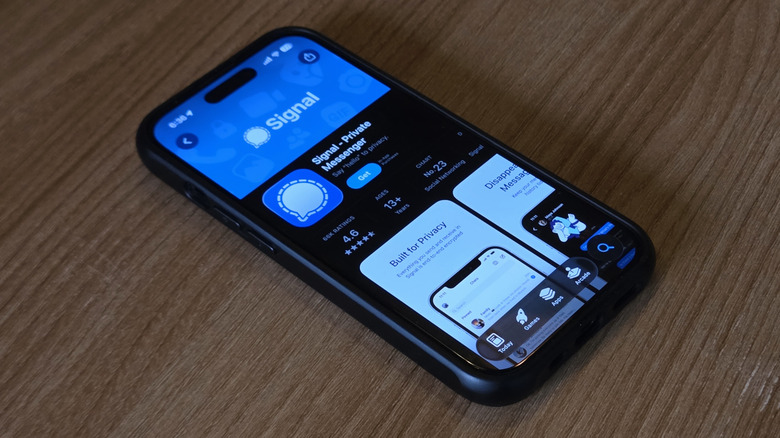
The iPhone isn't really the kind of device you'd expect to hold onto an app's data after you delete the app. But apparently it did, and not in any obvious way. In fact, earlier in April, 404 Media reported that the FBI was able to recover copies of incoming Signal messages from the iPhone's notification database — even after the app had been uninstalled. And this is Signal we're talking about, one of the more popular secure iPhone apps that let you hide messages and chat privately. The platform is widely considered more private than the likes of WhatsApp due to its robust end-to-end encryption (E2EE) and stores very little user data.
But none of this meant anything since the iPhone itself proved to be the culprit in this case. Worse, as an additional security step, those recovered messages were rigged to self-destruct after a set timer, which had run out. The arrests came out of an incident in July at the ICE Prairieland Detention Facility, a federal holding center down in Alvarado, Texas. There, a group allegedly set off fireworks, vandalized property, and one of them allegedly shot a police officer in the neck. The bigger question hanging over the whole thing, though, is how the FBI got at the Signal data in the first place.
What gave the texts away
As for how the FBI was able to pull it off, well, it's got something to do with a system-level cache built into iOS. Whenever you receive a message on Signal on the iPhone, iOS fires off a push notification. It flashes on the lock screen, and the contents actually get logged inside an internal database on the device. This applies to any app that's allowed to display notification content.
As for why this even exists, it's actually essential for several Notification Center features beyond just showing alerts — things like grouping and swipe-to-reply. The full mechanics of this database aren't really public knowledge. What we do know is that it's very unlike Android, which has a user-facing notification history feature you can scroll back through. iOS doesn't let you do that.
The trial where FBI Special Agent Clark Wiethorn testified about the extraction provides more details. Since it's only incoming messages that trigger notifications, not outgoing ones, only part of the conversation was recoverable.
This isn't the first time push notifications have proved useful in investigations. Back in June 2025, 404 Media reported that Apple had handed over data on thousands of them in response to legal demands from governments around the world. The Prairieland situation is different, though, since investigators here had physical access to the suspect's phone. This lets them run forensic tools on it directly, which is often something like the Cellebrite kit law enforcement uses to recover data from phones in custody. Ultimately, they didn't have to request anything from Apple at all.
Apple apparently patched the bug
If you're worried about the privacy implications, the good news is that Apple has now apparently plugged the issue. iOS update 26.4.2, which landed toward the end of April, contained a patch for "notifications marked for deletion could be unexpectedly retained on the device." The notes say that "a logging issue was addressed with improved data redaction." While this doesn't exactly confirm that the fix targets the flaw the FBI exploited, it certainly does seem so. iPadOS has received the same patch.
But to be on the safer side, there's an additional step you can take besides updating to the latest release. Open the Signal app, tap your profile picture in the top-left, dive into Settings, then find Notification Content. Here, pick "No Name or Content." This will ensure you only receive alerts that messages have arrived, with nothing else attached. You also get a "Name Only" option that still hides notification content, but at least tells you who sent the message. Beyond this, you might want to be sure you might want to check your iPhone's lock screen notifications setting to ensure people can't see information you want to keep private.