

What's The Average Lifespan Of USB Drives & SD Memory Cards?
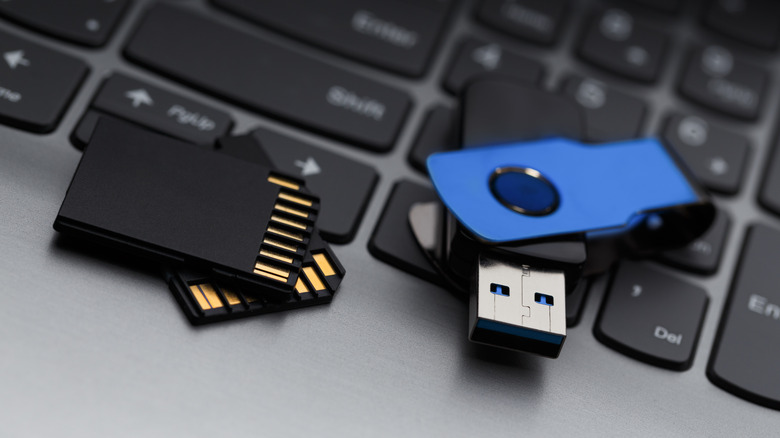
With internal storage capacities in smartphones and laptops ever-increasing, there is less reliance on external storage media by users. Plus, cloud storage is all the rage these days, offering convenience that's unmatched by any other option. Yet, traditional storage devices like USB flash drives and SD cards remain immensely valuable for quick file transfers between devices. They are also often used to back up smaller files.
Unlike hard drives that use mechanical components, both USB drives and SD memory cards rely on flash memory. This makes them comparatively more resistant to physical damage and more ideal for situations that call for portability or a lot of swapping around — but this doesn't mean they're immune to wear and tear over time. Like all forms of storage, USB drives and SD cards also have a finite lifespan. However, there isn't a fixed number attached to them since endurance depends on a lot of factors.
The SD Association, which sets standards for memory cards, mentions that with normal use, current-gen options should work for at least 10 years. The lifespan of USB drives that also use flash memory is quite similar, too. Theoretically, you shouldn't be worried about data loss or corruption if your storage device is well-maintained and isn't sitting in extreme temperatures for years on end, but it helps to know what exactly causes your USB drive or SD card to age.
How the lifespan of flash memory is measured
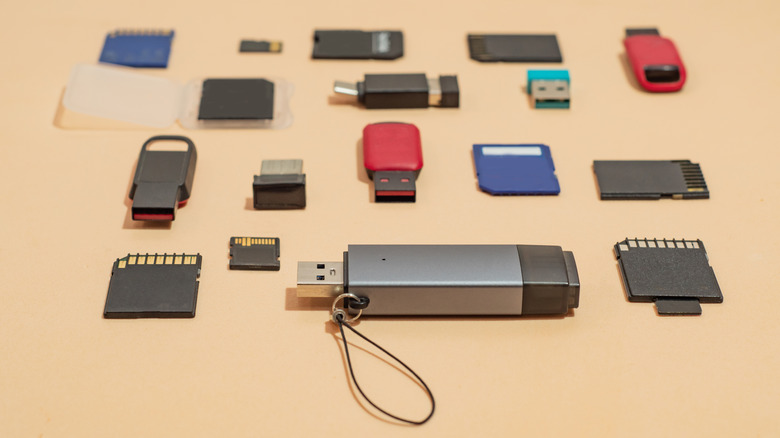
Unlike HDDs, which store data by magnetizing tiny areas on a spinning disk using a read/write head, flash storage uses floating-gate transistors to trap electrical charge within memory cells. This makes them resistant to drops and magnets, but these memory cells gradually wear down over time. Endurance in flash storage devices like USB drives and SD memory cards is measured in program and erase (P/E) cycles. A cycle is completed when a memory cell is filled with data and then wiped completely. How long a flash drive lasts is also greatly influenced by the type of NAND flash used.
SLC, or single-level cell NAND, offers the longest lifespan but at the cost of capacity and affordability. Since it stores only one bit of data per cell, transfer speeds are fast, and this type of NAND flash storage boasts an endurance of around 100,000 P/E cycles. You also have MLC (multi-level cell) and TLC (triple-level cell) NAND options that feature around 10,000 and 3,000 P/E cycles, respectively. Most consumer-grade USB drives and memory cards use either MLC or TLC NAND architecture.
Unfortunately, most manufacturers advertise their storage solutions with terms like "Ultra" or "Extreme," which sound arbitrary at best. Brands like SanDisk specifically sell High Endurance SD cards that are designed to handle continuous operations like the constant video recording that security cameras and dashcams do.
Tips to make your storage drives last longer

Your computer's RAM is extremely fast, but it also loses its data the moment you shut it down. SD cards and USB drives, on the other hand, are a form of non-volatile storage that retains information even without a constant supply of power. However, this doesn't mean they are designed to hold onto your information forever. This is where data retention should also be considered when evaluating the lifespan of flash storage, and why you shouldn't leave old SSDs unplugged for an extended period. That's why USB drives and memory cards aren't typically used as archival storage, despite anecdotal claims that they can hold data for several years.
Plugging your storage drive into a powered port every so often will help prevent data loss to some extent. Obviously, much of a USB drive's life is spent being constantly plugged in and out and tossed around, and this is where external factors also start playing a huge role in how long it lasts. Avoid leaving your SD cards or thumb drives in locations that are extremely cold or hot. Like most electronics, moisture doesn't play well with storage devices.
Moreover, if you've rolled your eyes at the "drive not ejected properly" warning before, you're not alone. While removing USB drives without safely ejecting them is often not catastrophic, it risks corrupting the file index that can leave chunks of your data unreadable.