

Do RCA To HDMI Converters Improve Video Quality? Here's What They Do & Don't Do
We may receive a commission on purchases made from links.
Nostalgia is alluring, but it isn't always easy to indulge in it. Technological advancement creates a gulf between different generations of tech products, making it harder to use old and new tech in tandem. You've probably noticed this if you've ever tried to use your old iPod with Bluetooth headphones, or tried to go on a trip down memory lane with a retro games console or an old VCR player. Many older consoles and media players use different connections from those you're likely to find on your modern TV, making setting them up a little complicated.
That's where adapters and converters come in useful. Most modern TVs offer at least one HDMI input for audio and video. If you've ever hooked an eighth or ninth-gen console up to your TV, you would have used an HDMI cable to do so. However, many older consoles predate HDMI, using other connections like optical or RCA instead. So, if you want to use an older, RCA-capable console with a modern TV, you'll need an RCA to HDMI converter.
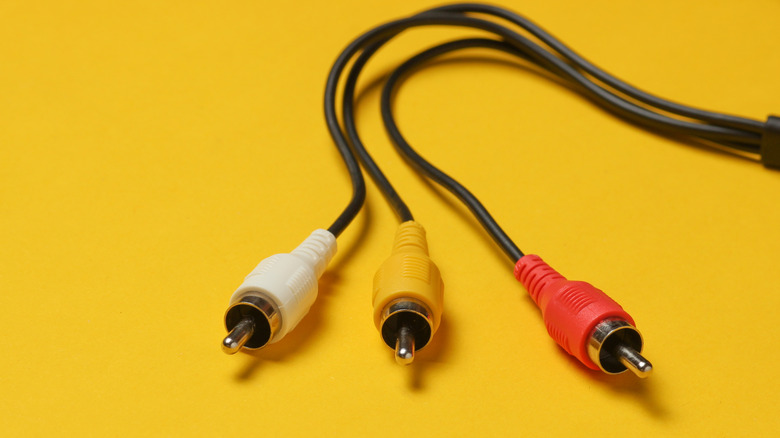
RCA to HDMI converters take your older tech's analog output and convert it to a digital format that works with newer devices. Many can also upscale your input to 720p, 1080p, or even 4K resolution. Some converters also offer to increase the refresh rate to 60Hz. That doesn't necessarily mean that your console or media player will always look better, though. The device you're connecting via the red, white, and yellow output cables likely tops out at 480p, so further processing is needed to boost it beyond that point, and there are positives and negatives to that processing.
Conversion can come with a compromise
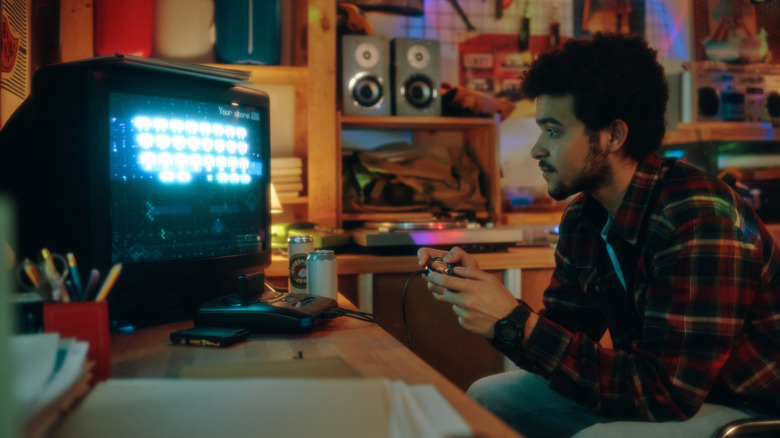
While RCA to HDMI converters primarily act to change a signal from analog to digital, they also tend to have a secondary goal: increasing the resolution of the output to fit larger, modern screens. This is useful, considering that many older consoles like the Nintendo 64 or PlayStation 2 tend to have resolutions of around 240p or 480p, while modern TVs generally run at 1080p or 4K. However, that increased resolution comes with a cost — both literally and figuratively.
Converters can run you anywhere from a few bucks, like this Prozor RCA to HDMI converter, all the way up to several hundred dollars for premium models — the RetroTink-4K Pro costs $750, for instance. Besides any financial considerations, some RCA to HDMI converters can also introduce input lag into your setup as they convert your signal. Between the high price tag and the risk of lag, some retro gamers opt to skip the converter altogether and pick up an old CRT TV instead, which offers native RCA support without the input lag.
RCA to HDMI converters can only work with what they're given, too. That's to say that they can't turn the graphics from old games into crisp, high-definition visuals that could compete with other high-definition displays with just conversion alone. Similarly, running a VCR player through it won't make a movie on a wobbly VHS tape look like a Blu-Ray disc just because the converter claims to boost your image to 1080p.
Some RCA to HDMI converters use upscaling to improve video quality
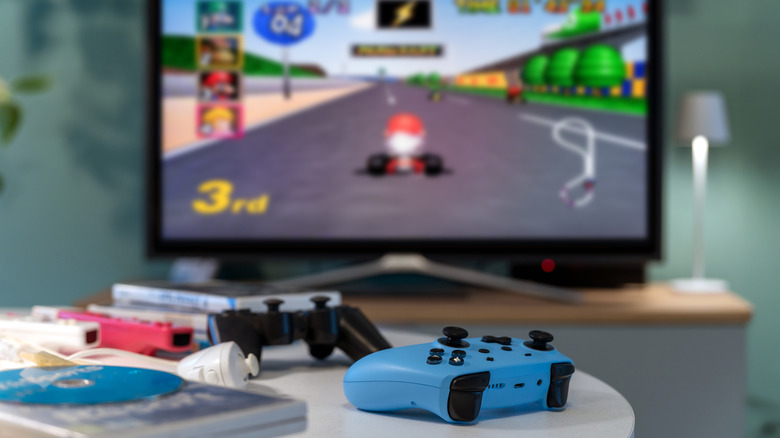
Generally speaking, if an RCA to HDMI converter is offering native 1080p or 4K output, then it's going to be upscaling it along the way. This can improve the image quality by ensuring that your TV or monitor gets a native-resolution signal it can display. The exact results can vary depending on which upscaler you use and which device you're using it on, but they can help to make sure your image is crisper, clearer, and more colorful than it was before.
Although some premium upscalers can produce excellent results, the quality of upscaling can vary from one device to another. Upscaling quality also depends on the amount of pixels it has to work with in the first place, and lower-resolution outputs — like those used by retro consoles — don't always upscale that well. This can lead to visual artifacts or distortion, which impacts image quality. It's also important to note that you will want an upscaler that outputs your display's native resolution; having a converter and your TV upscaling the same image can have a detrimental effect on visual quality.
Some also believe that lower resolutions and the fuzziness of composite video can be more flattering for older graphics, as they can hide any technical issues — especially when it comes to old-school 3D visuals. For example, low-poly PlayStation or Nintendo 64 graphics might look smoother at their original resolutions, and sharpening these images may highlight hallmarks of older graphics like jagged edges and blocky models.