

4 Potential HDMI Splitter Hazards You Probably Didn't Know About
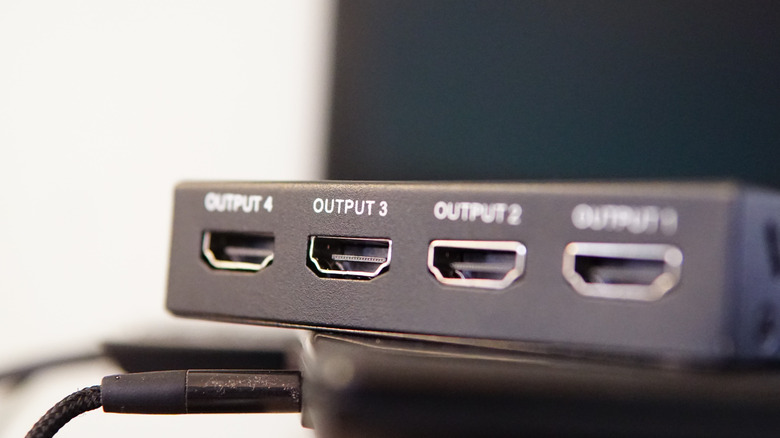
HDMI splitters are an easy way to send a single audio/video source to multiple different screens. Whether you're setting up a retail showroom, a conference room, or a home entertainment system, splitters serve a distinct purpose that's separate from an HDMI switch. A splitter takes one HDMI port and sends it to multiple displays, while a switch routes multiple sources into a single display. But with that being said, the convenience they offer can sometimes be overshadowed by their potential hazards.
They might seem like simple plug-and-play accessories, but HDMI splitters do come with their fair share of hazards to be aware of. From improper installation to incompatible equipment and other risks in between, we narrowed things down to four of the most common HDMI splitter hazards that you need to know about before you install one of your own. (And if you already have one installed, well... you may want to double-check your setup after this.)
Mechanical damage from the HDMI splitter
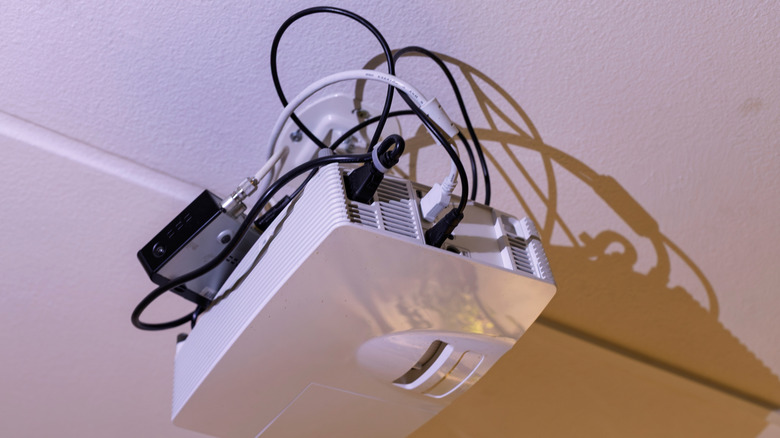
First off: mechanical damage. It's one of the top risks associated with HDMI splitters, and for good reason. HDMI ports and connectors simply aren't built to withstand a ton of force. So, when you connect or disconnect cables with too much pressure, you risk damaging the delicate internal pins or loosening the port housing of the cable or the splitter. Don't yank the cord out of your splitter or shove it into the port and you should be good.
Poor positioning can also cause mechanical damage, and that goes for both the splitter and the cable itself. If you install your splitter in such a way that it forces the cables to bend at a sharp angle or hang awkwardly under tension, that stress gets put directly on the connectors. Over time, that strain can weaken the solder joints or crack the internal components. When that happens, you're not going to get any signal.
HDMI splitters overheating
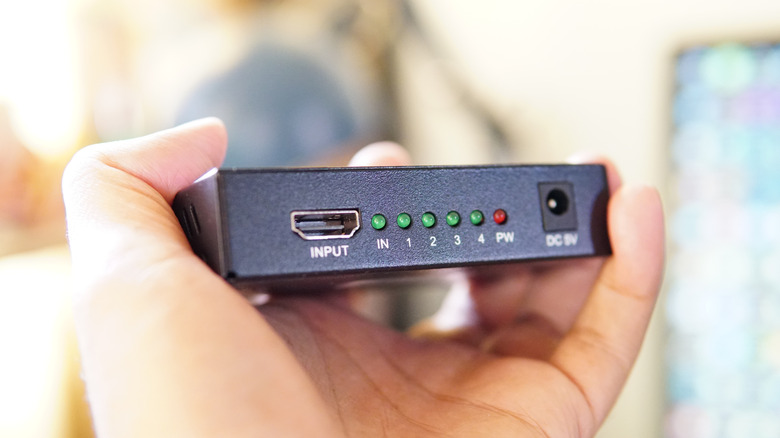
HDMI splitters generate a ton of heat during standard operation, and they only get hotter the longer you use them. (Especially in tight or poorly ventilated spots.) This is even more true of powered models that boost signals to their multiple outputs. If left to overheat for too long, you may end up shortening the lifespan of the splitter's internal components... or even frying the device altogether.
Splitting to multiple monitors from one HDMI port (like in retail displays or conference rooms) is one of the most vulnerable uses because they're often left to run continuously throughout the day. Placing a splitter in a cabinet without proper ventilation or stacking it on top of other hot electronics can overheat things even faster. When setting up your splitter, make sure there's plenty of breathing room and that it's not around anything else that could cause it to overheat. (Like sitting on top of a disc player or strapped to the back of the TV.)
Signal issues with HDMI splitters
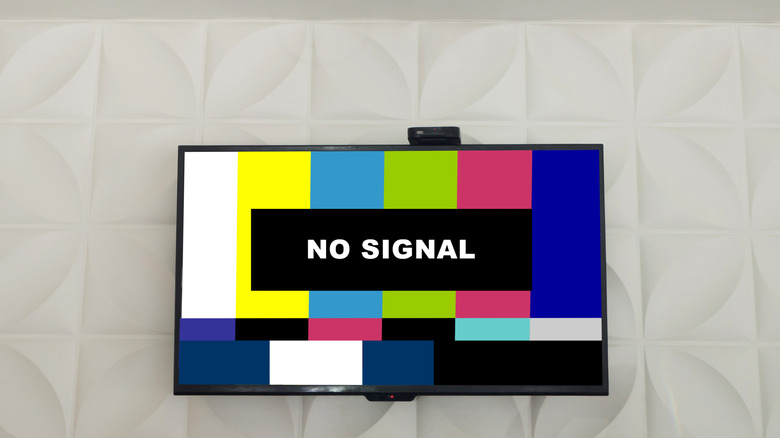
If you've ever had signal problems plague your setup, you know how much of a hazard they can be. Unfortunately, HDMI splitters aren't immune to them. Splitting an HDMI signal naturally introduces some strain on transmission strength, and that strain only grows the more cables are involved. (Not to mention cable length, which adds even more strain.) Without a signal repeater or powered amplification, you might find yourself with bad picture or sound quality.
Some of the best HDMI splitters can help minimize signal loss with amplification features. However, low-quality HDMI cables can make that degradation worse than any amplification feature could possibly overcome. That'll leave you with flickering picture, audio dropouts, or no audio/video signal at all. Electromagnetic interference from other devices in your home can be a similar hazard. HDMI splitters placed near devices with strong electromagnetic fields are vulnerable to interference, and that's going to affect the signal as well.
Issues with HDMI splitter compatibility
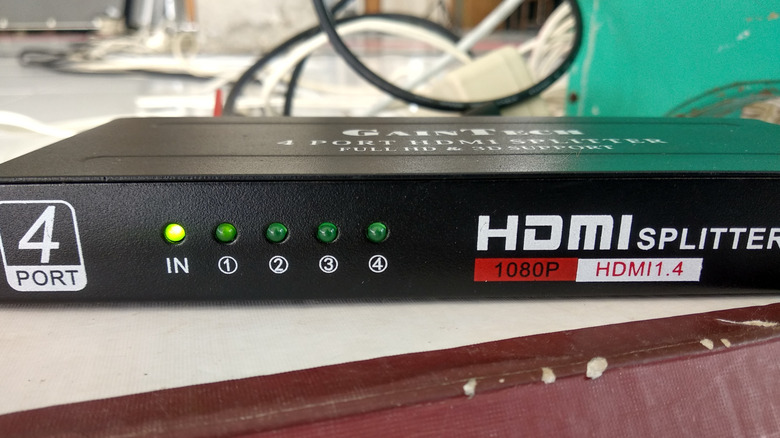
As with any display technology, compatibility can also be a persistent issue with HDMI splitters. Not all splitters support every resolution, and the same goes for refresh rate and content protection standards. Before you go out and buy a splitter, make sure it aligns with the specifications of both your source and connected displays.
If not, you're likely to run into resolution mismatches. When a 4K source is connected to both a 4K television and a 1080p television through a splitter, the output will typically default to the lowest resolution supported by the connected displays. That means the 4K screen would only receive a 1080p signal. And while some specialized models offer downscaling features, most standard splitters do not selectively adjust output for individual displays.
Mismatches like these have no workaround or DIY hack. If you're working with incompatible devices, they're going to remain incompatible until you find a compatible replacement. It's frustrating, and it's why checking specs before is so worthwhile.